
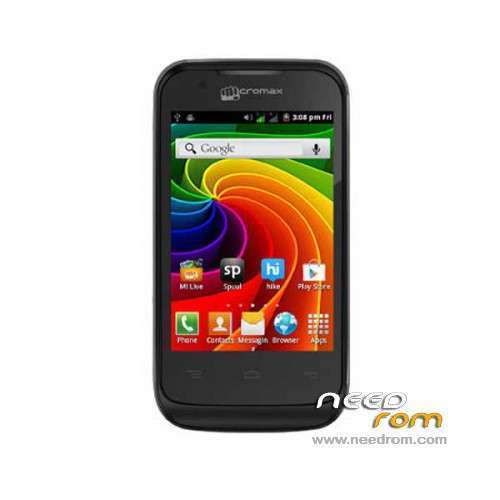
- Title: MICROMAX A28 SC6820
- Listed: January, 2014
- Last modified: 01/22/2014 6:28 pm
- Version: ROM Android 2.3
You must be logged for ROM download.
15581 total views, 1 today
OFFICIAL
 Member Info
DESCRIPTION
ROM Phone MICROMAX A28 SC6820 – ROM Android 2.3
ROM Official MICROMAX A28 SC6820 Version: ze230paa_060_V8.0.0
No Rooted
Language support: EN/HI
Install ROM:
Unpack ROM and extract ze230paa_060.pac
Run UpgradeDownload click on " Load packet " —-> click on "Start "
※Please make a backup of your device before installing or updating ROM
is it also for micromax bolt a27?
HI, I have downloaded the rom and upgrade tool.. i am using Micromax A28..
1. upgrade tool…. running … OK
2.Usb Connected…. OK
3. [.pac] file loaded….. OK
4. Start Downloading….. Ok
5. Now it showing [ Port Step Status Progress ]
3 FDL Cheaking Baudrate Waiting……
6. And after taking long time nothing happend….. what next??
У меня тоже самое, кто подскажет?
I have the same thing, someone tell me?
remember to uncheck caiibration and all other option in calibration tab open settings and on second tab you will see these option in a list uncheck all the n while holding volume up or down depending on your phone connect the usb hope it will work fine
тачскрин не работает
How to take a flashable backup of my device. So that if i'll format bootloader too and any problem occur then i'll flash that backup to make my device working as it is working now. Can anyone help please..?