
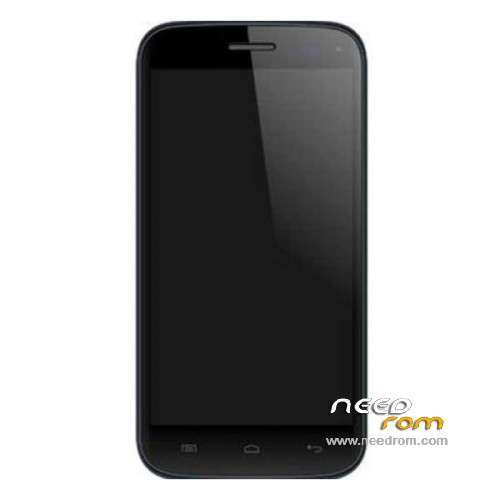
- Title: MICROMAX A93
- Listed: February, 2014
- Last modified: 05/22/2014 4:24 pm
- Version: ROM Android 4.2.2
You must be logged for ROM download.
20287 total views, 2 today
1 Total favorites
 Member Info
DESCRIPTION
ROM Mobile MICROMAX A93 – ROM Android 4.2.2
Update Official MICROMAX A93 Version: Micromax_A93_Software_V0_16_201402271536
———————————————————————————————————————————————————-
ROM Official MICROMAX A93 Version: Micromax_A93_Software_V0_3_201311071855
Gapps include – No Rooted
Language support: EN/IN
Install ROM:
1. open Smart Phone Flash Tool
2. click Scatter-Loading button,choose MT6572_Android_scatter.txt file
3.wait file to be added into Flash Tool
4.choose Option->USB Model,click USB Model,
Choose Option->DA DownLoad All->Speed->High Speed, click High Speed
5. click Firmwave download and begin to download
6. Software start downloading
※Please make a backup of your device before installing or updating ROM
It did not worked for me but stock rom did work but not by your method !!
The file of the update given by you is perfect but the instructions should be given in detail !!
Plss give the instructions in detail !! As soon as possible!! Plss.
Bro.. What is the other method to flash stock rom.. Whenever i flash roms, it stucks at micromax logo and then some weird distorted lines and waves move around the screen ?
Help me if you can..
I have flash this ROM but when I started my device the display was worst nothing was clear help me pls sir
i have same problem.after flash display goes to bluer and flikring
Consider Replacing Your Display As U Might Not Have Removed The Battery During The Flash Process….. Display Change Karao!!!
I cannot download it explain plz how to download in detail
I cant download plz explain how to download
Bro.. What is the other method to flash stock rom.. Whenever i flash roms, it stucks at micromax logo and then some weird distorted lines and waves move around the screen ?
Help me if you can..