
- Title: MIUI 7.1 Stable miui.su 7.1.3.0 (KHDMICK) (1)
- Listed: April, 2016
- Last modified: 06/15/2016 2:05 pm
- Version: 4.4.2
You must be logged for ROM download.
21538 total views, 2 today
3 Total favorites
CUSTOM









 Member Info
DESCRIPTION
MIUI 7.1 Stable miui.su 7.1.3.0 (KHDMICK) (1) (22/04/2016)
Before any action is required a full backup of the system!!!
Firmware is not put on the standard layout of memory!
- Port with Xiaomi Redmi 1 WCDMA
- Installation only through TWRP 2.8.4.0 I.nfraR.ed and only the memory layout Petro1990 or Superthan
- Memory is displayed as it should at the same time everything is stored on a flash drive (if available)
-
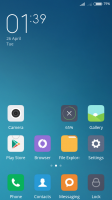
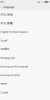
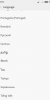
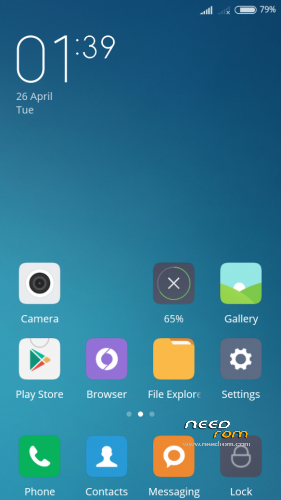
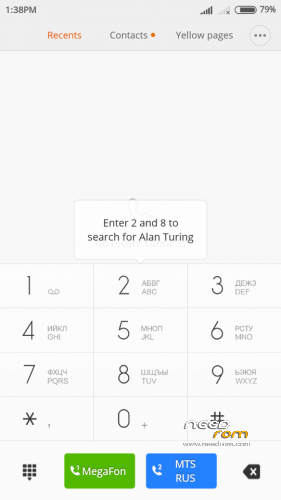
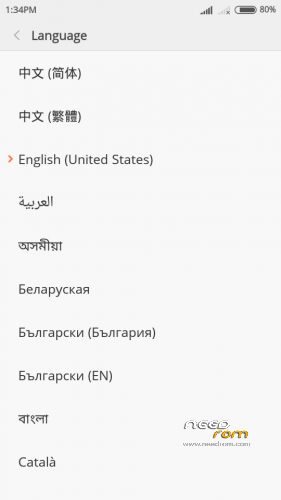
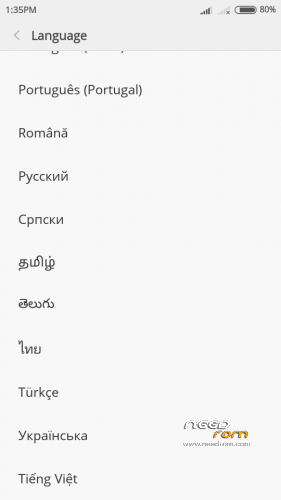
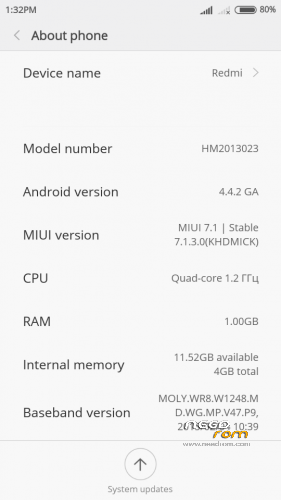
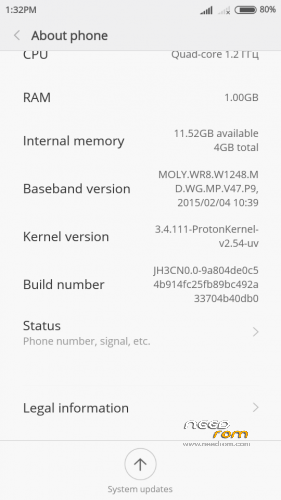
Screenshots of version (1) of 22/04/2016
Description:
Changes in version MIUI v4.4.2_HM2013023_V7.1.3.0 from 22/03/2016:
- 01. Supported languages: 31 pieces.
- 02. The kernel in the firmware A820-ProtonKernel-v2.5-beta (3.4.108) (from 05.10.2015) I.nfraR.ed.
Changes in version MIUI v4.4.2_HM2013023_V7.1.3.0_(1) from 22/04/2016:
- 01. Supported languages: 41 pieces (see screenshot).
- 02. The kernel in the firmware A820-ProtonKernel-v2.5-beta (3.4.108) (from 12.12.2015) I.nfraR.ed.
- 03. You can watch the captured video in the camera.
- 04. A lot of small changes.
Problems:
- 01. It is impossible to view the captured video in the camera.
- 02. Error "com.android.phone" if you go to Settings – Device – Overview IMEI.
- 03. You can not activate a SIM card for MI.
※Please make a backup of your device before installing or updating ROM
I can't install it. I have TWRP 2.8.4.0, I clear everything. After install ROM shows me FAILED. Why?
ReedVegasr
The memory must be changed.
Hmmm… OK, first time I installed from SD Card. Now from emmc and nothing changed. Again FAILED. ;x
ReedVegasr
You did not understand correctly. How to install the firmware does not matter emmc or sd card. It is necessary to increase the patch system partition.
Well… I used Meteos MTK6589 or something like that. I chosed 2GB option: 2.82GB (int) + 810MB (ext). And after that I try again to install it.
Maybe I do something wrong? How you increase your system partition? Which app? (and sorry for my bad)
ReedVegasr
This is not the markup that is needed.
Hello, I have the same problem.
I copy to sd card "faylextended_system.zip" and instaled it. Reboot and do wipe artitions / cache, / data, / system and / emmc
I want instal the new rom and write me E: error executing updater binary in zip /sdcard/miuisu_v4.4.2……….
can you help me please
willda212
After installing extended_system.zip need to reboot several times and make recovery wipe.
- no polish version
- I cannot instal any apps from google play over gsm ( of course I uncheck "download over wifi only")
+ Smooth
Hello. I used that ROM couple days and I think I am ready to tell you few words about ROM.
MIUI in my opinion is the best UI for Android and now I can use it on my Lenovo A820. Much more options than another UI's. But it is nuthshell.
What can I say about it?
+ I liked the option about MI Cloud (several times irritated me because Ethernet slows after that), Accelerator Download (really works)
+ @krzychuw88 I had same problem – you must go to Download, Options and there is Limit for downloading. Change it to Unlimited. Then everything should work fine
+ FM Radio works without headphones
+ Battery works well, but if you much play games or much surf the Ethernet, you should to know that battery isn't enough for the one day. In moderate using battery 1-2 days.
+ Camera takes very nice photos
- Phone works smooth on pages, but at few system apps it can noticeably slow (some trims) – ROM uses a little to much RAM (at start you had 400 Mb – 500 Mb, but when you run some apps, you will 200-300 Mb or less, so I recommend restart phone time to time).
And that's all about minuses MIUI V7 for A820. At the end I would recommend that ROM every user.
My rate: 9/10