
- Title: MIUI 7.1 Stable miui.su 7.1.3.0 (KHDMICK) (1)
- Listed: April, 2016
- Last modified: 06/15/2016 2:05 pm
- Version: 4.4.2
You must be logged for ROM download.
21540 total views, 4 today
3 Total favorites
CUSTOM








 Member Info
DESCRIPTION
MIUI 7.1 Stable miui.su 7.1.3.0 (KHDMICK) (1) (22/04/2016)
Before any action is required a full backup of the system!!!
Firmware is not put on the standard layout of memory!
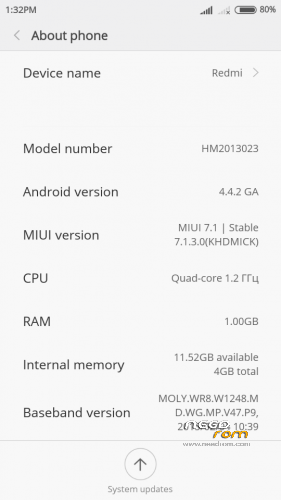
- Port with Xiaomi Redmi 1 WCDMA
- Installation only through TWRP 2.8.4.0 I.nfraR.ed and only the memory layout Petro1990 or Superthan
- Memory is displayed as it should at the same time everything is stored on a flash drive (if available)
-
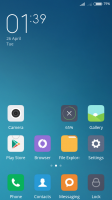
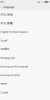
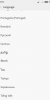
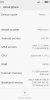
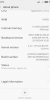
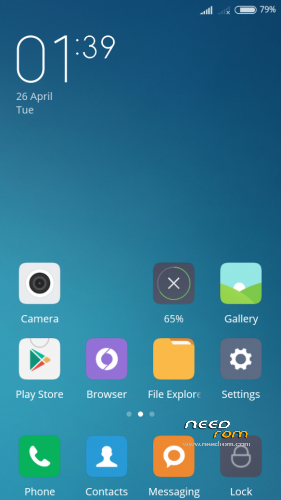
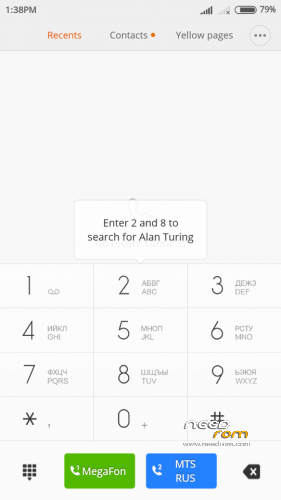
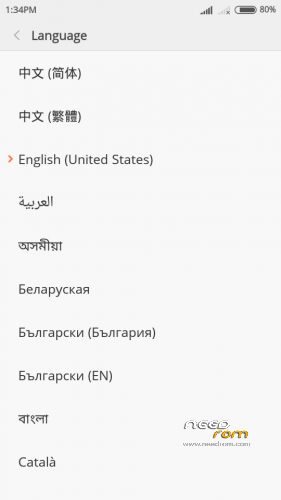
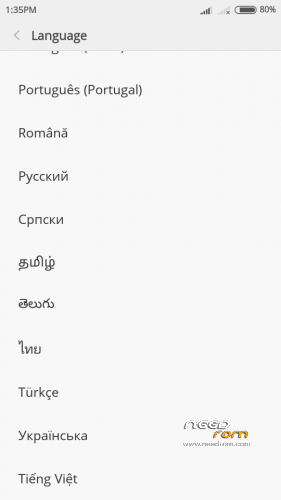
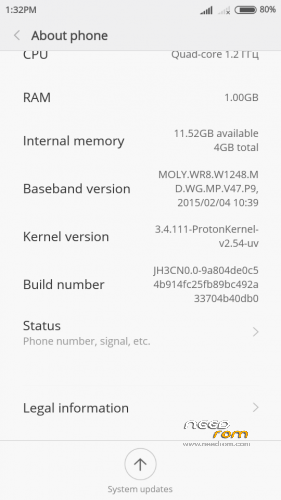
Screenshots of version (1) of 22/04/2016
Description:
Changes in version MIUI v4.4.2_HM2013023_V7.1.3.0 from 22/03/2016:
- 01. Supported languages: 31 pieces.
- 02. The kernel in the firmware A820-ProtonKernel-v2.5-beta (3.4.108) (from 05.10.2015) I.nfraR.ed.
Changes in version MIUI v4.4.2_HM2013023_V7.1.3.0_(1) from 22/04/2016:
- 01. Supported languages: 41 pieces (see screenshot).
- 02. The kernel in the firmware A820-ProtonKernel-v2.5-beta (3.4.108) (from 12.12.2015) I.nfraR.ed.
- 03. You can watch the captured video in the camera.
- 04. A lot of small changes.
Problems:
- 01. It is impossible to view the captured video in the camera.
- 02. Error "com.android.phone" if you go to Settings – Device – Overview IMEI.
- 03. You can not activate a SIM card for MI.
※Please make a backup of your device before installing or updating ROM
The room is definitely something wrong ! After a while begins to use room crazy. Implementation will not removes an applications from Google Play. It says only that it is on hold. And then begins to eject from the applications that are installed . Twice I rose system and the same happened to me after a while
Can anyone provide me a step-by-step tutorial for installing this rom, btw Im newbie
01. Install TWRP 2.8.4.0 I.nfraR.ed.
02. Make a full backup of the system.
03. Download link – all memory layout (Petro1990 or Superthan), marking the memory and install.
04. Install the firmware.
where is the twrp 2.8.4.0 link ?
TWRP 2.8.4.0 v1.1 для Lenovo A820 - https://drive.google.com/file/.....W1ManExcXM/view
i have allready twrp 2.5.0.0. with lambda rom 2.4.1 version
1. How can i change it to twrp 2.8.4.0 or can i use it instead ?
2. sholud i change kernel if yes how ?