
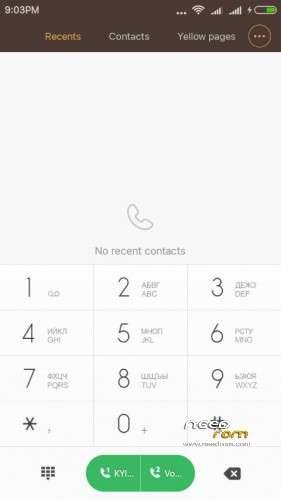
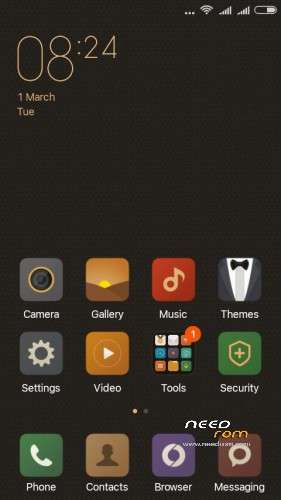
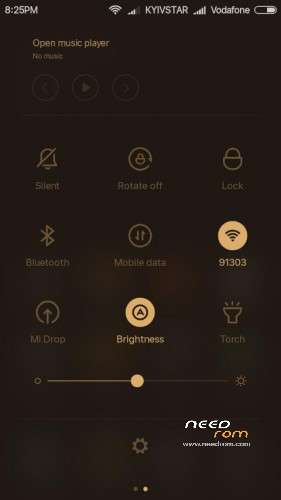
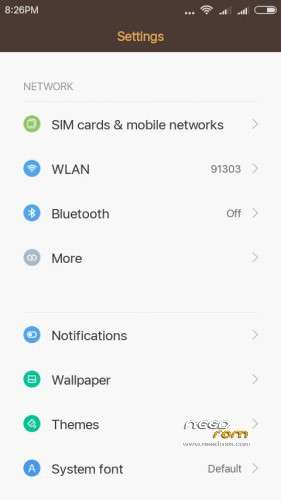
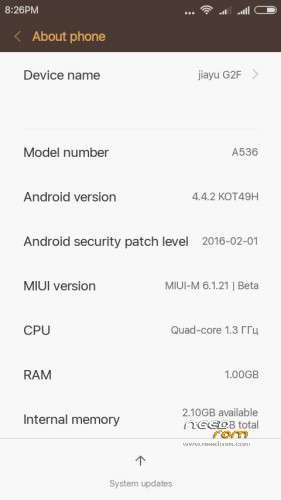
- Title: MIUI 7 v.6.1.21 for jiayu G2F
- Listed: March, 2016
- Last modified: 03/02/2016 6:15 am
- Version: Miui 7 Kit Kat 4.4.2
You must be logged for ROM download.
16071 total views, 1 today
3 Total favorites

 Member Info
DESCRIPTION
You may have already downloaded the zip file from the link above and copied the zip file in SD card. Restart your device in Cwm, TWRP, PhilZ Touch Recovery and make a backup of your device.
INSTALLATION
1. Download the. Zip file and dump the firmware to the memory card.
2. Loaded in Recovery
3. Making wipes:
1) Wipe Data Factory Reset
2) Wipe cache
3) Wipe dalvik art cache
4) Select Install / Instal zip from SD
5) Choose. Zip firmware file and wait for the end of the process.
Choose SD-card on file with the firmware, set, reboot
-reboot system now.
6) Boot the system is ready.
Multilanguage…
Notes: First boot long time please wait…
※Please make a backup of your device before installing or updating ROM
It's not a multilang only china,english and deutschland…. ;/. Why not have a Polish language??
Do you have a some language pack for this rome becouse this is a amaizing system but i really need a Polish language…
Unfortunately the Polish language is not in this version, but if you give the application can be done in the next update
Excellent work . Congratulations!!!
is not multilanguage .. Please could add the Spanish language? … thanks !!
@pruymak
What app i must give?? What do you mean "can be done in the next update "??
Thx for reaply
Btw. Good Job !
Hello,
Thx for this port of Miui7. Nice version. It is cool to get 4.4 android on G2F, i can now use my Mi Fit with my phone.
I just have one problem.The 'Home' button is not working. 'Back' and 'Menu' are ok but the Home button has no reaction. Do you have this issue ?
This firmware works button “Home” can you have a problem with the phone
I have a same problem. It works with different ROM
French language should be cool to !!!!
Strange the 'Home button' worked before upgrade the firmware. I will flash again and downgrade to test. Anyway thx again for this great ROM.
'Home' problem dont seem to be a phone problem because under 'ClockworkMod test key', the button works well and he identify as '172 key'
I had to edit the Generic.kl file in /system/usr/keylayout to re-enable the key 172 as home virtual to get my button working. Everythings is ok now.
Thx.
Hey, what exacly you need to type there to get home button work?
I'd like it to show desktop after short press.
Hello, the rom for 4GB version gives an error that the file is bad. Please fix it
It's working – I've just finished upgrade my wife's Jiayu G2F 4GB. I've had the same problem with Home key like bgiraut, but thanks him I've changed Generic.kl file (using Total Commander with root access). The first thing after installation ROM is installing the gapps, because in the ROM there aren't any Google applications (including Google Play). And after installation I've used MoreLocale2 from Google Play to translate part of the interface into Polish. Now everything is ok, I hope
Describe your problem more
Hello PRUYMAK,
Good job, thanks a million for this ROM, I had been waiting for kitkat 4.4.2 versin since couple of months. I fixed up 'HOME" key by ES File Explorer. Now i am experincing colourful Android. It supports all Indian languages.
Hi!
Hungarian language support?