
- Title: MiUi V5 3.11.29 (Stable,Actual)
- Listed: December, 2013
- Last modified: 12/20/2013 12:41 am
- Version: 4.2.2
You must be logged for ROM download.
37209 total views, 6 today
123 Total favorites

 Member Info
DESCRIPTION
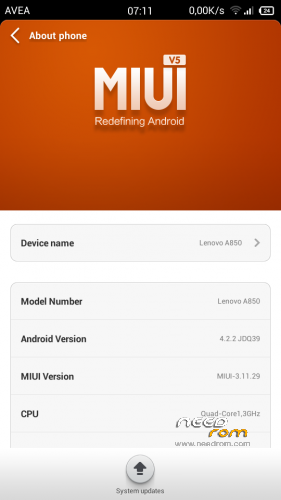
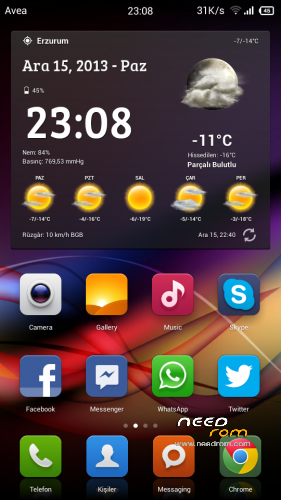
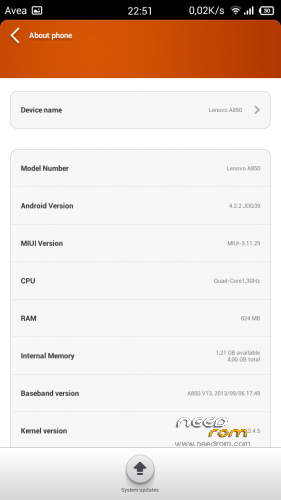
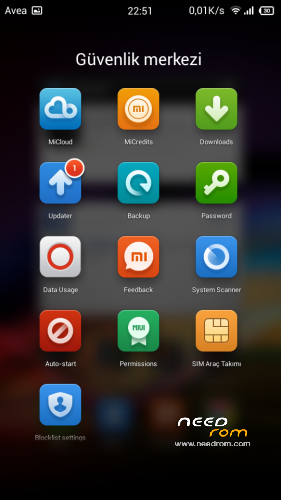
MiUi V5 3.11.29
Ported Lenovo A850 MIUI v5 – 3.11.29
Gapps içerir – Rooted
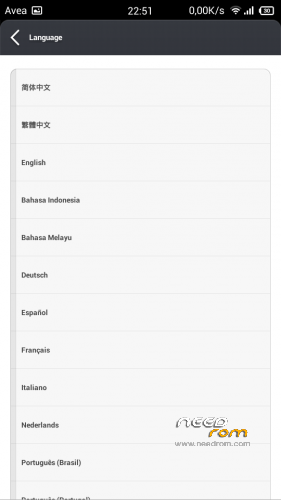
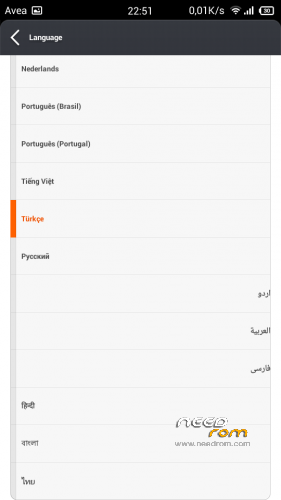
Language support: Multi Language
Install ROM:
CWM ile
Step 1: Download the custom ROM copied to an external SD card root directory
Step 2: the shutdown state. While holding down:
– Power button + volume button up, to enter the recovery mode.
– Wipe Data / Factory Reset -> delete all user data
– Wipe Cache Partition -> Wipe cache
– Advanced -> Wipe Dalvik Cache
Step 3: Return to recovery main interface Install zip from sdcard -> choose zip from sdcard -> Select your ROM
Step 4: Brush complete, restart the phone Patience required – first boot takes a while
china is not suitable for software.
※Please make a backup of your device before installing or updating ROM
I love MIUI, but after installing this ROM, my phone stuck on lenovo text. So i reflash my phone using ROW Rom S121. How to fix bootloop problem after installing this Rom?
Sorry Bad English
I insta this rom. Working and i want to change internal memory to sd. Click restart and stuck on xiomi logo. Wtf?
Silip tekrar yükleyin.
Is new version of miui 4.1.6 for a850 and dosnt have option to change memory….
Hi there,
I need your help about how to check if my lenovo a850 build number A850_ROW_14.09.2013 will allow me to install the above ROM…My phone is rooted and I don't know if it had been flash with CWR? and I don't know ever how to check if so? and be able to install the MIUI ROM…I was able to installed the latest MIUI launcher 2.19.0.0 (whom need a rooted phone… from the below website by using internal storage and straight installation…):
http://en.miui.com/thread-2345.....-1-1.html
Thanks a lot for your advices and help
Best wishes
Bienvenu
Download "Mobile Uncle Tool" from Playstore. Use the TWRP / CWM from the S121 by linerity (go google it, download and extract the zip file.) recovery in the "targetbin" folder. (Copy to your sdcard root.) Open mobile uncle tool, and use recovery update. Select the recovery update on sdcard (TWRP/CWM) (I Prefer TWRP by the way). Reboot your phone to recovery using mobile uncle tool option. the start the flashing guide. email me if u want details in flashing @ kaizokudankaiser@live.com.
Update does not work. You can not uninstall build it chineese apps. Led indicator does not flash. Proximity sencor does not light screen when you wish to end call, so you have to click power buttor, and then screen again- very uncomfortable. Camera adjustments are very reduced. All apps are on screen, you can not hide any.
There are only few languages.
It is stable though, and I use it from a beggining till now, longer than any other softs.
Is this Rom based on Chinese rom or ROW rom? Is Flash Player working with this rom? I'm having trouble getting Flash player to work with Chinese ROM. Flash Player works well with ROW ROMs.
If the flash player not working for you, just install or find flash player ics apk. its should be find. for me , its working !
Does this one supports SD installation for apps and there's somethings else error? Could you help me to answer this question ?
im keeping to look foward the that answer too.. hehe
After install successful i can not start the phone because it reboot and stop at Logo Lenovo.
yeah the same with me
if you are from ROW rom, u need to flash a S121 Rooted stock that available on this site 1st. its should be find id you do it like the instruction given. Read properly and STEP BY STEP doing it. Need a patient and read more for successing flash the rom
hi thr,
it is totally waste my time, and it not work and just hang in lenovo, after flash however try to wipe cache and reboot….same issue…this rom suck
waste of time if you are not googling the instruction. KEEP READING AND FOLLOW THE INSTRUCTION. be patient