
- Title: MIUI V5 4.4.2
- Listed: January, 2015
- Last modified: 01/11/2015 5:53 pm
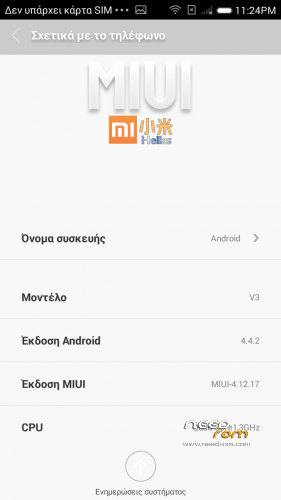
- Version: 4.12.17 Kitkat 1.0
You must be logged for ROM download.
24727 total views, 6 today
1 Total favorites
 Member Info
DESCRIPTION
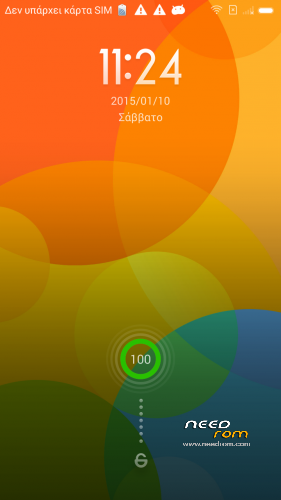
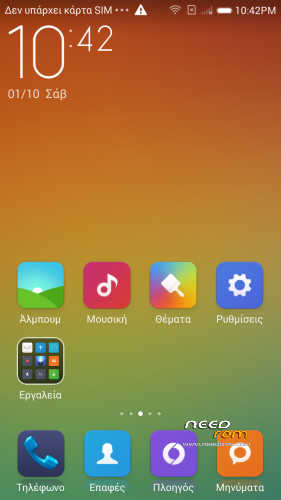
Here I present you my MIUI V5 ota ROM for Inew V3.
It is for the internal /data/media type phones. (with only MBR and EBR1). System is part5 data is part7.
MULTILANGUAGE , Kitkat!!!!
————————————————————-
Installation
—————
You must first install official KK 1.13 if you come from Jellybean (to make the partitions correct)
Backup your NVRAM and Sec.ro partitions. (better be safe than sorry!) It can be fixed anyway so don't worry.
Transfer my zip rom to your SD. Insert SD in phone.
Reboot phone , enter recovery. (use the one from my zopo rom https://www.needrom.com/download/inew-v3-zopo-1000s-port/ )
Press Wipe (Default one wipe data , davlik , cache – BACKUP impotant data , all will be lost) .Then wipe internal.
Return to main menu after finished.
Go to install. Choose storage microSD at the middle-bottom
Select correct zip file (Inew_V3_KK_MIUI_4.12.17.zip) from microSD
When finished , return to main menu and POWER off phone
Remove microSD and Start phone.
Wait a bit longer than normal , Rom rebuilding data. Done!
Rom has native init.d Support , Superuser and full Busybox support , Deodexed and zipaligned!
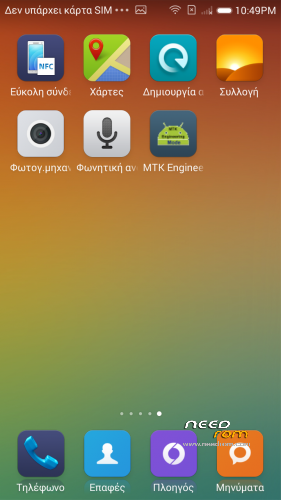
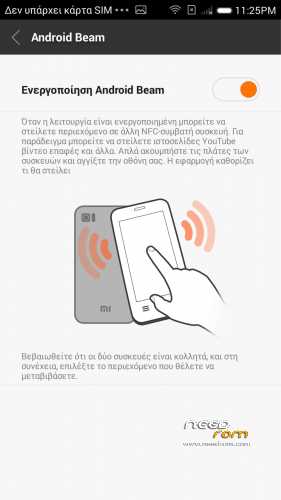
Upgraded NFC function …. in MIUI! All should work.
Ext SD works if you restart phone. Minor fault , if you want to take screenshots you have first to manually create a folder in storage DCIM/ named Screenshots
※Please make a backup of your device before installing or updating ROM
Calendar is not working, idk why, just stopped. Got 2 fix on iternet but no one works(apps -> calendar storage app -> clear data & log into miui cloud), but other else is fine
@batsilos Do tell me when you have ported MIUI beta 5.11.xx from redmi note 3g…
Almost finished , tonite
Can you upload other dialer ? this is in english only :/
Done but tooooooo buggy still. Ringtone setting forceclose , GPS crash after 1 min and reboot + other small ones.
Notification LED does not work. (for example, when a missed call). Any solution?
gravity box , emulate led
When I receive a call the torch flashes.
How do I turn off this feature ?
Inside the menus notifications menu
Please Developer of this great rom help me…………… I want to port your rom to GiONEE P4 and GiONEE M3 both are kitkat based but they have EBR1, EBR2 and MBR
You must use init.ssd scipt of your rom in boot.img + use your rom's vold and sdcard