
- Title: MIUI V5 A859 ROW
- Listed: September, 2014
- Last modified: 09/29/2014 6:37 pm
- Version: 4.8.22
You must be logged for ROM download.
30893 total views, 2 today
8 Total favorites

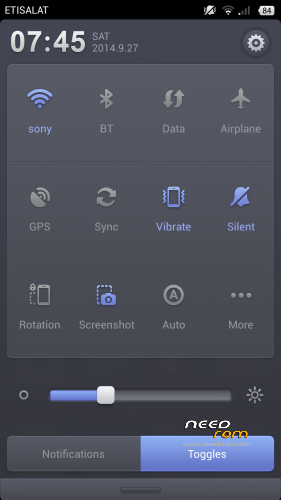

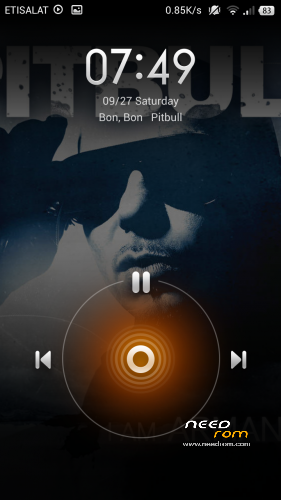
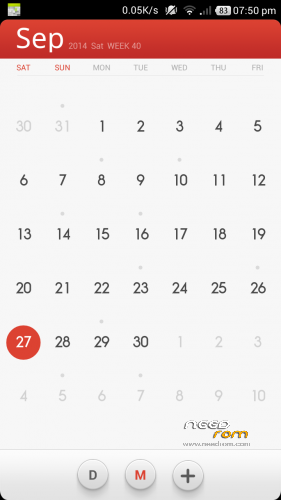
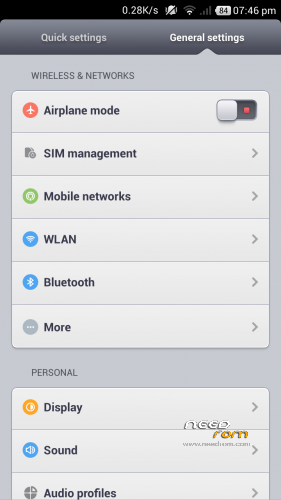
 Member Info
DESCRIPTION
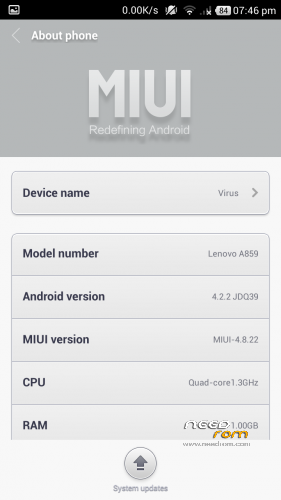
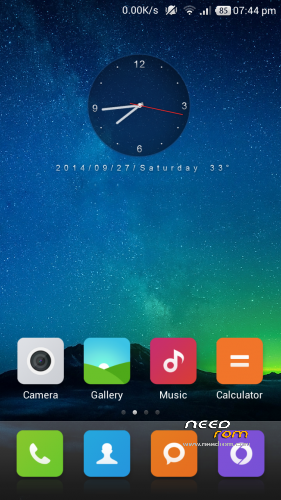
MIUI V5 4.8.22 For Lenovo A859 ROW (Gapps Included)
Features:
1. Stable and smooth
2. Excellent Battery Timing
3. 400mb+ free ram by killing apps with MIUI’s powerful task killer
4. Includes WSM Tool (xposed framework of MIUI) with some useful tweaks
5. Many init.d tweaks for better performance, ram management and internet speed.
7. No Bugs so far, checked each and every thing..
Suggestions: Turn on tools in wsm modules. Tools include volume key skip track when screen off and Mithemes to download paid themes in theme store for free without creating xiaomi account.
Disclaimer:I am not responsible if you somehow mess up with your phone. I don’t provide any kind of guarantee if you don’t follow proper step by step installation procedure. So follow all steps carefully and never skip any step.
Instructions:
1. Copy Rom on your SD-CARD.
2. Power off your phone.
3. Turn your phone on in recovery mode (by pressing VOLUME UP + POWER buttons).
4. Make a backup. Select “backup and restore”. And then select “backup”. When it is done select “Go Back”.
5. Select Wipe/Data Factory Cache.
6. Select Wipe Cache Partition.
7. Go to advanced and select wipe dalvik cache.
8. Go back to the main menu.
9. Select “Install zip from sdcard” –> “Choose zip from sdcard” –> Now select Rom zip –> Select ”Yes”
10. DONE. ENJOY!!
※Please make a backup of your device before installing or updating ROM
i cant update or install apps without wifi. and many apps crashes – "unfortunately app has stopped"
Few bugs:
1) Cannot view the image clicked from camera if clicked on the preview button.
2) Cannot transfer apps to sd card.
3) Few apps like whatsapp not working on Wifi but works on Data connection.
doesnt work.
bug report: when i applide ios theme from the mi them store the phone keep restarting itself after the "loading launcher" text appeared to the mi.com screen. so i reflashed it
I have install this i've got bootloop how to fix??