
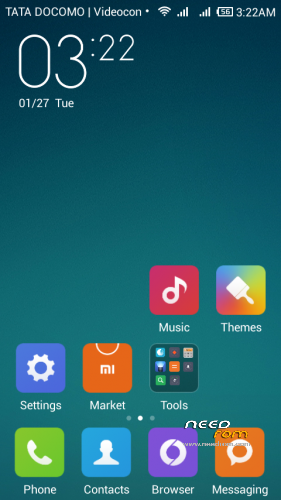
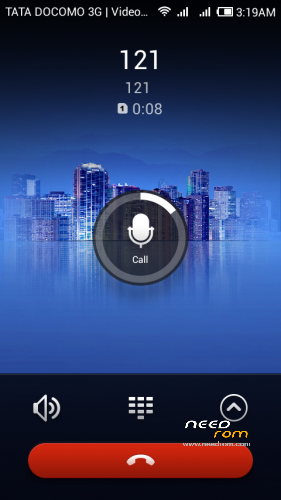
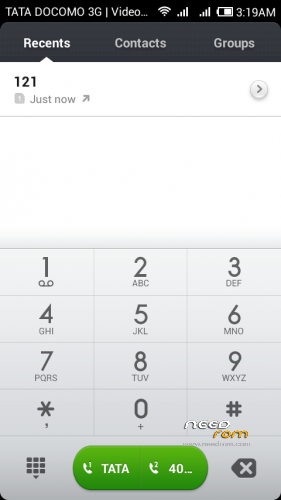
- Title: MIUI v5 for CANVAS JUICE
- Listed: February, 2015
- Last modified: 02/02/2015 8:05 pm
- Version: 4.2.2
You must be logged for ROM download.
17874 total views, 3 today
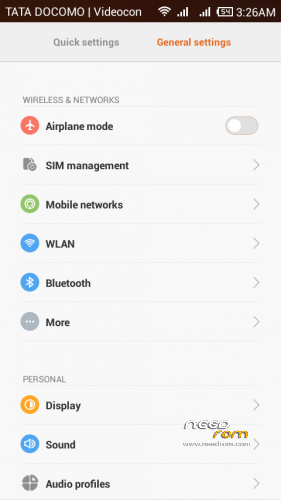
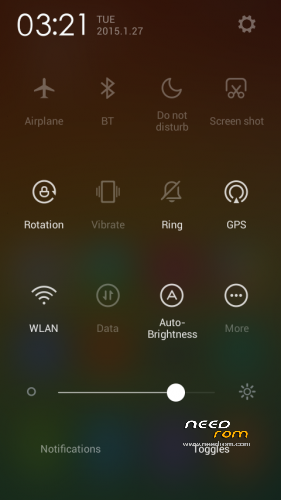
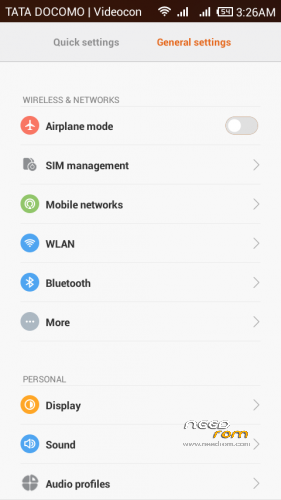
 Member Info
DESCRIPTION
MIUI v5 ORIGINAL VERSION
FOR MICROMAX CANVAS JUICE A177
1.Download the Rom file from the link provided A177
2. Place it in the root of your SD card
3. Go to CWM or any other custom recovery (not stock one)
4. Wipe Data/Factory Reset
5. Wipe Dalvilk cache
6. Select "Install .zip from SD card" and select the file
7. Select "YES"
8. It will automatically REBOOT (It will take 5-6 minutes to boot so don't worry)
For MICROMAX A77
1.Download the Rom file from the link provided A77
a.(Extract the rom and replace boot img link given as boot img for a77)
b.Repack the miui zip using winzip or any other ziping software
( Boot img for A77 is by MURTAZA PIPLOd special thanx to him)
2. Place it in the root of your SD card
3. Go to CWM or any other custom recovery (not stock one)
4. Wipe Data/Factory Reset
5. Wipe Dalvilk cache
6. Select "Install .zip from SD card" and select the file
7. Select "YES"
8. It will automatically REBOOT (It will take 5-6 minutes to boot so don't worry)
3. Go to CWM or any other custom recovery (not stock one)
4. Wipe Data/Factory Reset
5. Wipe Dalvilk cache
6. Select "Install .zip from SD card" and select the file
7. Select "YES"
8. It will automatically REBOOT (It will take 5-6 minutes to boot so don't worry)
ROM FEATURES
1.BETTER TOUCH RESPONSE
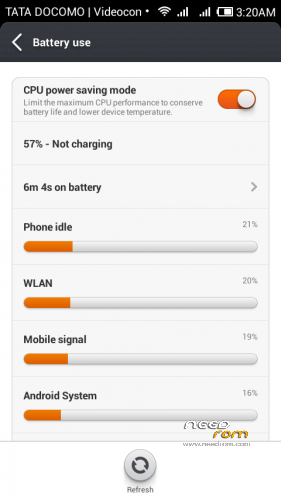
2.BETTER BATTERY BACKUP
3.SMOOTH OPERATION
4.PERMISSION MANGER
5.GUEST ACCOUNT
6.THEMES PACK
7.DEOXED
8.ROOTED
9.USB Debugging enabled
10.camera ADVANCE MODE (Professional MODE)
11.XPOSED INSTALLED
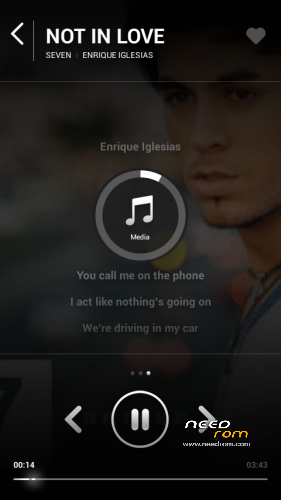
12.ULTIMATE MUSIC PLAYER SHAKE TO SKIP
13.AND many more download and explore .
14.dont forget to link my page FACEBOOK
15.MIUI v5 orignal Version FAST and smooth
16.GAPPS INCLUDE UPDATE
https://www.facebook.com/customroid?ref=aymt_homepage_panel
DONT SHARE THE MEDIFIRE LINK ANY WHERE ELSE YOU CAN SHARE THE NEED ROM Any where..
DONT FORGET TO TAKE THE BACKUP OF THE EXISTING ROM
FOR APPLING Themes …
1.INSTALL THE XPOSED FRAMEWORK
2.open WSM tools
3.INSTALL framework
4.Next select THEMES FRAMEWORK ON
5.Now paste themes in folder in sd card miui/theme/
6.REBOOT
7.OPEN THEMES there you will find upgrade theme
OR
8.CLICK FOR options There you will find IMPORT FROM SDCARD.
9.CLICK and IMPORT
And APPLY ENJOY
BUGS
NO bugs NOW
WORKING ON BUGS
1. remove bug .zip added for the bug some people are facing that after restart vibration on lock screen setting resets
Good NEWS GUYS
SENSOR BUG REMOVED APPLY THE PATCH SENSOR BUGs
※Please make a backup of your device before installing or updating ROM
yes in setting there is option to change battery percentage ,graphical and top bar ..
setting / battery / battery indicator
Just stucked at boot animation….not working on my a77…plzz hlp.
not working on a77 boot lop……..i also try change boot image but there is no change ….plz update for a77 ravinder sir
Sir if iwant to flash miui6 so iwould first flash miui 5 or not?
how to move apps to sd card can u please tell fast
Multilang?
hello bro ! after flashing custom rom my phone shows emergency calls only.
plz reply me about this problem
Hey bhai there there is a major bug in this ROM. The things is that we have to connect to a wifi whenever we have to download any app from playstore. It says that the file is too large even if the size is less that an MB.then if we continue to download it with our data connection, then it will wait till we connect to a wifi network. Please solve this!!