
- Title: Miui V5_4.3.21 No.1 N3 , CWM version By Mouse1969
- Listed: March, 2014
- Last modified: 03/26/2014 3:06 pm
- Version: Android 4.2.2 MIUI V5 rel 4.3.21
You must be logged for ROM download.
20711 total views, 5 today
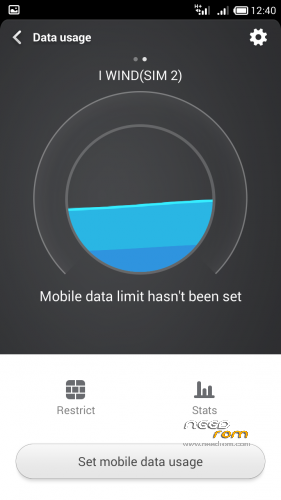
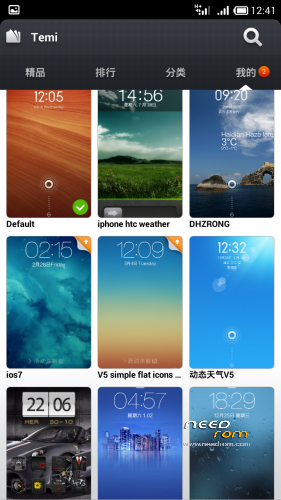
 Member Info
DESCRIPTION
Description
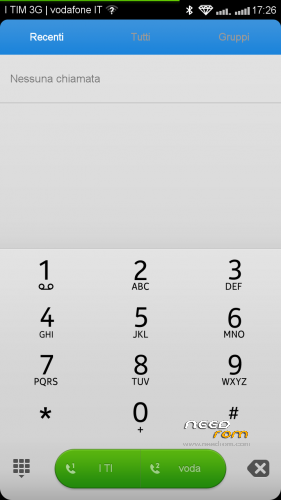
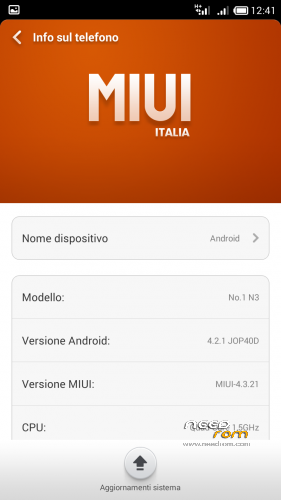
ROM port MIUI ZTE 987 – ROM Android 4.2.2
Features ROM:
AROMA INSTALLER FOR DIFFERENT BOOT ( No.1 N3 v1 series & V2 series )
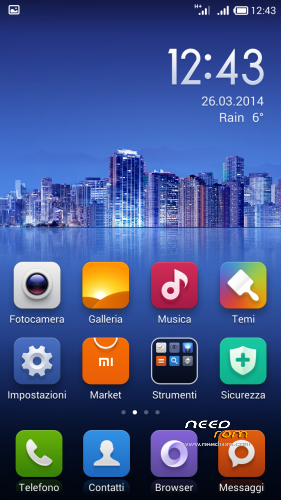
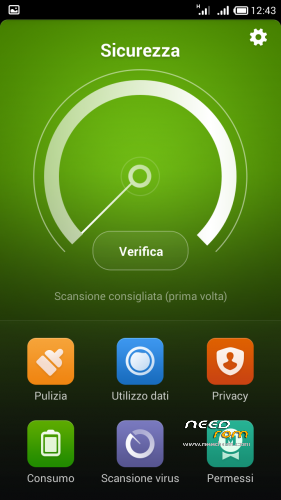
MIUI V5 _ rel 4.3.21
Gapps include - Rooted
Language support: Multi Lang
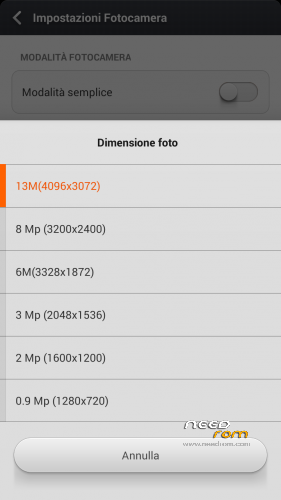
Camera 13 Mpx
Proximity sensor calibration include
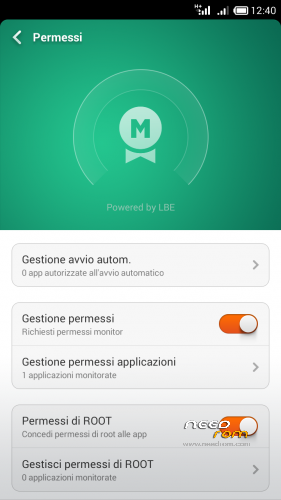
* Root
* Extremely stable
* Gapps already installed
* Boot Animation & splash screen Original Sam***g
Install ROM: ( CWM Version )
There are two different series of No.1 N3: Boot version A and B
If you can not load the boot with version A, or if your light and proximity sensors have problems, try the other version with Boot B
thanks
the official page here : http://www.androidiani.com/forum/modding-altri-terminali-mtk/379758-rom-miui-no-1-n3-ita-multilang.html#post5194802
Step 1: Install CWM recovery , download the custom ROM copied to an external SD card root directory
Step 2: the shutdown state. While holding down:
– Power button + volume button up, to enter the recovery mode.
– Wipe Data / Factory Reset -> delete all user data
– Wipe Cache Partition -> Wipe cache
Step 3: Return to recovery main interface Install zip from sdcard -> choose zip from sdcard -> Select your ROM
Step 4: Brush complete, restart the phone Patience required – first boot takes a while
※Please make a backup of your device before installing or updating ROM
Can you upload this version for spflashtool?? Thanks.
Only replace boot.img?? And al the other files where i must copy it? (Data, meta-inf, system…)
I can use other scatter rom?
fine rom
but when i make call then bug phone has stopped,it makes the call but with the bug
the fix is no longer on mega,does some one have this fix because i do realy like this miui rom its works fine if you flash the boot_led fix too
how to root No.1 N3 ? and how to flash CWM on No.1 N3 ?
i also need new firmware
N3_V1.0_V01_2014-03-27_17:33:36
N3_V1.0_V01_2014-03-01_15:58:03
0the rom is verry good,the onlything i have is a strange noise in the sound of the phone
I had to flash my boot.img, I also install
updatephone_miui4.3.21
Fix_led_boot_B
My NO.1 N3 is very recent in March 2014, I have a problem with the screen is the tactic all reversed
Video of my problem http://youtu.be/4pDHl-nuxq0
Works great. Just some little questions. The sound of videos and musics sometimes "scratch" like it cant render fine. It's just for some miliseconds but it is kinda annoying when watching series or listening to music. Is there some kinda of fix for that using viper fx or other way around? Also is there a way to use all the phone storage ( 1gb and the other 5.67gb ) alltogether? Is there any plan to make s-view and s-pen work?
Other than those questions the phone is smooth as silk and very fast.
For the strainge noise you must power of the app called SRS the gray one then the sound is fine
Only the green button on off