
- Title: Miui V5_4.3.21 No.1 N3 , CWM version By Mouse1969
- Listed: March, 2014
- Last modified: 03/26/2014 3:06 pm
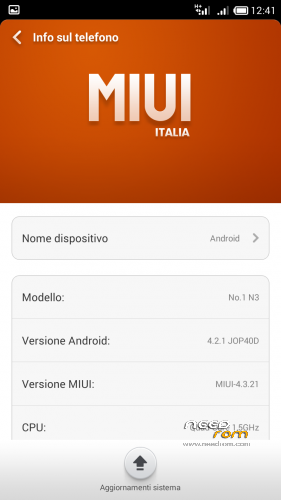
- Version: Android 4.2.2 MIUI V5 rel 4.3.21
You must be logged for ROM download.
20712 total views, 6 today
 Member Info
DESCRIPTION
Description
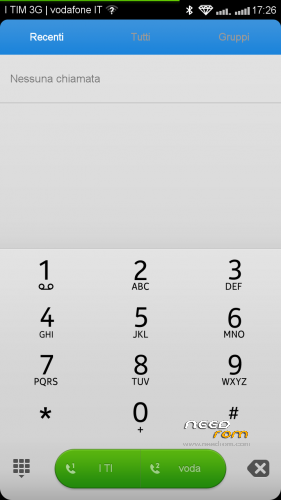
ROM port MIUI ZTE 987 – ROM Android 4.2.2
Features ROM:
AROMA INSTALLER FOR DIFFERENT BOOT ( No.1 N3 v1 series & V2 series )
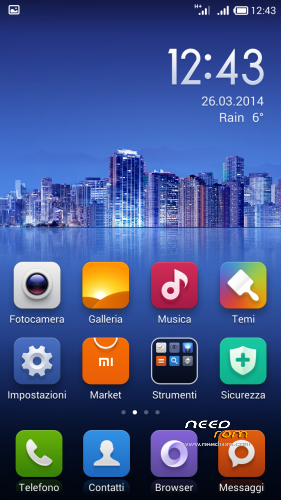
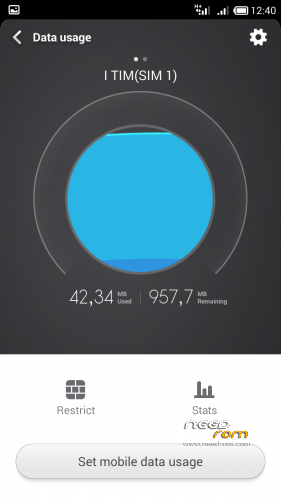
MIUI V5 _ rel 4.3.21
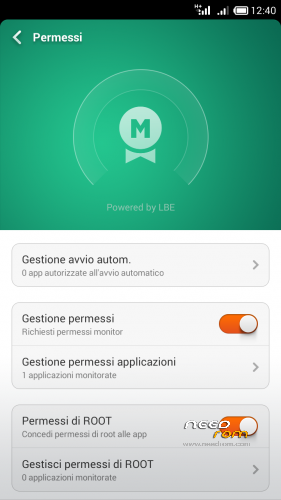
Gapps include - Rooted
Language support: Multi Lang
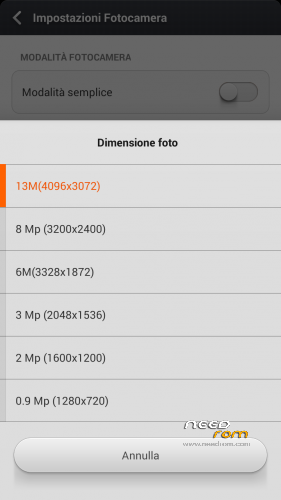
Camera 13 Mpx
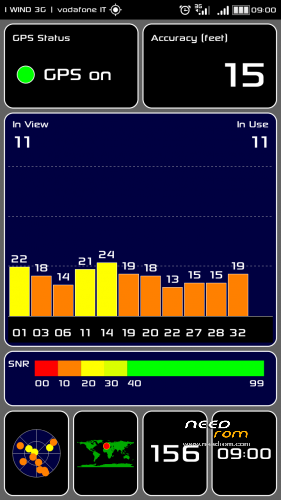
Proximity sensor calibration include
* Root
* Extremely stable
* Gapps already installed
* Boot Animation & splash screen Original Sam***g
Install ROM: ( CWM Version )
There are two different series of No.1 N3: Boot version A and B
If you can not load the boot with version A, or if your light and proximity sensors have problems, try the other version with Boot B
thanks
the official page here : http://www.androidiani.com/forum/modding-altri-terminali-mtk/379758-rom-miui-no-1-n3-ita-multilang.html#post5194802
Step 1: Install CWM recovery , download the custom ROM copied to an external SD card root directory
Step 2: the shutdown state. While holding down:
– Power button + volume button up, to enter the recovery mode.
– Wipe Data / Factory Reset -> delete all user data
– Wipe Cache Partition -> Wipe cache
Step 3: Return to recovery main interface Install zip from sdcard -> choose zip from sdcard -> Select your ROM
Step 4: Brush complete, restart the phone Patience required – first boot takes a while
※Please make a backup of your device before installing or updating ROM
Hello, I translate through Google translator may be wrong. Through SP Flash Tools replaced recovery, started with ColorOS v.2 did not work, then tried MiUi does not work. put the official firmware https://www.needrom.com/mobile...../no-1-n3-3/ - earned phone stopped working touch button back when you touch the screen to choose the law and above the floor cm, only the right side of what can be done?? how to calibrate??? and I would like to put MiUi!
Anyone have any issues with this one. I have the No.1 N3 1gig ram 8gig ROM version. I’m in US and I’m very good with android hack and modding etc..dev here with lots of experience. Today I finally flashed a cm ROM 4.2.1 with only issue of space. However I’m here to help as well as start my first threads and site of china mobile phone development.. I’ve used every flagship from each nexus to g2 by lg I am here for help to give and learn more about mtk so far I’m impressed with this phone. Price point really. I’m also looking for 1080p device with 3gig ram 16 ROM I saw new no.1 n3 pretty close. Lol. Thanks and I’ll be posting ROM and flash reviews on YouTube of respected devs here such as mouse and mine when I’m done. So I thank you all.
Working great. Now for miui…lol