
- Title: MIUI V7 for ZP980+
- Listed: September, 2015
- Last modified: 12/09/2016 2:20 pm
- Version: MIUI V7 6.5.19
You must be logged for ROM download.
76519 total views, 11 today
39 Total favorites
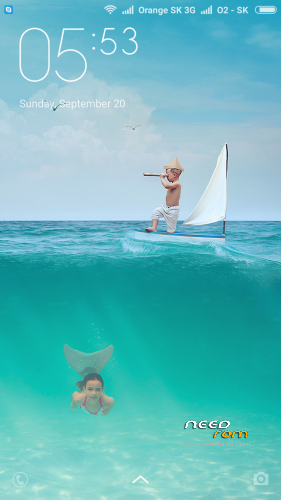
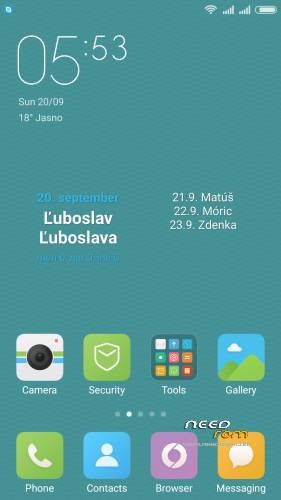
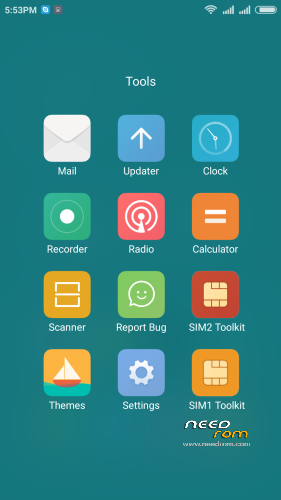
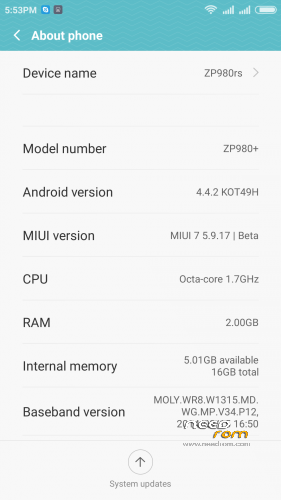
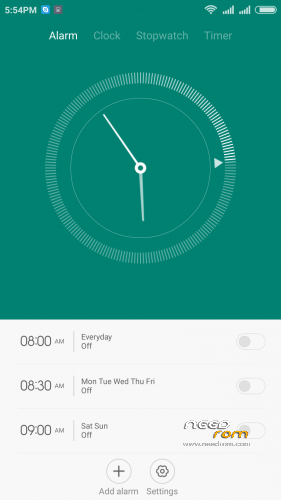
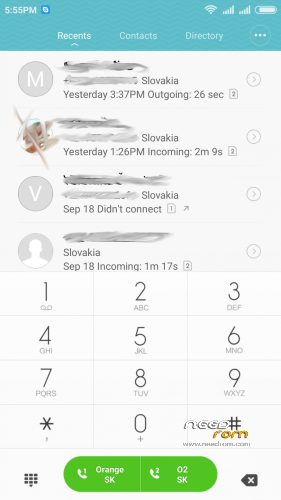
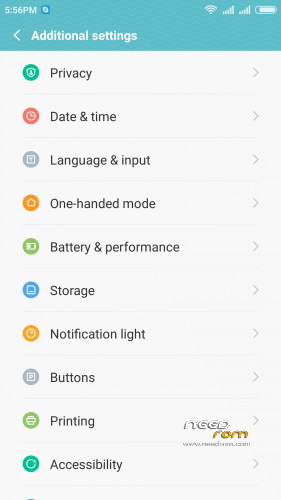
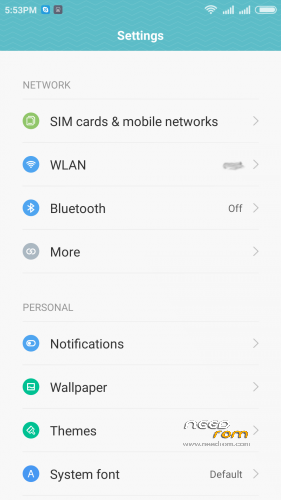
 Member Info
DESCRIPTION
05.21.2016 – added MIUI V7 6.5.19
03.20.2016 – added MIUI V7 6.3.17
01.26.2016 – added MIUI V7 6.1.21
12.29.2015 – added MIUI V7 5.12.24
11.21.2015 – added MIUI V7 5.11.19
ROM is ported from official ROM for Xiaomi Redmi Note 3G (xiaomi.eu_multi_lcsh92_wet_jb9_6.x.x_v7-4.4)
ROM is multi lang.
Please always make backup before install! Flash at your own risk. I am not responsible for bricked devices or any damages caused due to the ROM.
For first Installation:
1. Download the. zip file and put it in to internal memory,
2. Go to Recovery – recomended TWRP 2.8.1, or newer
3. Do factory reset (wipe Data, System, Davlik cache, Cache),
4. Reboot recovery,
5. Select Install – choose zip file with ROM,
6. After install reboot your device.
For update from my previous version of MIUI V6, V7:
1. Download the. zip file and put it in to internal memory,
2. Go to Recovery – recomended TWRP 2.8.1, or newer
3. Select Install – choose zip file with ROM,
4. After install, do cache and dalvik wipe only, then reboot your device.
For backup and restore lost IMEI look at here: http://tvoje.blogspot.sk/
※Please make a backup of your device before installing or updating ROM
A question four you, Norton:
is MIUI rom available with android lollipop or marshmallow?
Can we hope to use, on day, a lollipop rom (or marshmallow rom) on our Zopo 980+ ?
Thanks for your answer
unfortunately no
Hi Norton,
Please tell how to solve problem with error “can’t extract dir from “system” to “/system”?
I really like your previous rom
Is there anybody? How can we fix “can’t extract dir from “system” to “/system” error?
I’ve tried to install on custom rom 4.4.2 but got the same error – “…can’t extract.. ”
after you made wipe (factory reset) on recovery then you need reboot recovery.
For first Installation:
1. Download the. zip file and put it in to internal memory,
2. Go to Recovery – recomended TWRP 2.8.1, or newer
3. Do factory reset (wipe Data, System, Davlik cache, Cache),
4. Reboot recovery,
5. Select Install – choose zip file with ROM,
6. After install reboot your device.
Update plz?
HI Norton,
Unfortunately your method doesn’t work. May be bad archive?
Hi Norton,
Please update.
Hi Norton!
Recently flashed 6.5.19 to my ZP980+ and now I am very happy with it. Thank you for good job with firmware.
Please inform whether you plan to continue support and merely – to port v8 to 980+ which would be highly appreciated.
Hi.
Thxs Norton!. Very good rom. I'd like improvments from previous version .3.17.
Some bugs from MIUI I think:
- Hotspot stops because doesn't detect any connections
- Use of SDCard to store images is impossible. Always at Internal memory.
Hi again.
I'd like TO KNOW improvments from previous version .3.17.
Fortunately I’ve install 6.5.19)))))
I deleted all media content in archive /system/media/audio after that ROM successful installed.