
- Title: MIUI V7 for ZP980+
- Listed: September, 2015
- Last modified: 12/09/2016 2:20 pm
- Version: MIUI V7 6.5.19
You must be logged for ROM download.
76516 total views, 8 today
39 Total favorites
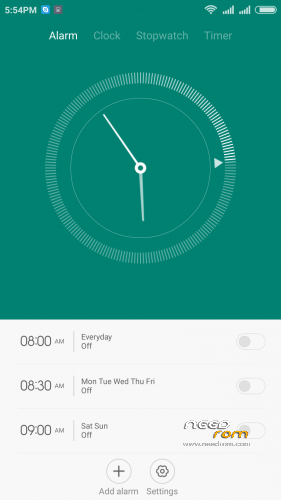
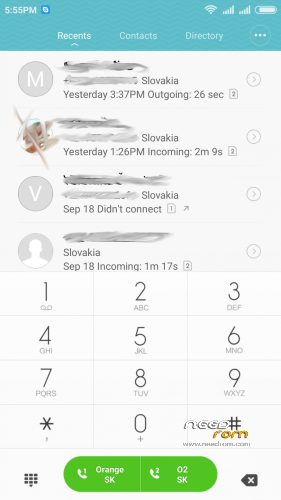
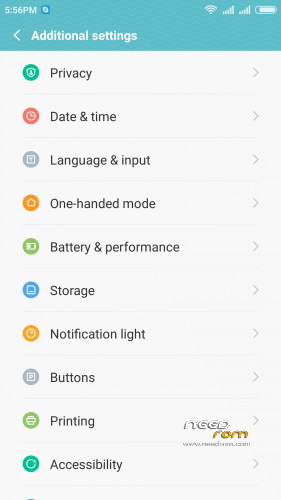
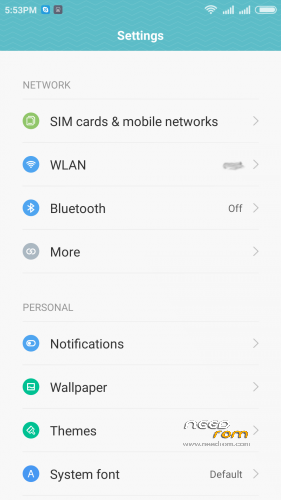
 Member Info
DESCRIPTION
05.21.2016 – added MIUI V7 6.5.19
03.20.2016 – added MIUI V7 6.3.17
01.26.2016 – added MIUI V7 6.1.21
12.29.2015 – added MIUI V7 5.12.24
11.21.2015 – added MIUI V7 5.11.19
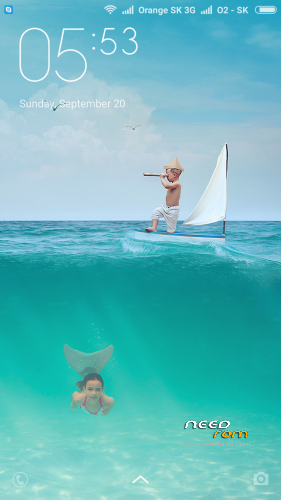
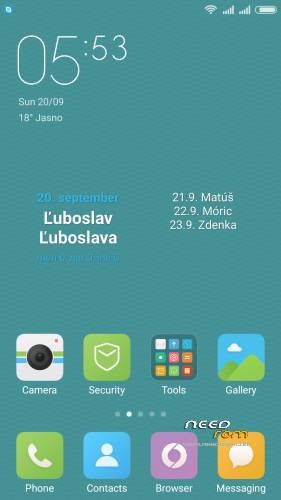
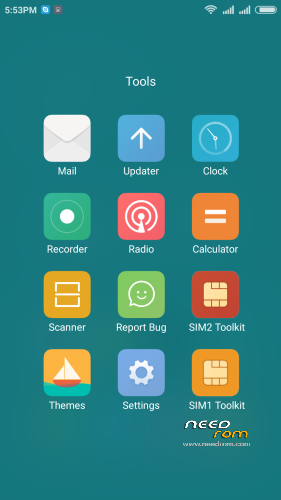
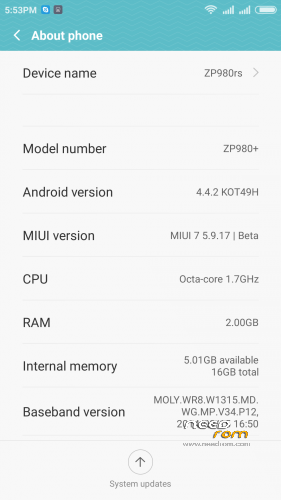
ROM is ported from official ROM for Xiaomi Redmi Note 3G (xiaomi.eu_multi_lcsh92_wet_jb9_6.x.x_v7-4.4)
ROM is multi lang.
Please always make backup before install! Flash at your own risk. I am not responsible for bricked devices or any damages caused due to the ROM.
For first Installation:
1. Download the. zip file and put it in to internal memory,
2. Go to Recovery – recomended TWRP 2.8.1, or newer
3. Do factory reset (wipe Data, System, Davlik cache, Cache),
4. Reboot recovery,
5. Select Install – choose zip file with ROM,
6. After install reboot your device.
For update from my previous version of MIUI V6, V7:
1. Download the. zip file and put it in to internal memory,
2. Go to Recovery – recomended TWRP 2.8.1, or newer
3. Select Install – choose zip file with ROM,
4. After install, do cache and dalvik wipe only, then reboot your device.
For backup and restore lost IMEI look at here: http://tvoje.blogspot.sk/
※Please make a backup of your device before installing or updating ROM
This is the best rom for ZP980+ hands down. I had tried every rom before using this and was frankly dissapointed with this phone. My led for camera had already stopped working 1 year after buying it. The network, in call volume (that can be tweaked in engineer mode), sound quality with and without headphones and the built quality were a big let down. Now after installing MIUI it feels better with increased volume levels and better network 2G-3G. rom is very smooth.
Thanks for this rom. One thing however – wi-fi hotspot keeps disconnecting after a short while – like 5 minutes. Any suggestions??
Hi @norton:
First of all I'd like to thank you for porting this ROM to ZP980+. I heard so many good things about it and I tried to install it, but I keep getting an error message like the one srebny and other users previously reported. I followed your tutorial step by step, and it's been impossible to install it in my Zopo980+. Could it be a problem in the file you posted? My latest ROM was AOI Gacama JellyBean 4.2, but I don't know if that could cause any compatibility issues…
Hi,
i am sorry for this inconvenince. Yes there was typo on updater script. I made reupload with fixed version.
03.20.2016 – added MIUI V7 6.3.17 install this version, I checked the works.
Thanks for your quick response @norton!!
By the way, is it possible to install your ROM using SP Flash Tools? I updated to the official KitKat Rom via flashing, but unfortunately this version is not rooted and I'm having trouble while trying to install TWRP recovery. It would be of great help if you could include a scatter file inside the compressed rom for all of us who can't use recovery…
Thanks in advance for your help!!
THX, I have it in my phone it works fine
Roman
After some tinkering, I managed to install this ROM on my 980+ and I wholeheartedly agree with Chetan: this is by far the best ROM I've ever tried, period. Everything runs silky smooth and I've yet to encounter any major issue. Truth be told, I've experienced some minor incompatibility issues with SDMaid, a memory manager app (I can't stop apps running at boot somehow), but I think it could be something related to MIUI's own memory manager's handling of app permissions, not a bug.
Personal preferences and requirements aside, I would recommend Norton's ROM to anyone looking for a beautiful, all-rounded, battery efficient one for their phones. Stop reading and get it!!!
Hi Norton,
thanks for your job. All that you make for us is incredible. The Rom MIUI V7 6.5.19 works really really well but I found one issue. When I connect the mobile phone in my PC to transfer files, my pc doesn't find the drivers . Have you any solution? Thanks for all.
Happy new year 2017!!
Good news is, the port on the 8 version of this phone at 4pda, read and look. Happy New Year .
i have ported the MIUI V8 some time ago. I dont upload it here coz there is nothing new. Only few changes on UI. And there is problem with camera – sometimes cant focus and also with bluetooth – problem with some audio player functions(prev and next button) dont work on my car audio system. If somebody have interst about it i can publish it here.
Thanks for the MIUI port on the Zp980 +.
Problem 1
Since the installation no 6 GHz WLAN is working on the Zopo.
Previously using stockrom 4.4.2 no problems with 6 GHz WLAN.
Problem 2
A message "SIM card is not activated" appears, "Reactivate call list synchronization", "… an international SMS is sent …" Agree / Abort.
What do you mean with that?
Calling + SMS sending works with this SIM card?
question
I have just inserted a SIM card at the moment, should the missing SIM 2 not be reported? Under SIM settings, it looks as if it is not a dual SIM smartphone.
Problem 3
The app "Enginneer Mode MTK Shortcut" is terminated when "Location"> "Location Based Service" is selected.
Vielen Dank für die MIUI- Portierung auf das Zp980+.
Problem 1
Seit der Installation funktioniert kein 6 GHz WLAN mehr auf dem Zopo.
Zuvor mit Stock 4.4.2 keine Probleme.
Problem 2
Es erscheint eine Meldung "SIM Karte ist nicht aktiviert", "Anrufliste Synchronisation reaktivieren", "…es wird eine internationale SMS verschickt…" Zustimmen / Abbruch.
Was ist damit gemeint?
Telefonieren + SMS- Versenden funktioniert mit dieser SIM- Karte?
Frage
Ich habe im Moment nur eine SIM- Karte eingesteckt, sollte die fehlende SIM 2 nicht gemeldet werden? Unter SIM- Einstellungen sieht es so aus, als wäre es kein Dual- SIM- Smartphone.
Problem 3
Die App "Enginneer Mode MTK Shortcut" wird bei Auswahl von "Location" > "Location Based Service" beendet.
sorry 5 GHz
Problem 4
The rights management does not seem to work properly.
example
Settings> Programs> Power Toggles> Appinnfo> Rights Management
Activate WLAN is available for questions (?)
Activate Bluetooth answers questions (?)
I press on the widget "WLAN" I can turn it on / off.
If I press on the "Mobile Data" widget, I can turn it on / off.
No question is asked except SuperSu.
So what about rights management if it does not work?
Problem 5
I can not use the Power Toggles app to turn the GPS on / off.
Problem 4
Die Rechteverwaltung scheint nicht richtig zu funktionieren.
Beispiel
Einstellungen > Programme > Power Toggles > Appinnfo > Rechte Verwaltung
WLAN aktivieren steht auf Fragen (?)
Bluetooth aktivieren steht auf Fragen (?)
Drücke ich auf dem Widget "WLAN" kann ich es ein / ausschalten.
Drücke ich auf dem Widget "Mobile Data" kann ich es ein / ausschalten.
Es wird keine Frage gestellt, ausser von SuperSu.
Wozu also die Rechteverwaltung, wenn sie nicht funktioniert?
Problem 5
Ich kann mit der Power Toggles app das GPS nicht mehr ein / ausschalten.