
- Title: MIUI v7 (v6.5.12)
- Listed: April, 2016
- Last modified: 05/16/2016 9:32 pm
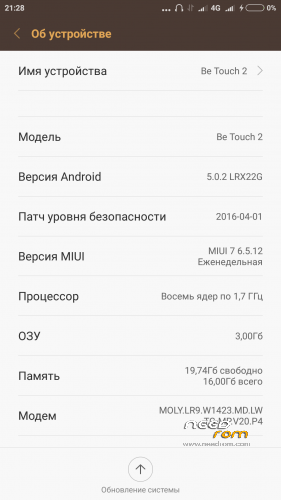
- Version: Android 5.0.2
You must be logged for ROM download.
16763 total views, 3 today
3 Total favorites
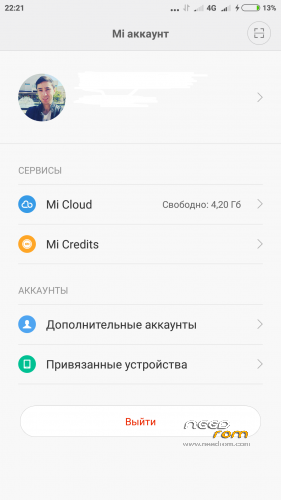
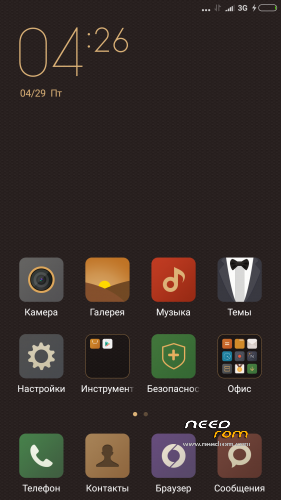
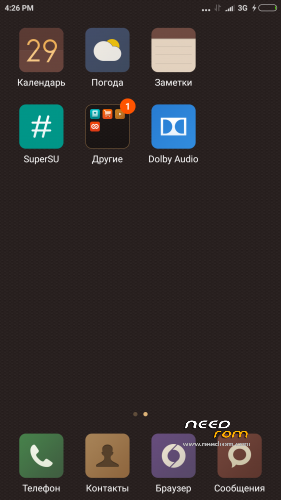

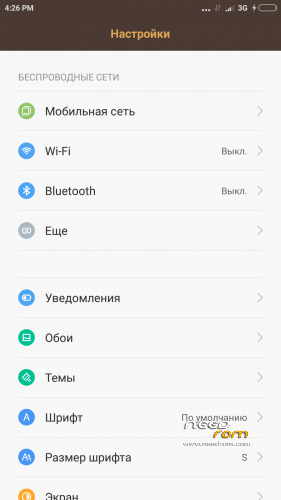
 Member Info
DESCRIPTION
MIUI 6.5.12 — the list of changes
Short designations
[+] — the new feature which is earlier absent in MIUI is added;
[O] — improvement of any function, for example: optimization of algorithm or interface;
[F] — correction of a mistake;
[-] — function is removed
[System]
[O] Background processes loaded the RAM that led to deterioration in productivity (05-09)
[transfer]
[O] Speed of data transmission is increased (05-09)
[explorer]
[F] Work of private folders (05-12) is corrected
[F] Are corrected a problem with KuaiPan (05-12)
[Xiaomi Cloud]
[F] The problem with an entrance to the Cloud is partially corrected, now it is possible to come even if gives an error message (05-12)
———————————————-
description:
1) The Google Play is preset
2) SuperSU are preset
3) MIUI v7 insertion for Lenovo K3 Note was a donor
4) separate thanks I want to express "z0rgent"
5) At the moment insertion the freshest
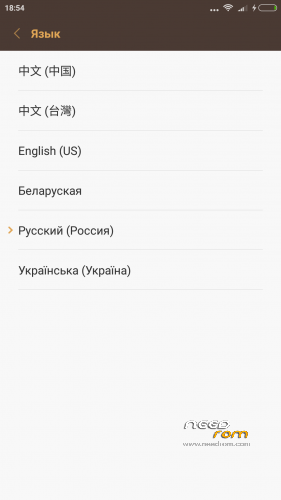
Languages: Russian, Belarusian, Ukrainian, English, Chinese.
Mistakes:
1) There is no fingerprint scanner
2) Doesn't wake up by the Home button
3) Frequency of the MHz processor 1170 costs by default, a solution we download the Kernel Adiutor program with Play Market we grant to the program of rues the rights and we come into the section CPU and we expose 1690 MHz
installation:
Installation of an insertion at own risk! If you don't know how to restore phone after an unsuccessful insertion, you shouldn't stitch kastoma!
The insertion is made by means of Recovery (TWRP)
1) We download an insertion: MIUI v7 (v6.5.12);
2) We do Wipe data, cache, davlik-cache, system;
3) We establish archive with an insertion;
4) We are loaded;
If you don't start from the first Rom, try again and wait for minutes 10 in the mode of start Rom!!!
※Please make a backup of your device before installing or updating ROM
No
Hi Firekx
will be German language available ?
Will FM Radio work ?
thanks
Martin
FM Radio yes!
For more Languages check https://play.google.com/store/......ccl.morelocale :)
Anyone know how to solve the problem of data network? Why only in pro Miui work?
Data transmission perfectly works for me, add yours of purity, through the engineering menu
It has step by step how to do this?
I set up and is ok
Thank you
You can add language Portuguese ( Brazil )
how fix dial in call, only black screen when i call someone
You from scratch established Rom or over old Rom?
It is the same with me
This ROM is very draining the battery. Anyway it's a great job.
Optimize your consumption of energy