
- Title: MIUI v7 (v6.5.12)
- Listed: April, 2016
- Last modified: 05/16/2016 9:32 pm
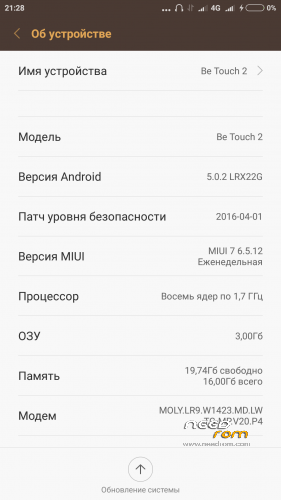
- Version: Android 5.0.2
You must be logged for ROM download.
16763 total views, 3 today
3 Total favorites
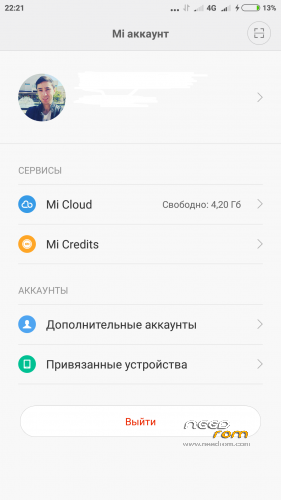
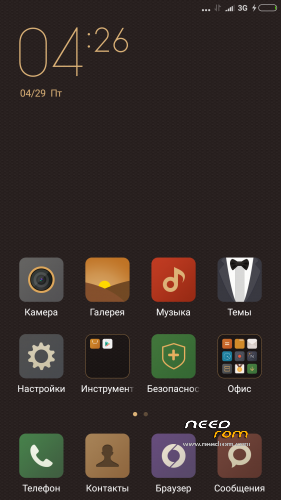

 Member Info
DESCRIPTION
MIUI 6.5.12 — the list of changes
Short designations
[+] — the new feature which is earlier absent in MIUI is added;
[O] — improvement of any function, for example: optimization of algorithm or interface;
[F] — correction of a mistake;
[-] — function is removed
[System]
[O] Background processes loaded the RAM that led to deterioration in productivity (05-09)
[transfer]
[O] Speed of data transmission is increased (05-09)
[explorer]
[F] Work of private folders (05-12) is corrected
[F] Are corrected a problem with KuaiPan (05-12)
[Xiaomi Cloud]
[F] The problem with an entrance to the Cloud is partially corrected, now it is possible to come even if gives an error message (05-12)
———————————————-
description:
1) The Google Play is preset
2) SuperSU are preset
3) MIUI v7 insertion for Lenovo K3 Note was a donor
4) separate thanks I want to express "z0rgent"
5) At the moment insertion the freshest
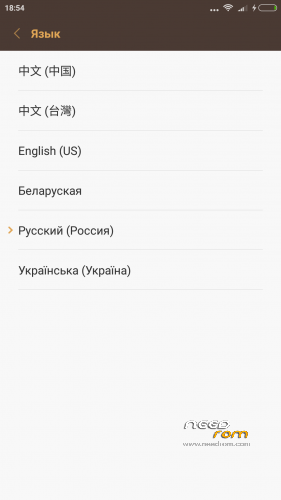
Languages: Russian, Belarusian, Ukrainian, English, Chinese.
Mistakes:
1) There is no fingerprint scanner
2) Doesn't wake up by the Home button
3) Frequency of the MHz processor 1170 costs by default, a solution we download the Kernel Adiutor program with Play Market we grant to the program of rues the rights and we come into the section CPU and we expose 1690 MHz
installation:
Installation of an insertion at own risk! If you don't know how to restore phone after an unsuccessful insertion, you shouldn't stitch kastoma!
The insertion is made by means of Recovery (TWRP)
1) We download an insertion: MIUI v7 (v6.5.12);
2) We do Wipe data, cache, davlik-cache, system;
3) We establish archive with an insertion;
4) We are loaded;
If you don't start from the first Rom, try again and wait for minutes 10 in the mode of start Rom!!!
※Please make a backup of your device before installing or updating ROM
The only problem that i have is tha sounds-ringtones-notifications are very low. The maximum volume is very very low. You almost cannot hear it.
Any solution?
Yes you can independently correct it, with the help the engineering menu
I did it. Much better. Thanks
How did you did it?
Can you explain?
Do you have xposed??
I found a way to increase the speaker volume. Download engineering mode from playstore. Scroll to the “Hardware Testing” tab and click on “Audio”. Then click on “Loudspeaker Mode”. The last line should say “Max Vol. 0~160″ and the value that’s set is 112. Change that value to 145 and click the “Set” button. Don’t use values over 145, the sound becomes distorted and it may also damage the speaker.
Is there any way of activating fast charge? My battery is draining faster than its charging while I use it. Screen brightness is on minimum, and I use it on powersaver mode.
Hi,
very good room, impressive good job, if you want to translate in French I can help you.
Is it possible to add Home Button press to wake up phone ?
Another thing, automatic power off and power doesn't work.
Thanks again
Thanks where the rom dl links plz