
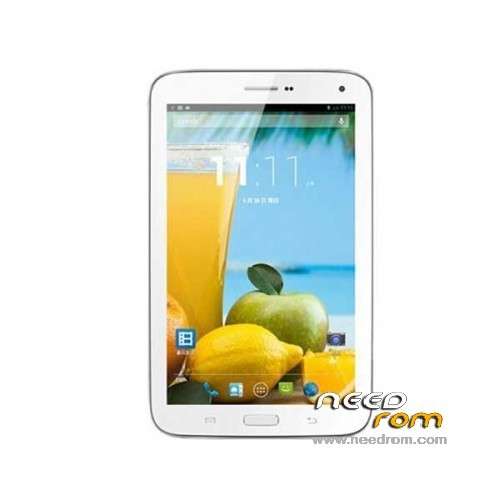
- Title: MLAIS MX70
- Listed: October, 2013
- Last modified: 10/05/2013 5:27 am
- Version: ROM Android 4.2.2
You must be logged for ROM download.
15617 total views, 1 today
 Member Info
DESCRIPTION
ROM Mobile MLAIS MX70 - ROM Android 4.2.2
Features ROM:
Official version MX70: 03_v89_jysj_f668_sx_ntw_20130727
Gapps include
Language support: Multilang
Install ROM:
- Unpack FlashTools, and Click on Flash_tool.exe
- Select a the MT6589_Android_scatter_emmc.txt in ROM
- Wait file to be added into Flash Tool
- choose Option->USB Model,click USB Model
–> Choose Option->DA DownLoad All->Speed->High Speed, click High Speed
- Turn off your phone, remove the battery.
- "Press F9 (hit Download button)" OR " if upgrade ROM Firmware->Upgrade "
- and connect your phone into the computer via USB data cable.
- The process will start and a red progress bar will appear after color purple, yellow.
- And green circles display
- Finish !
- You can now safely disconnect your phone and turn it on.
※Please make a backup of your device before installing or updating ROM
It does not work!
When hitting Download, message error:
SP Flash Tool Error : (8038) PMT is ready and Layout has been changed! {Hint}: Please use Firmware upgrade
Then, if I use Firmware update, message "not all necessary image to be checked…"
I managed to install this ROM, however it stucks at the boot logo !!!
For those who have problem with SP Flash Tool Error (8083), see the log after the line Not Match, then change the correct(s) value(s) in the scatter file.
This one is an update version.
The official and full ROM is dated 08/01/2013. If anyone has, please upload it!