
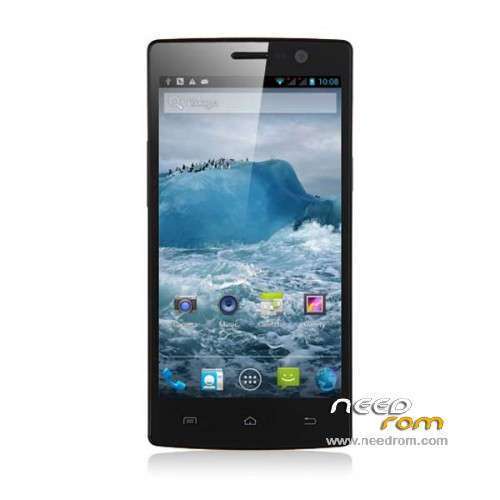
- Title: Neken N6+ MT6589T
- Listed: March, 2014
- Last modified: 03/22/2014 4:54 pm
- Version: ROM Android 4.2.1
You must be logged for ROM download.
19914 total views, 1 today
 Member Info
DESCRIPTION
ROM Mobile Neken N6 – ROM Android 4.2.1
ONLY MT6589T + 2G Ram + 32G Rom
Official ROM Neken N6 Version: T600E.P5005ATW.6589T_M.32+16.V01.20140212
MOVEGO-P5005A-TW-QB1D-T600E-6589-V1.0.0 ( Taiwan version )
Gapps include - No Rooted
Language support: EN/CN/IN/TH/VN/TW
Install ROM :
- Unpack FlashTools, and Click on Flash_tool.exe
- Select a the MT6589_Android_scatter_emmc.txt in ROM
- Wait file to be added into Flash Tool
- choose Option->USB Model,click USB Model
–> Choose Option->DA DownLoad All->Speed->High Speed, click High Speed
- Turn off your phone, remove the battery.
- "Press F9 (hit Download button)" OR " if upgrade ROM Firmware->Upgrade "
- and connect your phone into the computer via USB data cable.
- The process will start and a red progress bar will appear after color purple, yellow.
- And green circles display
- Finish !
- You can now safely disconnect your phone and turn it on.
※Please make a backup of your device before installing or updating ROM
Great if this is the official N6+ ROM but…
The N6+, also called the N6 Pro, is the latest version of the N6 and it is powered by a MTK6592 octacore processor. It's the original version of the phone, known simply as the N6, which is powered by the 6589T. Also, the N6+ runs Android 4.2.2, not 4.2.1. I know this – I'm typing this on one!
As far as I'm aware, ROMs aren't interchangeable, but clarification would be much appreciated.
ONLY MT6589T + 2G Ram + 32G Rom
this model N6+ MT6589T same name than the N6+ MT6592
Hi, file is corrupted.?
Is there any other way to install this ROM? Through CWM? I'm using Windows 8.1 and nothing happens
Update: it was about drivers, after I installed MTK drivers, everything went just fine. Neken N6 2+32GB.
good
Thank you it's unbrick my P5005A
смесь китайского и английского, нет русского языка.
I use it but it is not a multilanguage.
Do not remove battery! The phone will not connect to PC