
- Title: Neken NX MIUI v5
- Listed: July, 2014
- Last modified: 07/22/2014 2:29 am
- Version: ROM Android 4.2.1
You must be logged for ROM download.
14293 total views, 1 today
1 Total favorites
 Member Info
DESCRIPTION
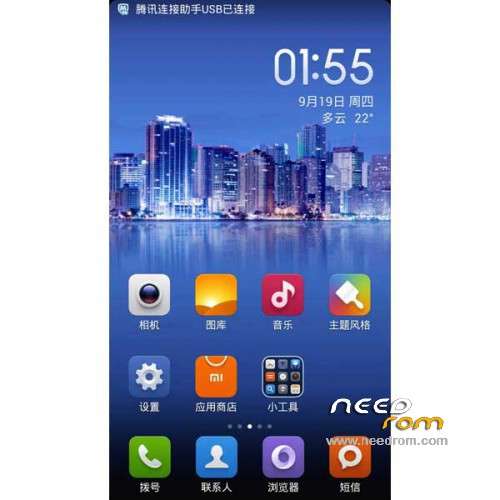
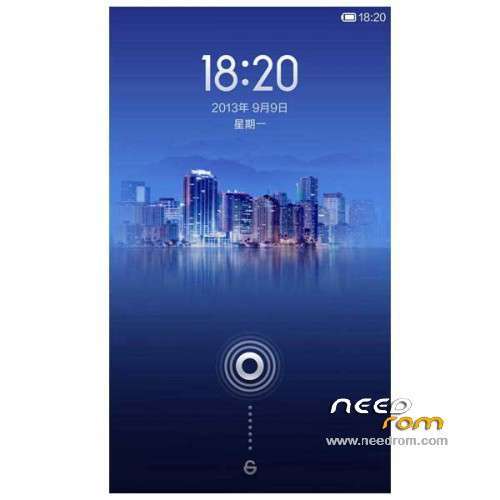
ROM Mobile Neken NX – ROM Android 4.2.1
Features ROM:
MIUI v5 – 4.7.18
[Phone]
New – Added video calls menu. Support several frequently used phone numbers
[Messaging]
Optimization – Optimized time recognition method in a message
Fix – Couldn't snyc the settings when a private contact's messages were pinned
Fix – Private messages would be read out after enabling messages text -to – speech output in Car mode
[Music]
Fix – Music would stop playing if OTG cable was plugged out
Fix – Sometimes app would FC when downloading music
[Market]
Optimization – Optimized cremental updating process, enhanced success rate of updating apps
Optimization – Do not need to login to use Market in first launch
Fix – Sometimes app would FC after ROM was updated
[Calendar]
Optimization – Added weekly view
Optimization – Use floating notification for calendar popup windows in full screen tasks
Fix – Words in events were blurred in weekly/daily views
[Security]
Fix – Graphic glitches of homepage image
Gapps not include – Rooted
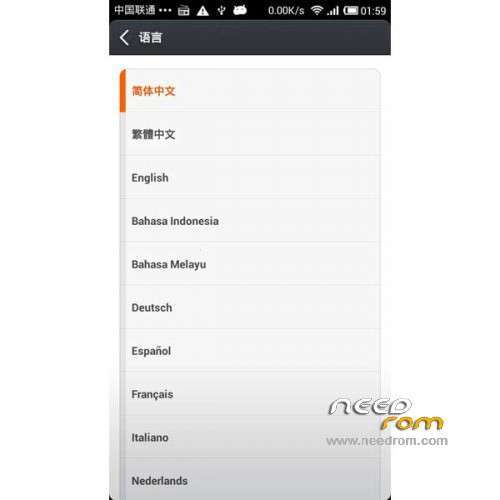
Language support: Multilang
Install ROM :
CWM
Step 1: Download the custom ROM copied to an external SD card root directory
Step 2: the shutdown state. While holding down:
– Power button + volume button up, to enter the recovery mode.
– Wipe Data / Factory Reset -> delete all user data
– Wipe Cache Partition -> Wipe cache
Step 3: Return to recovery main interface Install zip from sdcard -> choose zip from sdcard -> Select your ROM
Step 4: Brush complete, restart the phone Patience required – first boot takes a while
※Please make a backup of your device before installing or updating ROM
Great rom. Home, Menu, and Back key light not working at night. Apart from that all works great.
There is one error with this, u cannot change the default keyboad.