
- Title: NOTE 4 LOLLPOP UI for Canvas Juice A177/A77
- Listed: March, 2015
- Last modified: 03/04/2015 2:11 pm
- Version: 5.0
You must be logged for ROM download.
26866 total views, 4 today
13 Total favorites
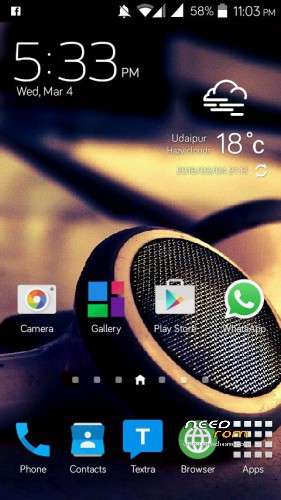
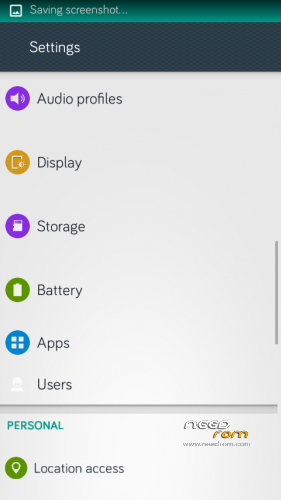
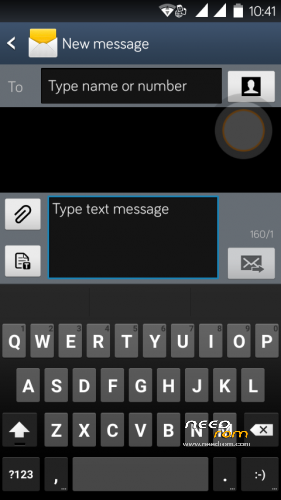
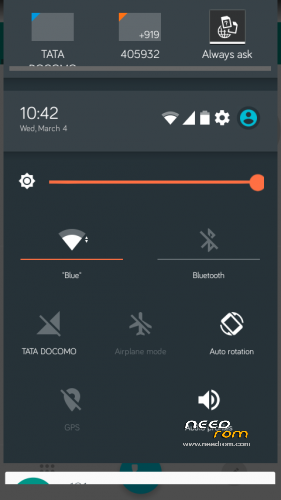
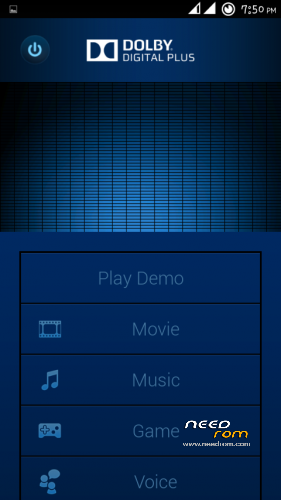
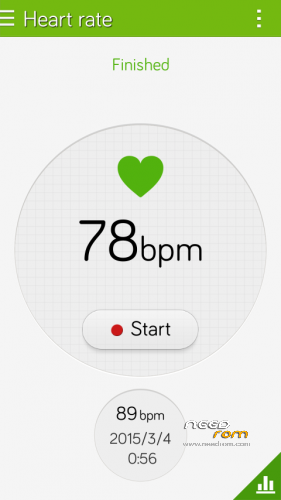
 Member Info
DESCRIPTION
Lollipop NOTE 4 for A177/A77
Rom Features
-
Smooth and fast lollipop ui By BSP
-
NOTE +LOLLIPOP 3.0
-
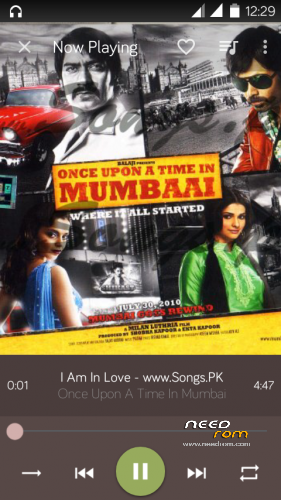
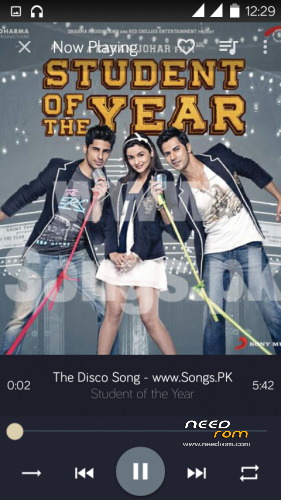
Material Design music app
-
material design file manger
-
material desgin messaging app
-
smoth and fast operation
-
battery Saver
-
Better Ram optimation
-
App to SD inbuit
For Micromax A177 /A77
- Download the Rom file from the link provided (Same for both A77 and A177)
- Place it in the root of your SD card
-
Go to CWM or any other custom recovery (not stock one)
-
Select "Install .zip from SD card" and select the file
-
Select "YES"
-
Aroma Installer will apper
-
To select press power botton
-
select next
- now device will reboot atomatically no need to wipe data and Cache
-
Procedure for A177 end here
-
for a77 devices
-
as the device restart press volume + to boot into recovery Agiain
-
THIS Time you need to browse
-
FLASHABLE BOOT IMG.ZIP (link given ) dowload and place in root of sdcard
-
Click install the zip
- Wait for the Device Welcome screen to appear
- Wait for some time if you see boot animation will take some time to boot up
THanx for apperiacting my work
visit my Fb page for more Roms
https://www.facebook.com/customroid?ref=bookmarks
Like and share my page..
More Roms By me
ROM's PORTED BY ME …
Color os v1 :- https://www.needrom.com/download/color-os-oppo-joy-rom-4-canvas-juice-a177-by-balu/
COLOR OS V2 &V3 :- https://www.needrom.com/download/color-os-v2-updated-and-errorless/
Color os Rom Sample video:–
https://www.youtube.com/watch?v=f0hRQmHjO5s
MIUI v5 :- https://www.needrom.com/download/miui-v5-for-canvas-juice/
LEWA OS V5 :- https://www.needrom.com/download/lewa-osv5-1/
YUN OS v2.7.1 :- https://www.needrom.com/download/yun-os-for-canvas-juice-a177a77/
Emotion Ui V2.0 :-http://www.mediafire.com/download/11srqdw5xv8f1vg/EMUI_2.0_V2_.zip
working link [pupdated for canvas juice A177 ….
replace boot img for A77
Dark Lollipop:- https://www.needrom.com/download/lollipop-for-canvas-juice-dark-lollipop/
Galaxy NOTE :- https://www.needrom.com/download/galaxy-note-4-canvas-juice-canvas-note/
Google Nexus (has some bugs) :- https://www.needrom.com/download/nexus-4-4-canvas-juice/
DRIVERs For Canvas JUICE A177/A77
— https://www.needrom.com/download/drivers-for-canvas-juice-a177/
CUSTOM Recoveries::—
https://www.needrom.com/download/cwm-recovery-for-a177-and-a77/
PORTING ROM mTK:–
https://www.needrom.com/download/porting-mtk-rom/
Video's & Tutorials
ROM INSTALLATION BY SP TOOL
https://www.youtube.com/watch?v=TMNY4gONujo
CUSTOM RECOVERY INSTALLATION
By CWM RECOVERY
https://www.youtube.com/watch?v=uM3NwVu6sI0
By Mobile uncle app
https://www.youtube.com/watch?v=Spvi3Z40LTk
How to Boost Sound in MTK devices
https://www.youtube.com/watch?v=w3vJnl1zUmg
Bug..
message appers
device management stoped
com.android.phone stoped
Install the patch link given
CREDITS :
Base ROM By ARI ARYAN
Lollipop UI By BSP(Byron Saquic Perez)
Ported to canvas juice By Ravinder Singh
THanx to mtk
CHANGE Log
I tested last flashable img for a77 was not working there uploaded the one
※Please make a backup of your device before installing or updating ROM
thax but front camera not working and im try to install other selfie but it did not connect to front camera please help
sir can u plz update this ROM by 4g late or how to make it 4g late support
stuck at boot logo
pls guys make a cynogen mod rom.
pls guys. cynogen rom is very superb.
hi ravinder thanx bro for ur grt work.
its works fine on my a177.
thnx buddy
Here’s my review for A177
First, hats off to you for your hard work! The ROM is fantastic! so THANKS!!
BUT, a few problems-
1. The patch added “personalization” in Settings. It does not fix the bug, the bug is still there!
2. Google+ won’t just open.(unfortunately Google+ has stopped)
3. YouTube doesn’t play videos even after installing Gapps 4.2.2 package!
4. Amaze File Explorer stopped working.
I know it’s a difficult task but please fix the bug and update the patch because this ROM is awesome!!!!!!
sir front cam is not working in my a177
hey my phone stuck at micromaxx logo…. i waited around 30 minutes… plz tell what to do… its urgent
Thiss is the best rom dude but in all version of your rom Nokia here app is not working please fix
Good one….