
- Title: Note3 port to THL W200
- Listed: January, 2014
- Last modified: 01/05/2014 3:13 pm
- Version: Android 4.2.2
You must be logged for ROM download.
33782 total views, 5 today
110 Total favorites
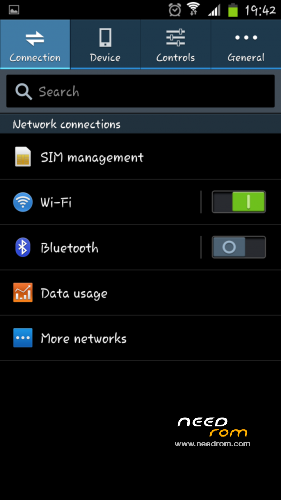
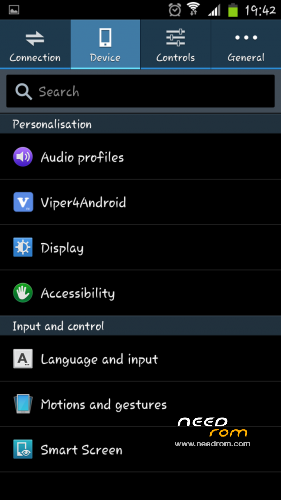


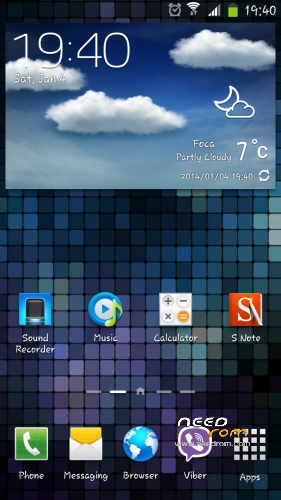
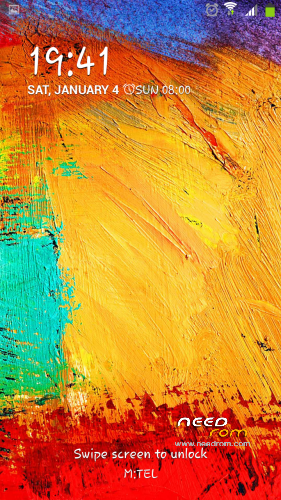
 Member Info
DESCRIPTION
IMAGES UPDATED FROM V3
Note3 port for THL W200
Changelog V1
Ported Star i9000 to THL W200
Air Gesture working only on home screen
Smart scroll working, but not well
Smart pause is working in portrait mode
Strenger WIFI reception
Rooted
Multilang
********************************************************
Changelog V2:
- magnetic sensor (compass) is fixed
- notification light fixed
- boot logo changed
- added additional sounds
- build.prop changes (Galaxy S4 I9500 footprint)
- if camera flash is stucked on the first use, just restart phone and this should not happen again
- some changes under the hood (small cleanup)
- hopefully black screen fix for some users
- etc.
*************************************************************
OK, new version is out and I'm pleased to share it with you. I tried to fix issues addressed here and I hope that you will be satisfied.
Changelog V3
• Note 3 UI with fixed framework
- dialer icons fixed
- font changed
- launcher 6×4 grid size (not changeable)
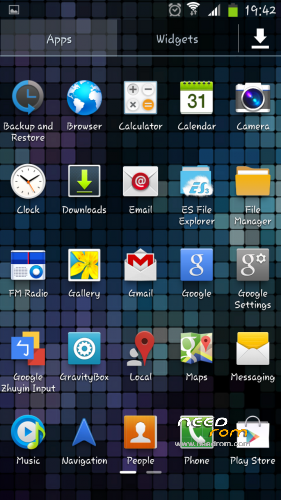
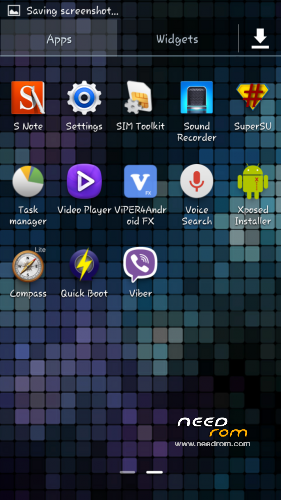
- app drawer 5×5 grid size (not changeable)
- Unlock screen is changed to flare effect
- sidebar removed (useless for me)
• Air Gesture (Homescreen, Gallery)
• Smart Scroll (only to right, like before)
• Smart Pause (portrait mode)
• Transparent AccuWeather Widget + normal one(taken from A116 Note port, thanks manunair )
• Dual Sim Dual Standby (3G + 3G experimental)
• Swipe to Call and Swipe to Message
• Fully Deodexed & Zipaligned
• additional build.prop Tweaks
• Init.d support
• Floating Video Player
• Rooted
• Black boot logo (thanks Zound)
• Useless files within system cleaned
• init.d support enabled
• many additional changes within framework
V3 should be flashed after Factory defaults, this means as a clean ROM. You can try only Cashe and Dalvik, but you can miss some fix this way.
IMPORTANT NOTE: Phone need to be repartitioned prior to install, to make that please follow tutorial from XDA
http://forum.xda-developers.com/showpost.php?p=46299025&postcount=874
Install using CWM or TWRP
Copy ZIP file to the SD Card
Restart into CWM or TWRP
Wipe Data / Factory Reset
in CWM Choose zip from sdcard -> Select THL_W200_Note3_port.zip
in TWRP Install -> Select THL_W200_Note3_port.zip
When install is complete, restart the phone and wait (patience is required – first boot takes a while)
※Please make a backup of your device before installing or updating ROM
I can´t install it on my thl w200 black 13815. The problem can be the recovery img?