
- Title: Nubia Z5S Mini 4.4.2
- Listed: January, 2014
- Last modified: 01/30/2014 2:28 am
- Version: ROM Android 4.4.2
You must be logged for ROM download.
22677 total views, 3 today
2 Total favorites
 Member Info
DESCRIPTION
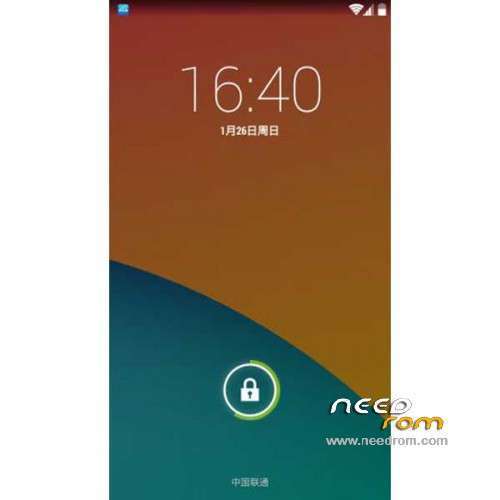
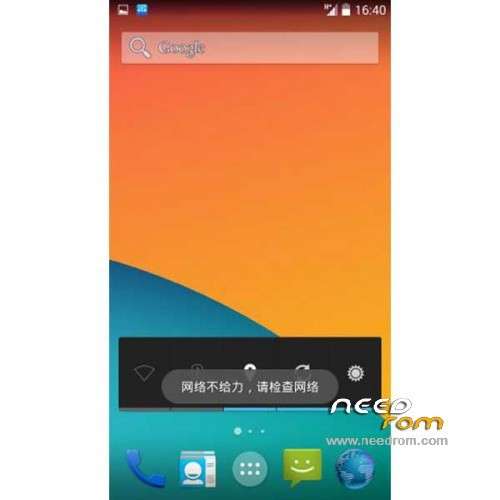
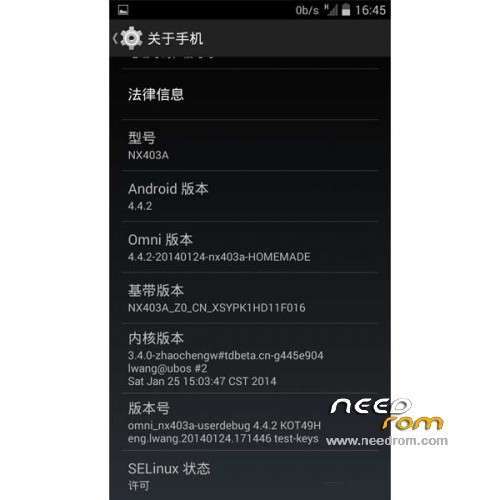
ROM Mobile ZTE Nubia Z5S Mini – ROM Android 4.4.2
ROM Features:
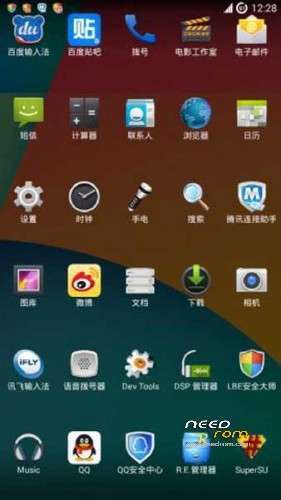
ROM based on OmniROM
Supports Advanced Power Menu
Support volume key wakeup
Support speed display
Screen video support
Support CPU regulation
DSP sound
Dynamic display adjustment
Removal of foreign input method, adding Iflytek input method support networking use our words at least one day.
Join UC browser, support our network use at least one week.
Join RE Manager
Bug: Card 3G mobile signal is displayed as 0 cells (intensity value is actually wrong, resulting display is not normal, does not affect so)
Gapps not include – Rooted
Language support: Multilang
Install ROM :
TWRP ( If you use "this recovery" Run "recovery.bat" (CN ) and just tap 1 and Enter your phone reboot in recovery )
Step 1: Download the custom ROM copied to an external SD card root directory
Step 2: the shutdown state. While holding down:
– Power button + volume button up + volume button down, to enter the recovery mode.
– Wipe -> Advanced Wipe -> Tick: Davik Cache, Cache, Data -> Swipe to Wipe
Step 3: Return to home recovery -> Install -> Select your ROM -> Swipe to Confirm Flash
Step 4: Brush complete, restart the phone Patience required
• TWRP on some models are not lit screen off automatically after BUG, BUG encountered local friends here, please press the power button for 10 seconds to force the machine to restart.
• Solution: After entering Recovery, followed by clicking "Settings", "Screen", the "Enable screen timeount." Before removing the hook.
※Please make a backup of your device before installing or updating ROM