
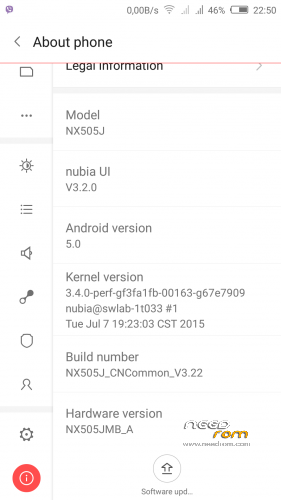
- Title: Nubia Z7 Max v3.22
- Listed: July, 2015
- Last modified: 07/10/2015 7:28 pm
- Version: Z7 Max v3.22
You must be logged for ROM download.
31229 total views, 3 today
12 Total favorites

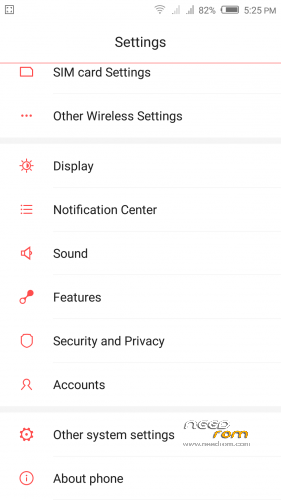
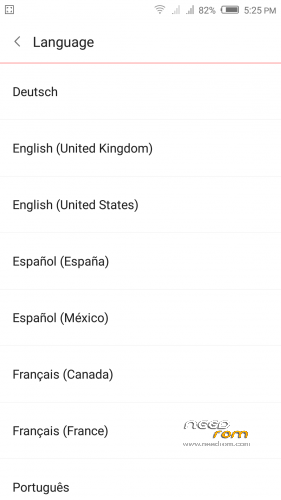
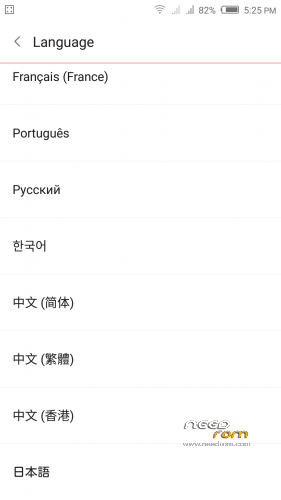
 Member Info
DESCRIPTION
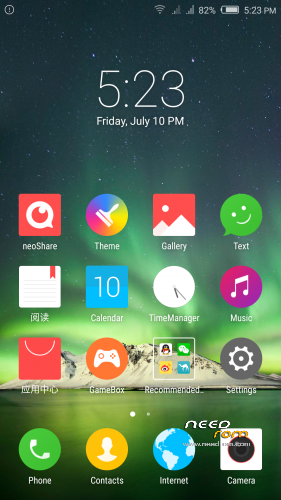
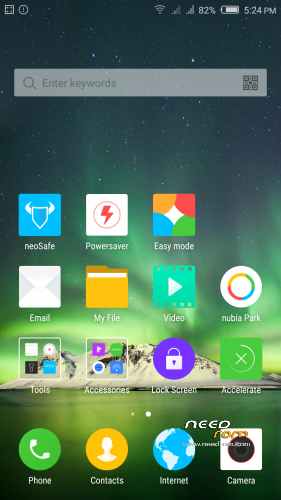
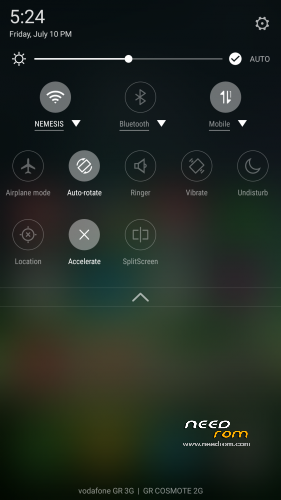
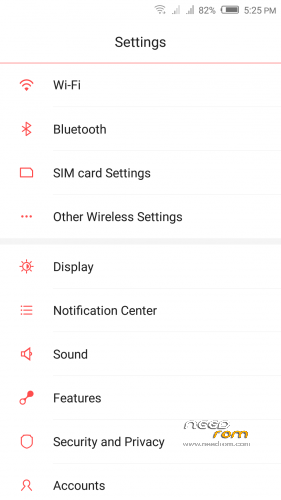
Official ROM v3.22 (Android v5).
Very fast – smooth and stable Rom.
Update log:
1. [increase] screen wallpaper function provided separately.
2. [increase] custom lock screen unlock application function.
3. [increase] the desktop font color intelligent adjustment function.
4. [increase] immersive status bar display.
5. [increase] strange Caller identification, tagging.
6. [increase] a key switch function.
7. [increase] camera family.
8. [increase] nubia cloud albums.
9. [increase] cloud backup file.
10. [Optimization ] camera interface.
11. [optimization] one-handed mode, can automatically adjust the position of the small screen and the screen size according to the action plan firmware optimization including but not limited to the items listed above.
Preparation:
1. Backup personal data in the computer.All user's data will be lost.(SMS,contacts,call history,music,videos,photos and so on.)
2. Make sure that the mobile has at least 50% battery.(Not flash when less than 40%.)
3. Disable or uninstall antivirus – firewall software on your computer before flash.
4. Be sure to use the official original data cable to connect your phone to the computer.
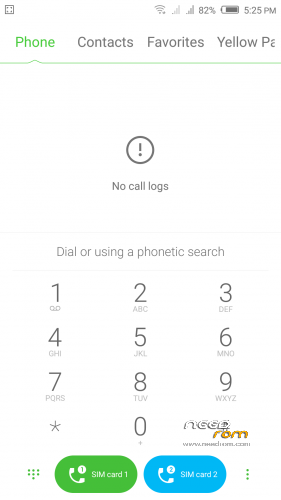
5. Open the phone factories ports.Go to the dial pad and enter * # 7678 # the "factory Port" and "ADB port"
will appear select both.
6. Remove both SIM cards and SD card.
Install:
1. This Nubia Tool Updater V2.1.0 works only from stock v3.09 to v3.22.
If you have any other rom version like v3.15,v3.16,v3.17,v3.18,v3.19,v3.20
need to use this custom nubia tool to make v3.22 update.
http://https://www.needrom.com/wp-content/uploads/2015/06/Nubia-Tool-Updater-V2.0.0.rar
(To run properly custom tool need to install before Nubia Tool Updater V2.1.0)
2. Install mobile USB drivers.(Find Drivers on my Tool https://www.needrom.com/download/z7-max-all-in-one-tool-v1-1-0/ )
3. Download and install Nubia Tool Updater V2.1.0 to your computer.
4. Download Rom NX505J_CNCommon_V3.22.rar file on your computer and extract.
(For extract this rar file use WinRAR Download: http://www.rarlab.com/download.htm )
5. Run the Nubia Tool Updater V2.1.0 as administrator and select the path from NX505J_CNCommon_V3.22.rar files.(see photo).

6.If you have done everything right you will see the following photo.

7.Click to the "Start" button. ( 开始 )

Notes:
After click to "Start" button do not touch mobile or computer until Nubia Tool finish.
Μore informations:
- – - – - – - – - – - – - – - – - – - – - – - – - – - – - – - – - – - – - – - – - – - – - – - – - – - – - – - – - – - – - – -
Install Drivers & Recovery:
1)Download (My Tool https://www.needrom.com/download/z7-max-all-in-one-tool-v1-1-0/ ) UnRAR and run it on your PC.
2)Press one to Install The USB Drivers
3)Turn On USB Debugging Mode To Your Phone.(How to: https://www.youtube.com/watch?v=ze7y8rPzH9w )
4)Connect your mobile (mobile to be active) to the computer and select number.
5)DONE.

WARNING:This Tool Works Only For Android v5 Lollipop
Root:
1)Download SuperSU-v2.49.zip and put it to your internal storage.
2)Enter to TWRP recovery and install SuperSU-v2.49.zip.
3)DONE.
Install Google Apps:
1)Download Gapps For Android v5.zip and put it to your internal storage.
2)Enter to TWRP recovery and install Gapps For Android v5.zip.
3)DONE.
- – - – - – - – - – - – - – - – - – - – - – - – - – - – - – - – - – - – - – - – - – - – - – - – - – - – - – - – - – - – - – -
How to Backup and Restore IMEI and MEID:
Try this Nubia Nubia emergency tool:https://www.needrom.com/download/nubian-emergency-tool-v1-0-6/

- – - – - – - – - – - – - – - – - – - – - – - – - – - – - – - – - – - – - – - – - – - – - – - – - – - – - – - – - – - – - – -
Please if you like my work Rate me with 5 Stars.
Thanks.
※Please make a backup of your device before installing or updating ROM
Can You explain how to find and fix imei with hex editor , step by step please.
fix it with qpst tools !!!!!
After flashing, I do not know why but it lose IMEI1, IMEI2 and MEID. They can heal using Qualcomm QPST tools. How to use these tools should googleing. Be careful with their use. You need nv.qcn file from your phone. If you used nubia NX505J Updater, this file can be found in one of the archives whit early data located in "nubia Backup" folder located at C:\. The method with other, modified nv.qcn file does not work for me although both IMEI and MEID were restored but no one SIMCard could be registered in the GSM Network. For that you need the file from your's phone because it has a IMEI1, IMEI2, MEID and S/N (serial number) of the phone.
Ive installed nubia tool updater 2.0.0 and all in one tool, can't install the rom. the modem error appears after 3-5 seconds. Im on v3.20. Please help.
please let me know how to update from NX505J_CNCommon_V3.08 to this rom v3.22
Thank you for this ROM. I follow the tuto. I come from 3.15 to 3.22 and my phone work fine.
my phone is 3.15 up to 3.22 always error can't do it
Custom Recovery Version:
http://pan.baidu.com/s/1ntL1F1.....R
password: ogpy
I did flush straight from 3.19
Is this the OTA update? Which recovery version did you use to flash? Any troubles?
I'm on TRWP with OTA, can find from this site too:
https://www.needrom.com/downlo.....ne-tool-v1-1-0/
Anyway ROM will be updated every Friday at Chinese forum. So you also can wait for the next.
Thanks for the info.
Oops sorry i was wrong, they didn't mention there is update every Friday.
There seems to be a problem when updating to 3.20 to 3.22. after upgrading and restoring the backup, the notes, sms etc won't restore, (unzipping failure). So I have to go back to v3.20. Does anyone have a solution to these? Thanks.
I'm in rom CM 12.1, how to flash this rom? Please help me!
Works perfectly and smoother than 3.20. @ Tigreos, do you know when 5.1/5.1.1 will be available?