
- Title: Nubia Z7 Max v3.22
- Listed: July, 2015
- Last modified: 07/10/2015 7:28 pm
- Version: Z7 Max v3.22
You must be logged for ROM download.
31229 total views, 3 today
12 Total favorites
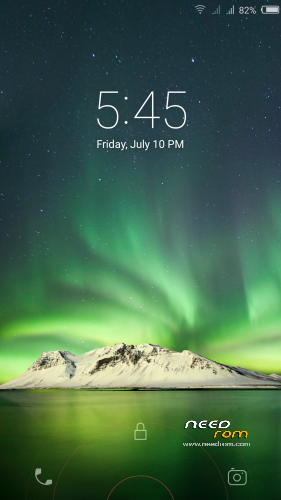
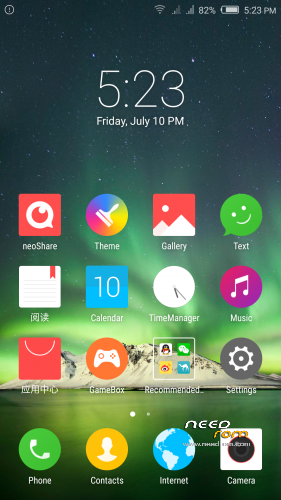
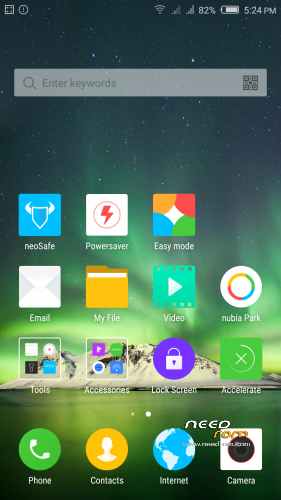
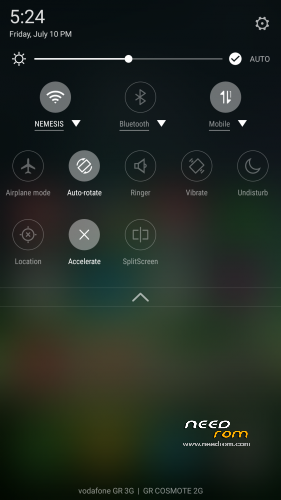
 Member Info
DESCRIPTION
Official ROM v3.22 (Android v5).
Very fast – smooth and stable Rom.
Update log:
1. [increase] screen wallpaper function provided separately.
2. [increase] custom lock screen unlock application function.
3. [increase] the desktop font color intelligent adjustment function.
4. [increase] immersive status bar display.
5. [increase] strange Caller identification, tagging.
6. [increase] a key switch function.
7. [increase] camera family.
8. [increase] nubia cloud albums.
9. [increase] cloud backup file.
10. [Optimization ] camera interface.
11. [optimization] one-handed mode, can automatically adjust the position of the small screen and the screen size according to the action plan firmware optimization including but not limited to the items listed above.
Preparation:
1. Backup personal data in the computer.All user's data will be lost.(SMS,contacts,call history,music,videos,photos and so on.)
2. Make sure that the mobile has at least 50% battery.(Not flash when less than 40%.)
3. Disable or uninstall antivirus – firewall software on your computer before flash.
4. Be sure to use the official original data cable to connect your phone to the computer.
5. Open the phone factories ports.Go to the dial pad and enter * # 7678 # the "factory Port" and "ADB port"
will appear select both.
6. Remove both SIM cards and SD card.
Install:
1. This Nubia Tool Updater V2.1.0 works only from stock v3.09 to v3.22.
If you have any other rom version like v3.15,v3.16,v3.17,v3.18,v3.19,v3.20
need to use this custom nubia tool to make v3.22 update.
http://https://www.needrom.com/wp-content/uploads/2015/06/Nubia-Tool-Updater-V2.0.0.rar
(To run properly custom tool need to install before Nubia Tool Updater V2.1.0)
2. Install mobile USB drivers.(Find Drivers on my Tool https://www.needrom.com/download/z7-max-all-in-one-tool-v1-1-0/ )
3. Download and install Nubia Tool Updater V2.1.0 to your computer.
4. Download Rom NX505J_CNCommon_V3.22.rar file on your computer and extract.
(For extract this rar file use WinRAR Download: http://www.rarlab.com/download.htm )
5. Run the Nubia Tool Updater V2.1.0 as administrator and select the path from NX505J_CNCommon_V3.22.rar files.(see photo).

6.If you have done everything right you will see the following photo.

7.Click to the "Start" button. ( 开始 )

Notes:
After click to "Start" button do not touch mobile or computer until Nubia Tool finish.
Μore informations:
- – - – - – - – - – - – - – - – - – - – - – - – - – - – - – - – - – - – - – - – - – - – - – - – - – - – - – - – - – - – - – -
Install Drivers & Recovery:
1)Download (My Tool https://www.needrom.com/download/z7-max-all-in-one-tool-v1-1-0/ ) UnRAR and run it on your PC.
2)Press one to Install The USB Drivers
3)Turn On USB Debugging Mode To Your Phone.(How to: https://www.youtube.com/watch?v=ze7y8rPzH9w )
4)Connect your mobile (mobile to be active) to the computer and select number.
5)DONE.

WARNING:This Tool Works Only For Android v5 Lollipop
Root:
1)Download SuperSU-v2.49.zip and put it to your internal storage.
2)Enter to TWRP recovery and install SuperSU-v2.49.zip.
3)DONE.
Install Google Apps:
1)Download Gapps For Android v5.zip and put it to your internal storage.
2)Enter to TWRP recovery and install Gapps For Android v5.zip.
3)DONE.
- – - – - – - – - – - – - – - – - – - – - – - – - – - – - – - – - – - – - – - – - – - – - – - – - – - – - – - – - – - – - – -
How to Backup and Restore IMEI and MEID:
Try this Nubia Nubia emergency tool:https://www.needrom.com/download/nubian-emergency-tool-v1-0-6/

- – - – - – - – - – - – - – - – - – - – - – - – - – - – - – - – - – - – - – - – - – - – - – - – - – - – - – - – - – - – - – -
Please if you like my work Rate me with 5 Stars.
Thanks.
※Please make a backup of your device before installing or updating ROM
If you got the "Modem" problem after 3 seconds using Nubia Updater 2.1.0 like I had, try this :
- Copy file:
C:Program Files (x86)nubia NX505J UpdaterConfigDownloadEMMCDownload.ini(Doing a backup)- Remove lines 68 and 69 in that file, which looks like :
- Save the file and try again.
Cheers and thanks @alizandi !
Well, forget it. It stucks at 15/100. I hate it.
I'm going to re-download it, hoping for it to work… I would love so much an easy TWRP updated system backup to push as restore !
Finally ! It worked !
The trouble was coming from the cable. The phone seems to shut down around 15/100, but it's not. We should let it do its own stuff until the end.
If like me, things crashes around that part, use another USB cable.
Cheers
Lost the IMEI.
Solved by writing the nv.qcn file from the nubia backup folder under C: to the phone using qpst tools.
Now having strange issues with the bluetooth pairing – it doesn't bring up the PIN popup and I'm unable to pair things.
Plus the WiFi connection in not stable.
I'm on 3.22 and TWRP 2.8.6.0
Seems even tho I did the installation process for 3.22, I was still on 3.09.
Tried to update again from 3.09 ->3.22. but when my phone boots after the update I get a crash message for settings while going through the enitial setup and can't pass it. I'm back on 3.09.
Anyone had this issue?
Finally managed to install 3.22 over 3.09.
still have the issue with the Bluetooth. I can't pair to the phone as the pairing pop-up window comes up for half a second and disappear or doesn't come up at all.
Tigreos (or anyone) can you upload this nvm file http://bbs.nubia.cn/forum.php?.....8MHwzNDYzMzU%3D from this post http://bbs.nubia.cn/thread-346.....335-1-1.html ?
I have done everything else i just can't download this file to finally restore my IMEI. I created a nubia account but still i can't download it.
I messed up the links. here are the correct ones.
Tigreos (or anyone) can you upload this nvm file http://bbs.nubia.cn/forum.php?.....8MHwzNDYzMzU%3D from this post http://bbs.nubia.cn/thread-346.....335-1-1.html ?
I have done everything else i just can't download this file to finally restore my IMEI. I created a nubia account but still i can't download it.
The best way to restore imei is with qpst tools !!!!!. esy to download and easy to restore, I done it twice already.
Android 5.1.1 will be out on 28 Aug (Chinese forum)
Very important, any 5.0 version suffers from the well-known Android memory leak (Nova launcher crashes at least once a day on my phone).
hi,
Any way to get 5 row icons same as old versions?
BR
Hi,
I can't resize the widget such as gmail or google keep widget as in 3.09
Anyone have any idea?
Thank you.
Hello
My dear friend
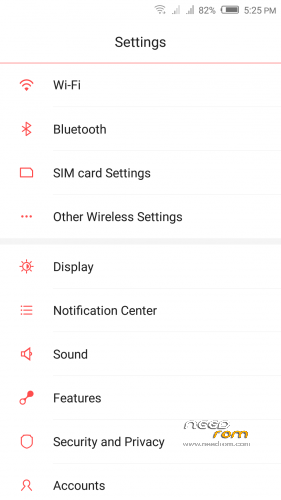
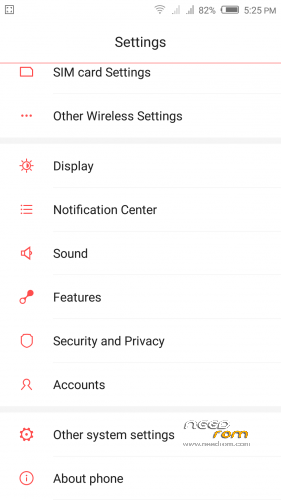
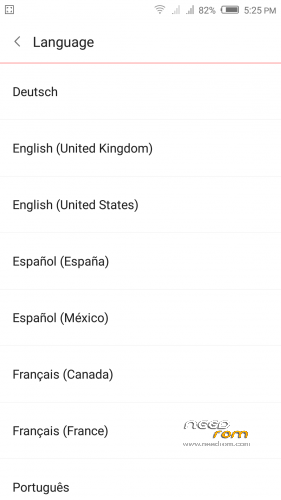
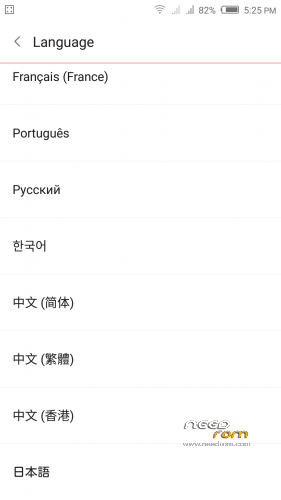
How do I add the Arabic language of the device
thank you
Update 3.53 [5.1 May be]
http://pan.baidu.com/share/lin.....8;uk=1697762306
I installed a ROM in nubia z7 max. I'm new to the subject, I did not back up and lost my IMEI (null), how can I recover it?
i tried to install V309 first ( i was on 4.4.2) with nubia tools, now the phone dont open at all or charge!!! it uses the half o the screen but i cant see what it is writing… i tried all tigeros tools to recover but nothing! Any suggestions??? Its a brand new phone thanks a lot