
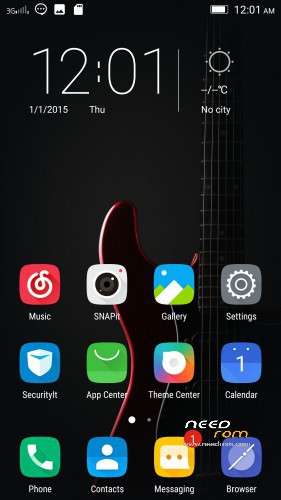
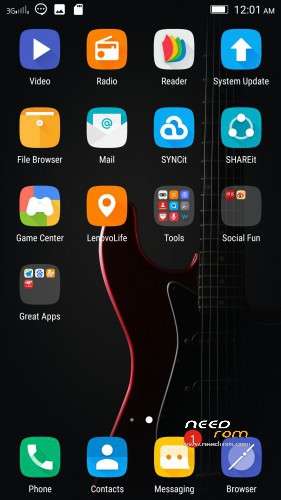
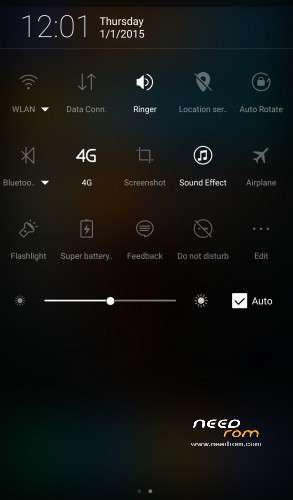
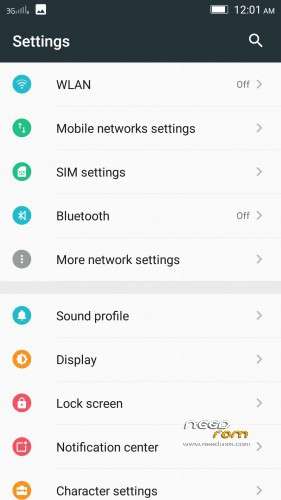
- Title: Official 1613 3.1 VIBEUI
- Listed: March, 2016
- Last modified: 03/26/2016 2:15 pm
- Version: 6.0 Official
You must be logged for ROM download.
18577 total views, N/A today
9 Total favorites

 Member Info
DESCRIPTION
VIBEUI_V3.1_1613_5.252.1_ST_K50-T5
Install instructions
- Install custom recovery TWRP ( All Version Working )
- Boot into recovery mode.
- Now select wipe ( factory rest ).
- Advance wipe ( button blue ) & select partitions , dalvik cache, system , cache , user data ( just first user data )
- Select install & select downloaded zip file.
- select install Patched Boot 1608+
- Install success.
- Root ur phone from TWRP
- Flash directly Gapps with TWRP
- Open ur app manager from setting and go to " service google play store and play store " click on permission management and allow all apps
※Please make a backup of your device before installing or updating ROM
Thanks
hey. i got a problem with links rom, 1st and 2nd links is same. 3th and 4th too. fix links please.
ur welcome bro
Finaly. glass notification bar is back and colorful setting. OMG I will UPDATE that ROM. look like 1550 all things but android is 6.0. one more time thank you
Data switching after reboot finally fixed?
Sorry, this version not have this issue
this version 3.1 not 3.5
I dont think its a bug..data switching after reboot..is it?
When will have Android 6.0.1?
soon bro …
https://drive.google.com/file/.....nVXQzM5X1E/view. Patcher boot here.
install this patched bbot after install rom
after installing gapps i got "google service unfortunately stopped working"
Hey!! @ahmedtaj. Should i wipe data compulsorily?? because i have formatted my sd card as internal(flex storage)… So can I dirty flash over vibe ui 1611? Please reply soon..
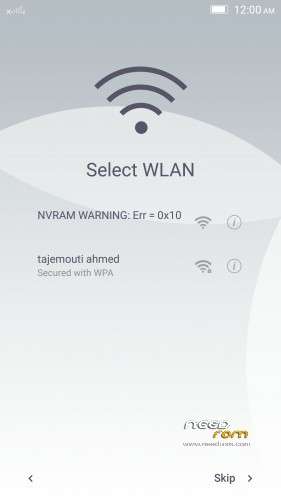
No one yet solved tht nvram error!!
i have already tried it and it works…you need to copy the file name WIFI from the data – nvram – APCFG – APRDEB -WIFI…and then paste it into the internal or sd card…after that…when you flashed the MM rom…go to the same path…name the wifi there as WIFI_BACKUP…and after that copy the file from the rom lollipop named WIFI that you backup earlier and paste it into that path…change the permission and reboot…and then finished…
NVRAM error is not ROM problem, it is in your phone problem, your wifi data is loss..
also your IMEI, and your serial number also loss..reason? wrong step during format the phone (flash)
So, how many ROM you update..these problem will keep happening..please google the step to overcome NVRAM error and IMEI problem.
Please take note : those step need to be done every time you format…yes..EVERY TIME..
sorry for you losses bro
is wifi working properly? All the Android M rom here suffer from Wifi problems
Same
Não entendo muito de android, qual é a finalidade do Patcher boot?
I do not understand a lot of android, what is the purpose of the Patcher boot?