
- Title: Oukitel K6000 Pro
- Listed: October, 2016
- Last modified: 10/16/2016 2:02 pm
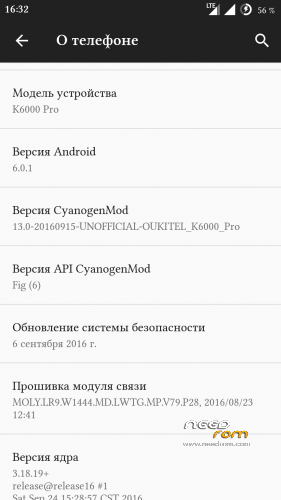
- Version: CM13
You must be logged for ROM download.
23453 total views, 5 today
7 Total favorites
CUSTOM
 Member Info
DESCRIPTION
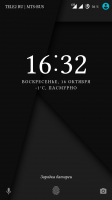
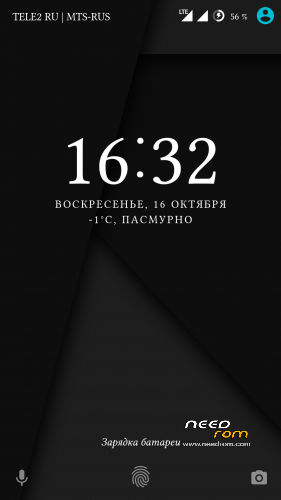
Stable см13 Android 6.0.1
Everything works
Gapps
Multilingual
Use for installation is attached twrp
To put only through updated TWRP that in the same post under the firmware and the scatter there prilogaetsya
First sew through Flashtool recovery
update_cm13:
fixed distribution over wifi and Bluetooth (in profile Bluetooth yet so can't enter I'll look further)
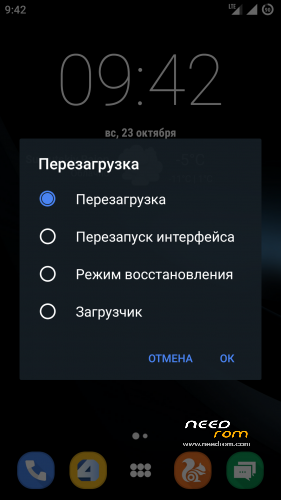
firmware update ,rather after this , you may lose the shortcuts to some programs ,do not panic ,just reboot the interface is in the advanced reboot menu
※Please make a backup of your device before installing or updating ROM
Great news, can someone point me to the developing thread, I couldn´t find the source.
hello you must flash the the added recovery first with sptool
afther that you can flash the rom with the new trwp recovery
it works like a charm
i found one small bug: 2tab to wake screen don,t work
but the rom works fine thanks for the hard work
cauko pozeram ze si cech ako sa ti pozdava CM13 a co baterka?
thank.
follow your step and succes
yep thats what i did
my oukitel has this version OUKITEL_K6000_Pro_FZ_V8.0_20160918 and when i check with ota it says that is up to date so i cannot update to v9 . i dont have twrp and root.Can you tell me what's the process to install this rom?
читайте тут http://4pda.ru/forum/index.php.....0#entry53897837
там есть ссылки на то что нужно при установке
Pro robil :
Baterka pořádně ještě nevím, ale chybí tam HotKnot. Rom je použita z Lenovo číslo už nevím. Při restartu mě vždy vyhazovala chybová hláška CM audio device a je tam dalších malých děr co mě vadí, odzkoušet ji odzkoušel, ale vrátil jsem se k původní výrobní Rom v12 a klasickému roots. Hezký den.
ok dik tak nehrnam sa do toho ani ja
Powersheduler on/off menu missing!
https://giveawaytricks.in/root.....itel-k6000-pro/
the first thing you need to do is install the recovery such as putting on this site, then recovery mode and then install 13.0 cm'll have everything ready and make a backup in case you have any problems
link: recovery twrp v7, v8, v9, sp_flashtool, drivers and cm 13.0
https://mega.nz/#!WMhC2J4D
Hey yokesesss, tour mega link asks forma a password…
Sorry, autocorrection.. Your mega link asks for a password…