
- Title: Oukitel U8 V17.0
- Listed: December, 2015
- Last modified: 01/12/2016 3:20 pm
- Version: V17.0 20151227
You must be logged for ROM download.
17267 total views, 4 today
6 Total favorites
OFFICIAL



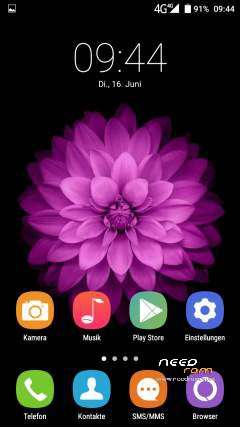
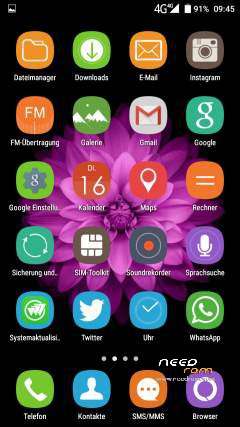
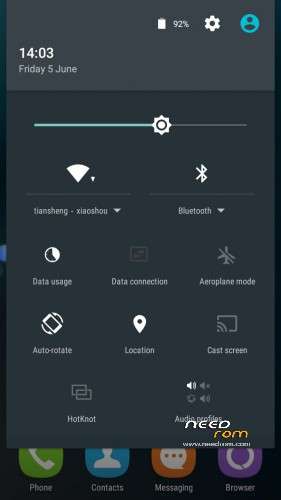
 Member Info
DESCRIPTION
Official ROM V17.0_20151227 Last Update Android v5.1
(Rom name: OUKITEL_UniverseTap_FZ_V17.0_20151227)

Install:
1) Download USB Auto Driver Installer v1.1352.00.rar. Install USB Drivers.
2) Shut down oukitel U8,remove SIM-card(s) and microSD memory card.
3) Download SP Flash Tool v5.1520.00.rar and run it.
SP Flash Tool video tutorial:

Please check your software version before proceed to update.
If your software version includes this letters ( kr ) Please don't flash this Rom.
※Please make a backup of your device before installing or updating ROM
u rock.at least it works, dont if rom is full ads again.THANKS
What will happen if I flash this rom to my software version KR?
white screen after firmware upgrade , what should I do now
I tried fromat all and downlaod , but still white screen
my phone was working normal
oukitel u8