
- Title: Phicomm C230w
- Listed: January, 2015
- Last modified: 01/30/2015 4:00 am
- Version: Android 4.3
You must be logged for ROM download.
21970 total views, 4 today
3 Total favorites
 Member Info
DESCRIPTION
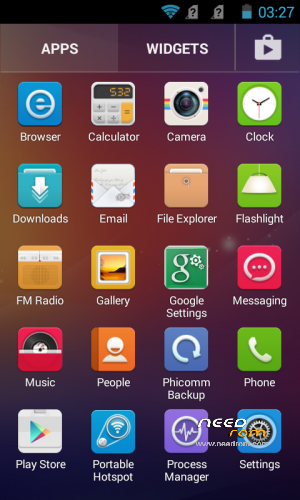
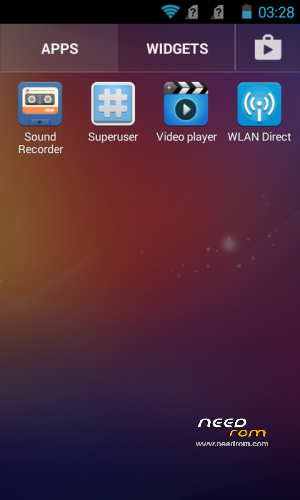
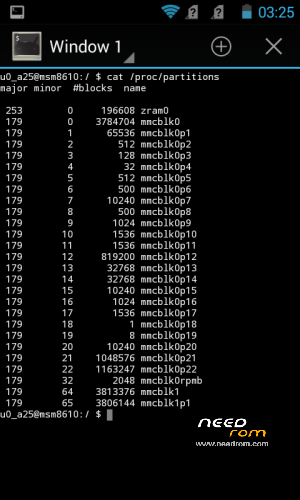
Phicomm C230w Clean Official ROM with ZRAM Swap
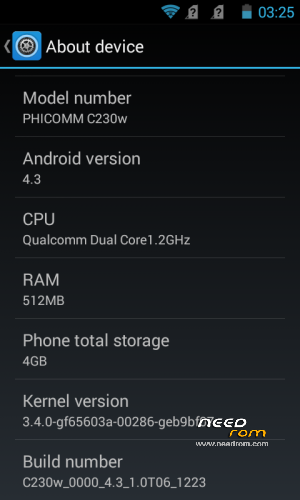
Phicomm ROM version: C230w_0001_4.3_1.4T27_0317_SH
Removed Chinese apps and services from system and boot
Removed all Chinese Vendors
No bloats
No Gapps (only Play Store, TTS and Keyboard included)
Rooted
Multilanguage (Full Greek Language)
Installation:
1. Copy zip file to your SD Card.
2. Boot the phone in recovery mode. (Power off the phone. Press Vol- and Power buttons until you see the recovery menu.)
3. Select 'apply update from external sdcard1'.
4. Choose the zip file you copied to your SD Card.
When the update finish, the phone will auto reboot. First load will take some time, so just wait.
※Please make a backup of your device before installing or updating ROM
best firmware
Hey….. Thanks a million. The origional was so bloated it was unusable. This fixed it easily.
White Screen right after logo, after flashnig this rom….
Hi all! Can someone please help me. Yes, I know it is a 4 years old topic…I found my phone in the garage after a few years and suprisingly it start to charge. So I want to give him a new life and I tried to flash Rowess Rom, but it stucked after a while and didn´t finished the procedure. Now I have a bricked phone, nothing is working but charging the battery. I installed all possible drivers for it but it is not visible on the PC in device manager Ports section so I can not use eMMC tool. How can I bring it back alive?? Thanks in advance if somebody will actually see my call. Cheers.