
- Title: PHILIPS W626
- Listed: November, 2012
- Last modified: 11/11/2012 1:01 am
- Version: ROM Android 2.3.5 05/11/12
You must be logged for ROM download.
18608 total views, N/A today
 Member Info
DESCRIPTION
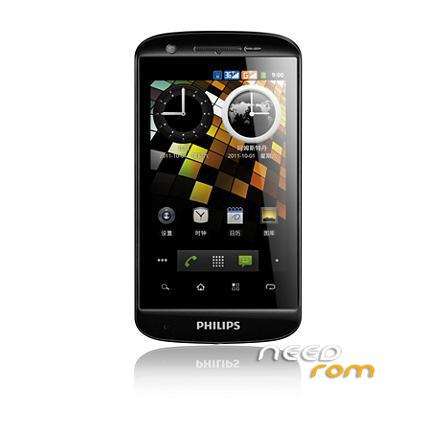
ROM PHILIPS W626 – ROM Android 2.3.5 07/31/12
a) T Flash card inserted into the machine to be downloaded software, a fully charged battery (battery is not enough to see the upgrade screen into the charger and load the machine, and be careful not to damage the cabinet).
b) hand while pressing the volume side buttons (volume and volume -), and then press the power button, the phone interface will display upgrade interface, start the upgrade. Note: If the interface displays the boot animation, without success to enter the upgrade mode, may be a side buttons (volume and volume -) is not pressed.
c) test results determine
The green line is displayed on the screen the words “ARM11 images are OK”, and the words do not disappear within 2s OK for upgrade eligibility; other case the upgrade fails.
d) machine upgrade is complete, unplug the charger, remove the battery, and reinstall the battery, power and confirm that the phone is able to boot normally once.
Fourth, note
Do not move the machine software upgrade system equipment machine upgrade in machine software upgrade in order to avoid failure.
※Please make a backup of your device before installing or updating ROM
stuck on android loading
stuck on android loading too
tested with 2 scatter ?