
- Title: PiPO W6
- Listed: November, 2014
- Last modified: 08/24/2015 2:30 am
- Version: ROM Windows 8.1
You must be logged for ROM download.
17456 total views, 1 today
3 Total favorites
 Member Info
DESCRIPTION
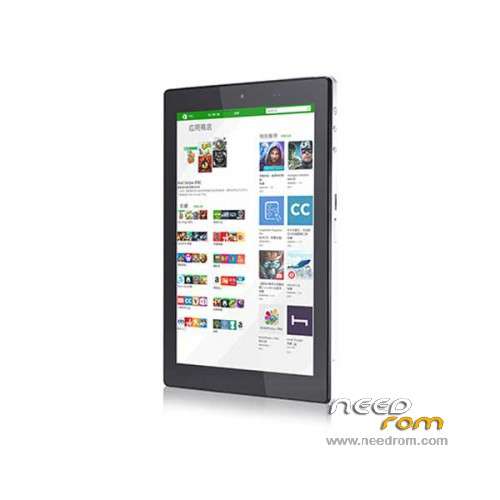
ROM Tablet PiPO W6 - ROM Windows 8.1
ROM 2 – Official PiPO W6 version: W6-10292014 ( ONLY Touchscreen GSL3680 )
—————————————————————————————————
ROM 1 – Official PiPO W6 version: W6-10252014
Language support: MultiLang
Install ROM :
1 U disk formatted for NTFS (8GB or above capacity)
2 will be copied directly Pipo-W6.rar, unrar the files and folders to the U disk "root directory"
3 install.wim and winre.wim copied to the U disk Images folder
4.OTG plug-in keyboard, press the Del key during boot to enter the Bios, select Advanced– enter Lpss & SCC Configuration, select eMMC Secure Erase is set to Enable Save and exit Bios settings, and then connected to the U disk on it
Note: U disk choose not to support: TF card (SD card), card reader, or other display for digital storage type
※Please make a backup of your device before installing or updating ROM
Hello. I need help. Android tablet had tried this morning and reinstall Windows 8.1 and after tinkering in the BIOS, as has briqued me the tablet. Now I turn on the black screen but does nothing else. Follow the same system to enter the bios but nothing, not open the screen is turned on but black.
No reset button, so you can not do. any help?
No if this product is the solution, in the message # 196. No achievement to understand the solution.
http://4pda.ru/forum/index.php.....695&st=180
Help PLS