
- Title: Razr HD XT926 SlimRoms 4.3
- Listed: September, 2013
- Last modified: 12/11/2013 4:18 am
- Version: ROM Android 4.3 SlimRoms
You must be logged for ROM download.
16483 total views, 1 today
2 Total favorites


 Member Info
DESCRIPTION
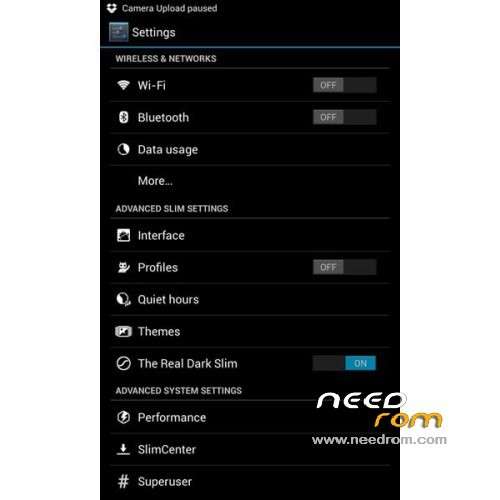
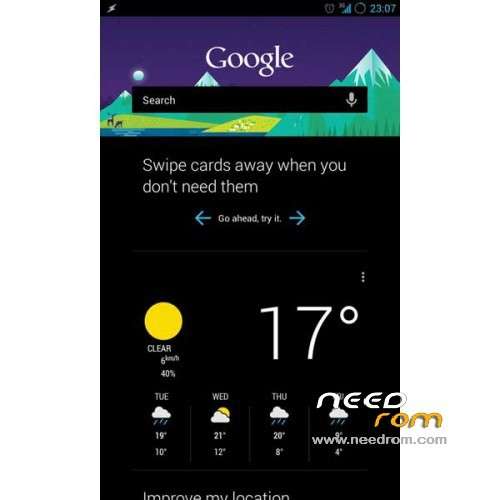
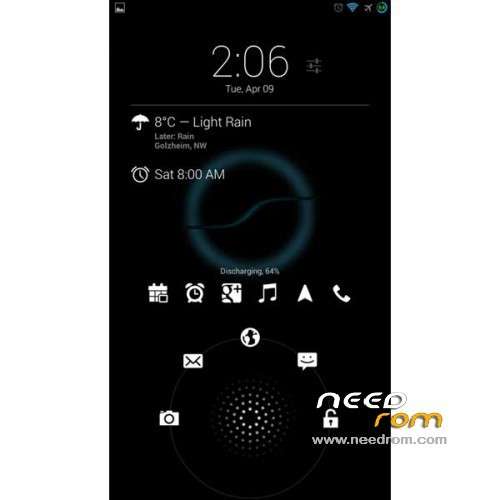
ROM Mobilr Razr HD XT926 – ROM Android 4.3 SlimRoms Build 1 Version stable
Update : Version Final Build 2.2 SLIM – 12/04/2013
Changelog:
- SuperUser security fixes
- Several BT fixes
- Selinux security ehancements
- LID controll fix
- some translation upstrem
- nearly all device got device and kernel updates
————————————————————————————————————————————————-
Update SlimRoms Build 2
- Switch back to how AOSP handles Dalvik
- Switch to new display-caf (caf devices only)
- Add Geeb to supported devices
- Add vibrantemtd to official release
- A lot small fixes
—————————————————————————————————————————————————————–
Features ROM:
-Improve scrolling cache
-Add List Animations
-Fix camcorder crash after pause and resume
-Fix camcorder freeze when attempting to take snapshot on unsupported devices
-Massive upstream for recovery (specific devices only)
-Fix BT (or it should be functioning for all now)
-Pie and Navbar optimization & cleanup
-Removed redundant menu entry on navbar and pie and merged it with AOSP behaviour
-Pie add dynamic menu button
-Fix Slim Bugreport
-Fix up cpp flags
-Fix security issues with some apps like amazon, fsync
-gapps: update g+ and google music
-gapps: optimizing libs
-gapps: new aroma package
Install ROM :
1.Connect your phone to PC using USB cable.
2.Copy downloaded files to the SD card of your phone. Important: Don’t extract any files.
3.Disconnect USB and then turn off your phone.
4.Boot into recovery mode. To do so, press and hold 3D Key, Volume Down and Power button together to boot Recovery [use volume buttons to scroll and Power button to select]. Alternatively try this: Recovery Mode without Key Combination.
5.Perform a Nandroid backup of your existing ROM that you can restore later if this new ROM not work or you want to go back. To perform a backup, select Backup and Restore, then on the next screen, select Backup again. Go back to main recovery menu after backup is complete.
6.Then perform data wiping task. To do so, select wipe data/factory reset, then select Yes on next screen to confirm your action. Wait few minutes till the data wipe is completed.
7.Select install zip from sdcard, then select choose zip from sdcard. Now, locate the 5519-slim-xt926-4-3-build-1-official-907.zip file that you copied earlier in Step 2 and select it by pressing Power button. Confirm installation by selecting Yes – Install _____.zip on the next screen. The ROM installation will begin.
8. Once the ROM installation process end, repeat the step 7 but choose gapps-jb-20130813-signed.zip instead of ROM zip to install the Google apps package.
9.When installation is completed, go back to the main recovery menu and select reboot system now to reboot the phone and boot up into customized Android 4.3 slimroms The first boot will take time, so be patient!
Loading...
when i install installation aborted please help how to install.
sorry, when I try to install, the process aborted and the advertence marks "missing scatter file".