
- Title: Resurrection Remix 5.7.4 r74 For dg310
- Listed: May, 2016
- Last modified: 11/24/2016 8:25 pm
- Version: 6.0.1-RR 5.7.4 r74
You must be logged for ROM download.
28214 total views, 4 today
12 Total favorites
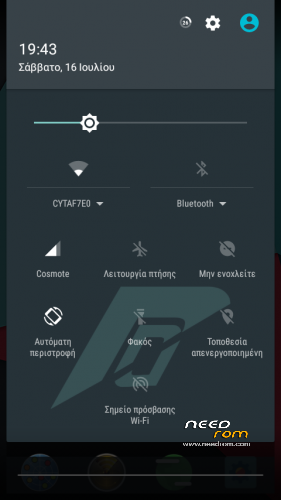
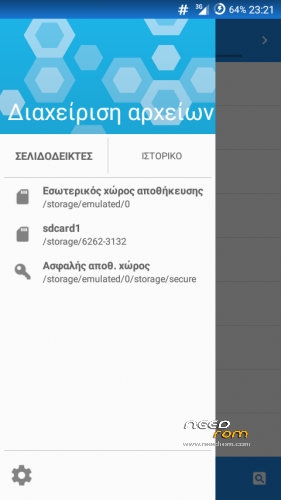
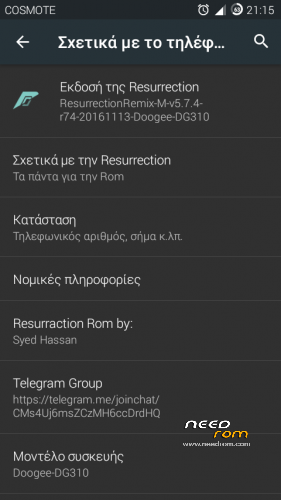
 Member Info
DESCRIPTION
Credis:
Resurrection Remix Team
hassanjavaid8181, GMCadiom, Hamada jimmy , Aman Kumar, Ahmed Hady
Ali Mahmoud, Ferhung ,Fire855, Xen0n
http://forum.xda-developers.com/honor-3c/development/ressurractionremix-5-7-4-honor3c-syed-t3470561
UPDATE:
NEW update Resurrection Remix v5.7.4 r74 Finalized
what new?
build date 13-11-2016
November security patch
Gapps includded/no need to flash gapps
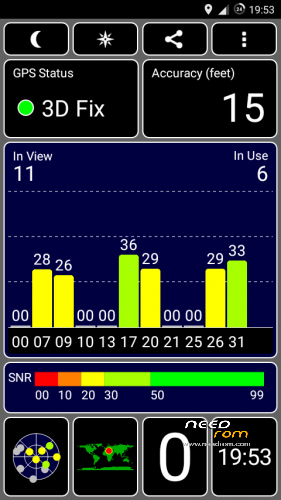
better gps lock (you don’t neet flash fix gps zip file)
Changelog: http://forum.xda-developers.com/honor-3c/development/ressurractionremix-5-7-4-honor3c-syed-t3470561
add
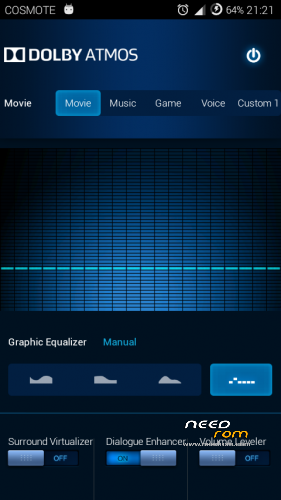
dolby ATMOS
Titanium backup
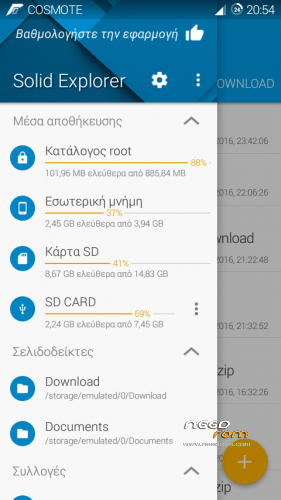
SolidExplorer
Edge screenHK
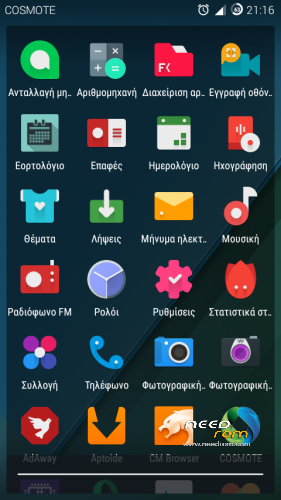
New icon pack
Update without wipe
if you want doogee logo unzip the file and flash with flashtool
if you want doogee bootanimation install with recovery the zip file
philz touch recovery with flash tool
Install :
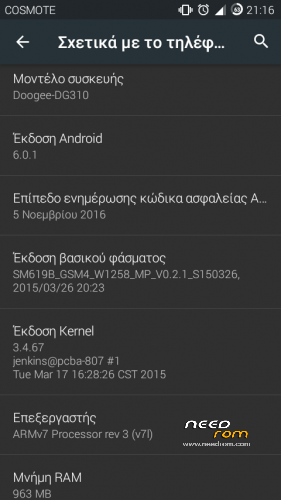
Install only if your device run kitkat rom or other custom 5.1.1/6.0.1 rom with 3.4.67 kernel
Make backup your rom before install.
Install rom and gapps with philz touch recovery
Boot into recovery mode.
Make factory reset.
Next install rom and gapps(from SD 1)
Reboot(takes a few minutes)
GPS FIX for r72-r66:
for better lock GPS signal
reboot to recovery and install the ”fix gps lock” zip file and next clean cache and dalvic/art cache
reboot and wait for the phone to finish optimasing apps
Bugs:
after first boot maybe the device won’t recognize sim cards, reeboot and it is ok
VPN
can not playing some videos by the browser
※Please make a backup of your device before installing or updating ROM
I had it before and I think it automatically kept it, right? or Will it give me more than the 8GB I already have?
What have you? 4-2gb or 6gb?
8gb
How do you make this, 8gb? All phone storage is 8gb, the first partition? 8gb?
See here:
I'm trying to use Apps2SD to partition my SDcard, to use part as internal and part as external. Let's see…
But how do you deal with the low storage space?
good afternoon. Good work Giannnis 12. I brought your rom to my smarthphone cubot, everything is working well. Now you could tell me how to take the logo of the honor 3 smartphone that comes in the original rom. I deleted the zip folder, but it still appears at the boot of rom. I have to do more, because I would not like to have a cubot smartphone with the honor boot 3.Thank youchange the bootanimation in system/media with your original boot
when you zip the rom delete the logo.din
if you want the cubot logo you can flash it with flash tool, select scatter from official rom and check only the logo and press download
tks
On system I want to keep the RR boot. What I want to take out is the logo made by the developer of the ROM Sayed, with the logo honor. And I deleted the folder dyn.tks
If I am right, with flash tool flash only the logo from official rom
Anyone use Kernel Adiutor? What are some suggested settings for DG310?
Giannnis 12,it works, i have de cubot logo.tks for the help.
I can't install this ROM. I have the carliv's recovery, but after install zip and restart, the phione never start. A black screen i sthe only I get. Can you please provide a complete image of your RR 5.7.4 r74 as a zip backup or an image file to install with flashtool?
Try with philz touch recovery
You need to use Philz Recovery.
Maybe giannnis12 can include the link to Philz Recovery with the scatterfile in the RR description, please?
philz touch recovery added