
- Title: ROM 110-iv2012
- Listed: October, 2014
- Last modified: 10/21/2014 3:04 pm
- Version: And 4.4.2. (iv2012 or Dimid)
You must be logged for ROM download.
32732 total views, 1 today
1 Total favorites
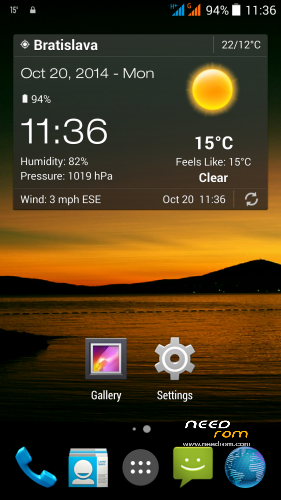
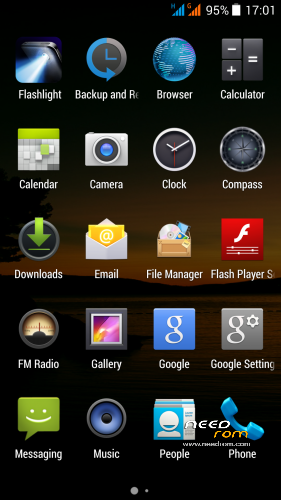
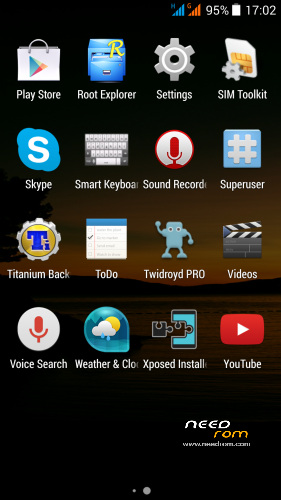
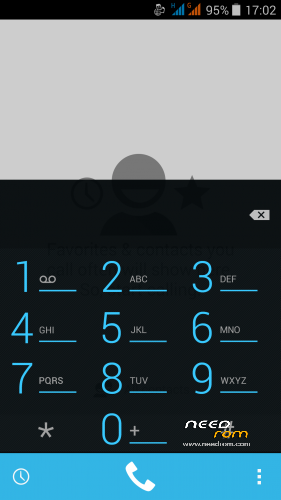
 Member Info
DESCRIPTION
THL 5000 Custom Rom v1.1.0 (iv2012)
I found this interesting ROM on the russian forum, the original author nickname is iv2012 or Dimid (see below to his pages on russian forum). This is a very sensitive adjustment of the original THL ROM 1.1.0. ROM is ROOTed, GAPPS are included, has multilanguage support (default installation in english), everything works fine. I only slightly modified it, set default language to English, removed the annoying startup sounds and added a few good apps.
Changes by iv2012:
* Support for init.d
* Valid root shell
* Integrated root
* Firmware odex with removal of applications and jar
* Standard icons Android AOSP
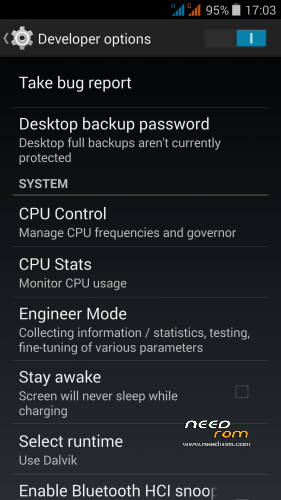
* Engineering mode in Settings/ Developer options
* Advanced Developer menu
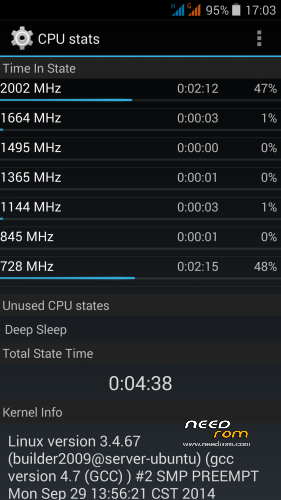
* CPU Stats in Developer menu
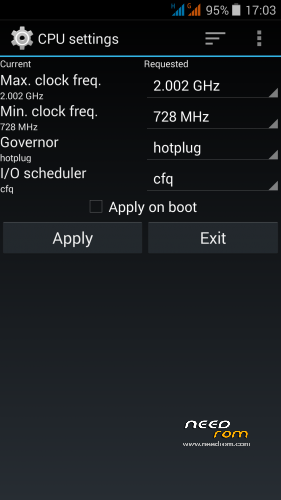
* CPU settings in Developer menu
* Decreased the lower limit of the Auto Brightness
* Fixed Auto-Brightness in line with the indications LightSensor
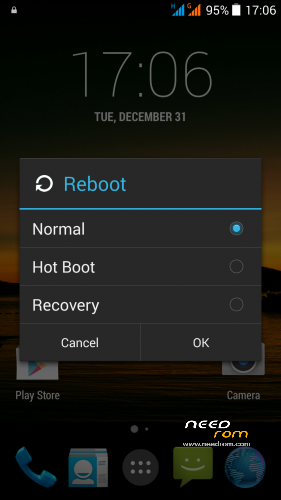
* Advanced Power Menu, multilanguage
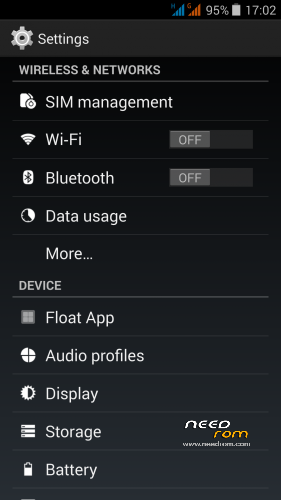
* Translated settings menu, dialer, anti-thief, gestures
* Removed the large icons G in the notificstion bar
* Graphical dialer buttons
* Terminate button moved down
* Updated all Google Apps
* The default setting is enabled from unknown sources
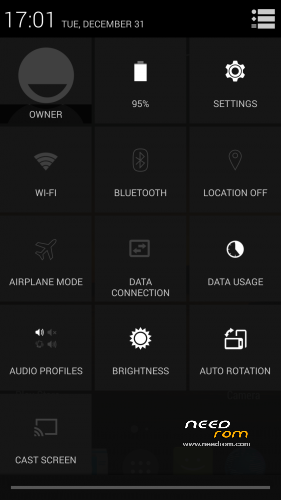
* Default on display % battery
* Added security and startup manager
* Chinese program font is replaced.
* Modified Trebuchet Launcher
* Disabled by default search string
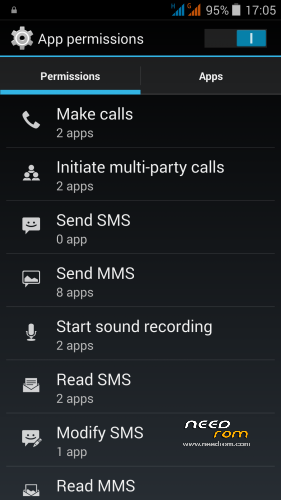
* The maximum size of MMS increased to 1 MB
* Removed restriction on the number SMS
* Disabled forced conversion of SMS to an MMS
Small changes by me:
* Default installation in english
* Removed boot sound
* Added some usefull applications (Smart keyboard, Weather, Titanium Backup and more..)
* Added Xpossed framework (can install Gravity Box KK)
How to install:
- if you haven't it, install TWRP, instructions here, sorry in slovak language only (use Google translator)
http://androidforum.cz/twrp-2-7-1-0-root-pre-thl-5000-t57731.html?sid=39be9169e9e9d11ab75c6d721aea5fd2
(will prepare install instructions in English soon…)
- Copy to SD card: ZIP ROM and ZIP Power profile Fix
- Jump to the TWRP recovery
- Click the Wipe, drag the "Swipe to Facory Reset", then click the "Back" button below the Back (right below the screen), you will find yourself in the main menu TWRP
- Click on Install, find the ROM's installation file, select it and drag the "Swipe to Install"
- Click the Back button (right below the screen), return to the main menu TWRP
- Click on Install and just install "Power profile.zip"
- Click the "Restart System"
- Done
- If you want open Xpossed installer icon, install and activate "Gravity Box KK" or other modules. Gravity Box will allow you setup many wonderful phone custom settings.
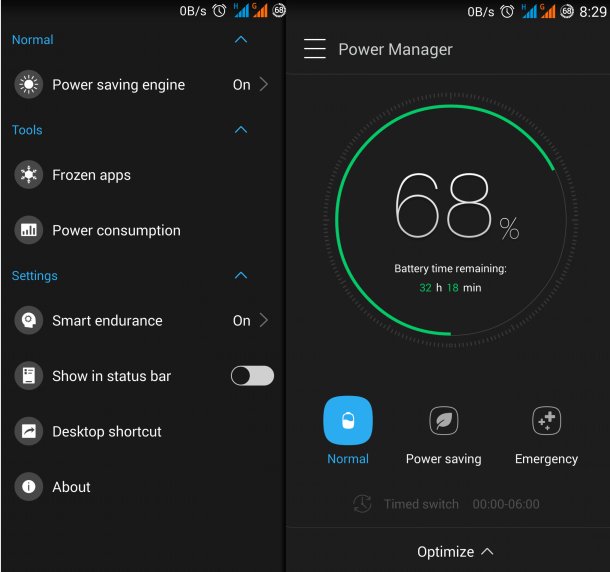
To extend battery life, try to install the Lenovo Power 2.6.210.apk - http://uloz.to/xRWacZnZ/lenovopower-2-6-210-140729-dcd0a5d-apk
For me this application appreciably prolong battery life. Of course it also depends on how you work with your phone. Run application, go to setup page (slide from left to right on main screen) and switch Power saving engine to ON and Smart endurance to ON. Do not enable "Power saving" or "Optimize" button on main screen (it will disable background application and synchronization).
ROM patchs (install it from TWRP):
Boot_Uboot_111.zip - corrects gamma 1.2, on the new displays. After applying get gamma 2.0.
Power profile patch sets the correct battery capacity and power consumption of individual components. The LED will blink red, reporting on the discharge by 5%. I recommend install this patch.
Author's (iv2012/Dimid) pages (in russian language):
ROM v1.0.9_01а http://4pda.ru/forum/index.php?s=&showtopic=592576&view=findpost&p=34752512
ROM v1.1.0. http://4pda.ru/forum/index.php?showtopic=592576&st=1420#entry34913109
Power Patch (for 1.1.0. only) http://4pda.ru/forum/index.php?s=&showtopic=592576&view=findpost&p=34937097
※Please make a backup of your device before installing or updating ROM
great job
Rom works very well. Very smooth and fast.
No force close or freeze.
I got a screen with 1.2 gamma. Is it possible to use Advanced Color & Gamma Control app with this kernel?
hello, you have solved the correction range of colors? I also find them very clear and real.
I have the same type of display, all phones from the new series have such.
This ROM has a slightly dimmed colors, because the colors on the screen look good.
No need to set anything.
Great Rom! Thank you very much!
Special thanks for removing this extremely annoying boot melodie: My phone starts automatically 5:50 a.m. and the rest of the family not really likes that thl sound in the morning …
Gamma of my display is 1.2 before and after installation of this Rom. Use "darker" from playstore and set brightness to 80 % to get a little bit better Gamma, in my case it's 1.4 and colors are better than before!
"Smart Gesture" still needs to get activated in settings after each boot. Sometimes Smart Gesture needs a looong time to wake up phone from sleep state, 5 – 30 seconds. Anybody knows how to solve?
Display Gamma value is a physical attribute.
THL probably used screen from another manufacturer, the second production series phones.
The first series has a gamma value at 1.6-1.8.
The second series of displays requires slightly darken the color spectrum. This was also provided for in the original ROM 1.1.0.
This ROM is also modified, personally I do not feel the need to do something more (use Darker or anything more).
But, color vision is very individual…
Yes, i tried Darker just now, but it just adjusts the brightness and not the gamma. On Gmail, where there are 2 kinds of gray, to distinguish between a read and a not read message, with gamma so low, it is a bit difficult to see the diferences between the grays.
This ROM changes that?
Why I cannot connect with wifi with this rom? Someone else has the same problem?
For me WiFI normally works.
You could have a detailed guide (step by step) with regard to the installation?
Thanks
I added instructions to the instructions above. First you need to install TWRP, a link to the instructions is above.
It is written in slovak language, sorry, please use the Google translator. Will prepare detailed instructions in english soon.
I did not assume it will be necessary.
does this rom has the camera bug, so it supports only 8 Mpx instead of 13?
And how about the gps, is it better?
This ROM is light mod of original ROM 1.1.0. – GPS works GOOD and Camera also…
Tell me please, who allowed you to upload this firmware? I'm not allowed …
Because dimid's english are not very good, and I also read 4pda.ru: he is the original modder of this ROM, iv2012, and what is saying is that he didn't give permision for his mod to be republished here. In 4pda, he is saying that he normally doesn't mind, but he doesn't like such surpises, would be nice if he was asked first.
Most people in the world can not read russian, therefore they never found this custom ROM on russian forum. .
.
I wrote who the author is, I wrote a link to his russian pages. I slightly modified the ROM to be useful even for non-Russian speakers.
Author (iv2012) also modified the original ROM from THL, I do not think he asked their permission
All custom ROMs on this forum were created by changing some other ROMs.
I therefore see no problem with publishing this ROM. And thank you for the good work.
I hope that you will develop this ROM in the future. If I find some improvements, I will prepare a new version also.
Привет,
большое спасибо за этy прошивку, является идеальным. Я надеюсь, что tы будеш продолжать развивать ету прошивку. Эта прошивкa заслуживает того, чтобы знать, весь ее мир. Я не надеюсь, что Ты уже не сердись. Я написал здесь что автор Ты. Я положил туда ссылку на твой сайт. Извини мой русский, я не писал почти 30 лет. Удачи в дальнейшей работе.