
- Title: Rom V6-Bshuy2003
- Listed: August, 2014
- Last modified: 08/30/2014 2:37 pm
- Version: 4.4.2 MIUI (fake)
You must be logged for ROM download.
17416 total views, 2 today
CUSTOM




 Member Info
DESCRIPTION
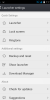
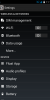
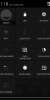
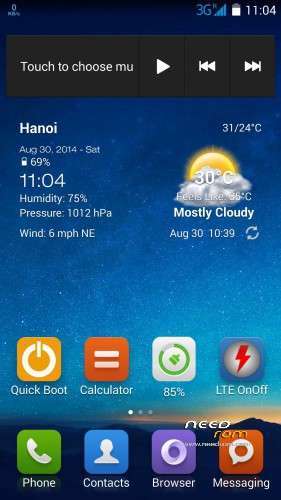
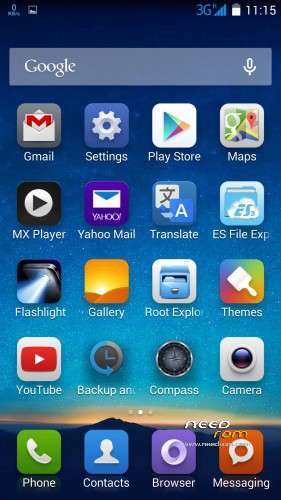
Rom V6 look like MIUI very much.
- Multilanguage
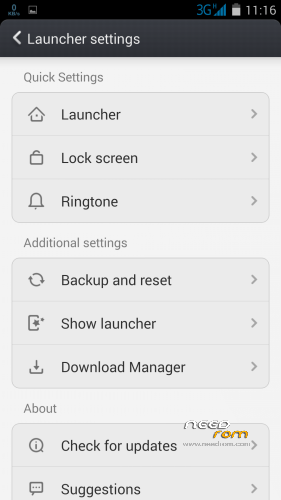
- Miui launcher
- Root, Recovery
- Smooth, Stable, fast and light
- No chinese apps, added somes importants apps.
How flash
- Enter into recovery
- Wipe
- Flash rom V6
- Install root
- Reboot
Rom will be stable after 5 minutes.
※Please make a backup of your device before installing or updating ROM
Have you flashed the root file listed on bacsyhuy v6 1st page through TWRP or have you used another root?
Im on stock rom & i used vroot to roo,t it seemed to root fine but im not so sure its rooted since i cant use the imei back up apps
Mobileuncle has known issues but i have never had any problem with imei and radio backup. bacsyhuy has solved the mobileuncle issue with his V5 and V6 roms. All I can suggest is reboot and try imei and radio backup and check the folders for saved files again. I wonder if anyone has any ideas. V root is usually good at getting root first time. Also check your root with an app off Play store. Best regards, Carl.
Ok thanks anyway for your help & time carlrg, rebooted 3 or 4 times still the same & also tried installing other super user apps still the same even installed a root checker app it says im rooted but i just cant back up my imei
If you backup your current stock rom in TWRP your imei will be backed up in nvram and you should be able to restore it if you have to.
You can also manually save the imei file through a root explorer such a FX or ES and save it to your SD Card. The file is situated in /data/nvram/md/NVRAM/NVD_IMEI/MP0B_001 I would personally copy and save the whole NVD_IMEI folder. Good luck and now it's time for bed.
Thanks again carlrg i really appreciate you help,, least iv got a backup of my imei now i done what you said i copied the whole folder nvram from /data & saved it on my pc
If you want to backup and restore imei, i advice you to use mtk droid tool. This tool goes very well.
good rom
Fish off all, you need to root mobile. Set USB debugging and connect mobile to computer. Open vroot on computer, see on display of mobile (let it always on-screen). If you see a question on display of mobile, you need to click ok. Now, press botton root on Vroot and wait for some minutes. Mobile will be rebooting automatically. Root is finished. Then, you can make recovery and flash Roman without any problem.
kkmak You should have an option to install zip from sd card if its clockwork mod or just install option in TWRP. Select either of these 2 options whichever recovery you have. Do not go to apply update! Cheers Carl.
I use recovery TWRP and flash this rom with TWRP.