
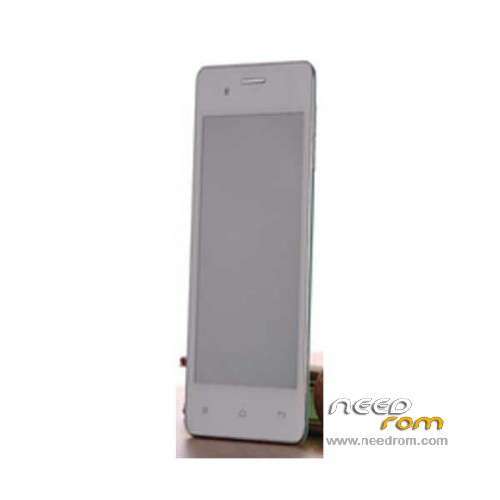
- Title: Royalstar H519 SC6820
- Listed: May, 2014
- Last modified: 05/14/2014 4:40 pm
- Version: ROM Android 4.2 (2.3)
You must be logged for ROM download.
15310 total views, 1 today
OFFICIAL

 Member Info
DESCRIPTION
ROM Phone H519 SC6820 SC6820 - ROM Android 4.2 (2.3)
Official ROM H519 SC6820 Version: PZ295DM_LIXIN_L06_RSD_V1.0.4
No Rooted
Language support : EN/CN (Maybe others)
Install ROM:
UpgradeDownload
1 Unpack ROM and extract PZ295DM_LIXIN_L06_RSD_V1.0.4_usr_r22367.tar.gz.pac
2 Run UpgradeDownload, connect your android device to the computer
3 Click on "Load packet" and add the .pac
4 Click on "Start"
5 During the flashing your mobile will restart automatically
6 Finish
※Please make a backup of your device before installing or updating ROM
hi!
Is there anyone who knows how to master reset this phone? I've got one and I can't start it by using the power button, and when I plug it on computer, just the screen "WELCOME" appear and then nothing!
I need your help, please!
Thanks
I need firmware Royalstar RSD-H519 help me please!!