
- Title: Rublix v8 black
- Listed: May, 2016
- Last modified: 05/13/2016 4:24 pm
- Version: 5,0
You must be logged for ROM download.
17320 total views, 1 today
4 Total favorites
 Member Info
DESCRIPTION
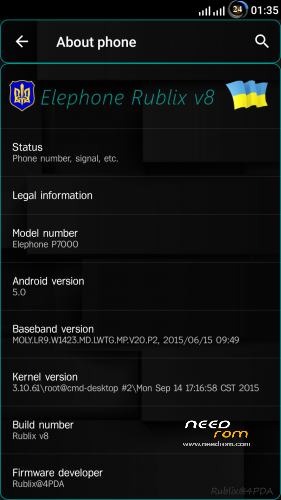
I represent firmware Rublix v8 black
firmware for recovery
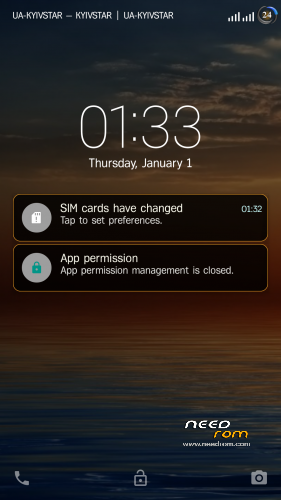
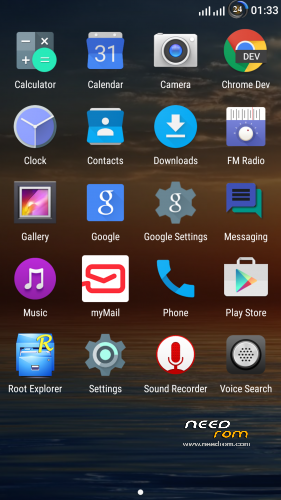
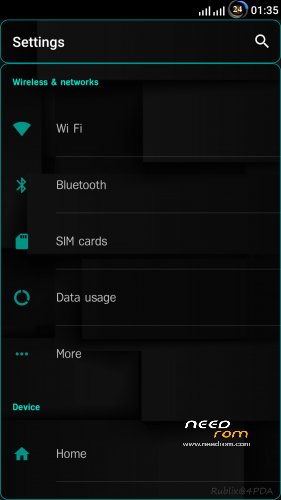
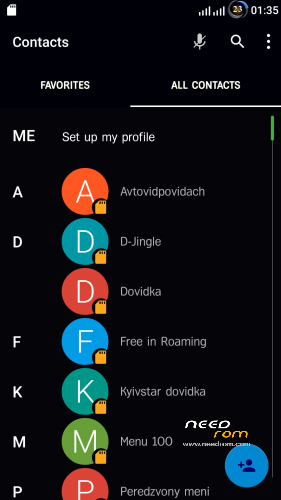
- Dark theme in system applications
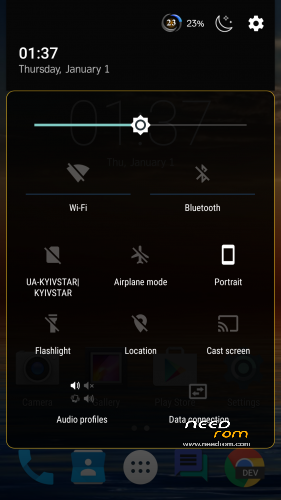
- Redesigned large letters near the antennas from Lenovo
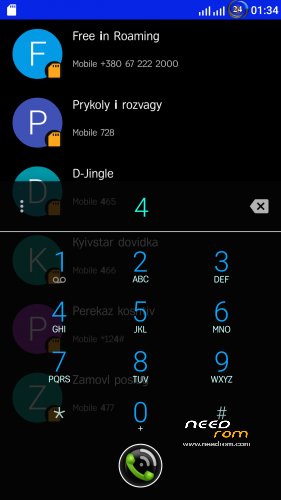
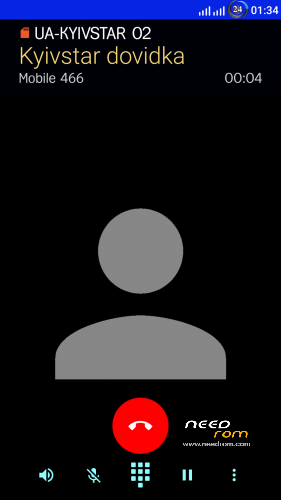
- Redesigned dialer talk time, for convenient use of keys are shifted to the bottom
- Increased contacts image in two lines
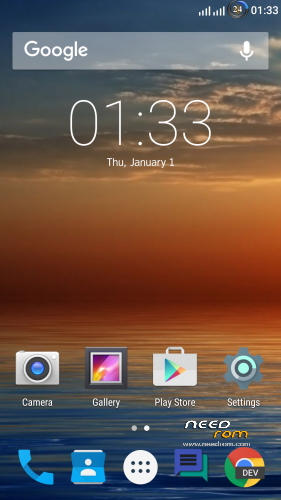
- Wallpaper (separate installation only under the native launcher (setup / home screen Launcher3)
- Lenovo launcher (not the system can be removed, like its setting: the theme, lock screen gestures and ……)
- SuperSU, BusyBox, init.d
- Root Explorer
- Added to the system ringtones (alarms, notifications, ringtones)
- Sony player
- In settings added to the entrance to the “Engineering mode” and “SuperSU” (look for the Developer menu)
- myMail
- Chrome 64bit
- Selinux = permissive enabled by default (needed for correct operation of Viper FX, etc.)
- Viper FX – Settings / Sounds & Notifications / sound enhancement /
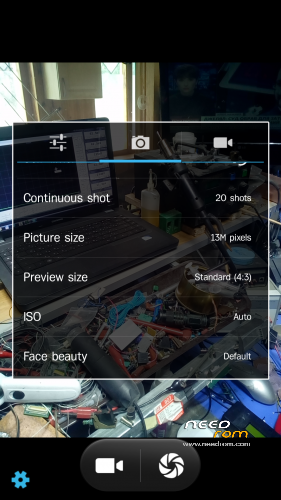
- Camera AOSP, running plays video (if there is a 16: 9 will be max only 4 megapixels, 4: 3 – 13 megapixels.)
- 3Minit Battery Mod (large variety of batteries style in the status bar) (settings / display /)
- Is integrated with the ability to change the system font style (settings / display /)
- Reduced the minimum brightness of the display
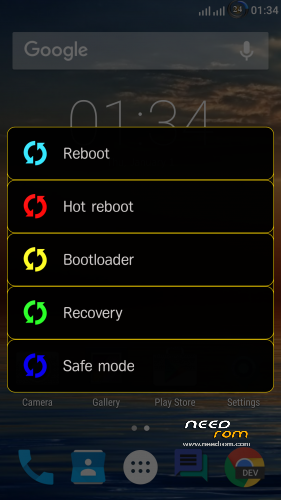
- Advanced reboot menu are two kinds, with buttons and pressing the battery icon in the status bar (as you conveniently)
- Automatic synchronization of accounts
- Night mode (settings / display /) have the ability to quickly turn out curtains, as well as at the specified time
- Vibration in call mode (Settings / Sounds & Notifications /)
- Profiles for a specific time (setup / Sounds & Notifications /)
- CPU statistics (Settings / Accessibility /)
- Replace the stock logos, in the open position in the charging mode, there is a button to turn on the Smart (clickable)
P.S.
the firmware is fully operational features fingerprint, LED settings, smart phone unlocking gestures
for the normal functioning (Selinux,, Viper FX, Titanium Backup) on first boot in SuperSU need to uncheck the “Create a roll separation of spaces” and restart in normal mode (via button)
install firmware recommend completely wipe all, and noted that some programs after Titanium recovery begin to not work properly, so it is advisable to put all with “zero”
for four months of using firmware behaved quite stable
(sorry for my English) who is not an avid send me $ 1 for coffee for the work done
WebMoney Z756450942118
Visa QIWI Wallet +380972502211 RUB, USD, EUR
SWIFT $ USD
KRAVCHUK RUSLAN. Ukraine
PRIVATBANK
SWIFT CODE:PBANUA2X
IBAN:UA913052990005168757308536665
※Please make a backup of your device before installing or updating ROM
What is the password to open the folder from MEGA?
corrected the link to the file
I have tested many roms for many years for different devices, this roms works fantastic, the only issue I have is tha I am a Spanish user and when using spanish language input, the screen does not show accented letters and the famous ñ. like this: a o. acci n for año and acción. Can you help me solve this bug please, I tried googling trying to find the problem to this but impossible to find it. Thanks in advance !!!!
did not understand from your message, need Screenshot
Hello rubix. Thanx for your job Man but i prefered the visual style of v7.
A bug of v8 : when i selected the fr language, i have lots specifique letter. Exemple : é , è, ê, etc…
Thx
change the font style
settings/display
Thanx so much rublix! Amazing rom – all works smoothly. Downgraded from 5.1.1 in cause of missing features like Fingerprint and LTE on Sim2.
I can not understand, if everyone likes my work, then who puts little stars
this is the creenshot that you asked to see what the bug is, I tried changing language font throught settings but impossible to change this issue.
Download file
I wrote above, you need to change the font style
read topic http://bbs.elephone.hk/thread-.....ml#.Vz_IQkNp6IU
I have absolutely no picture on the implémentation ebay why ? Tank you
Difficult to explain but when I have 35% of battery SOD(Screen of Death) appears or the screen just died and I must turn on the device with power button. Several times has happened to my device. With Aerom V5 Rom never happens this, going back to AEROM ROM.
Завис на заставке и больше ничего, ждал 30 минут. Пробовал переустановить, одна и таже проблема((( Хотелось бы попробовать, но видимо не судьба. Устанавливал с нуля
Установил, датчик отпечатка не работает(((