
- Title: Rublix v8 black
- Listed: May, 2016
- Last modified: 05/13/2016 4:24 pm
- Version: 5,0
You must be logged for ROM download.
17322 total views, 3 today
4 Total favorites
 Member Info
DESCRIPTION
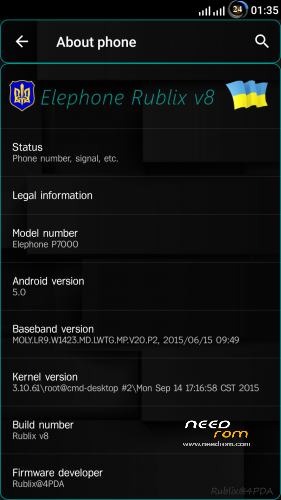
I represent firmware Rublix v8 black
firmware for recovery
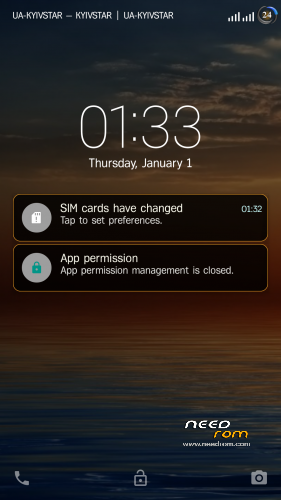
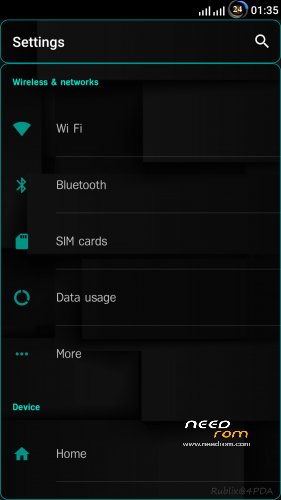
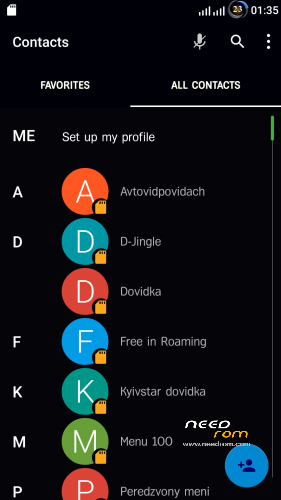
- Dark theme in system applications
- Redesigned large letters near the antennas from Lenovo
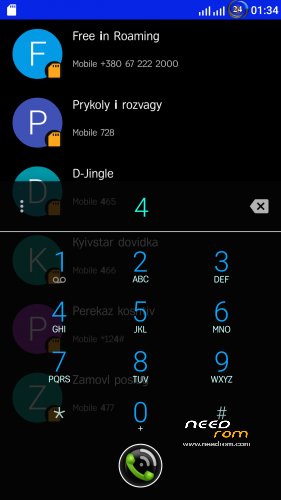
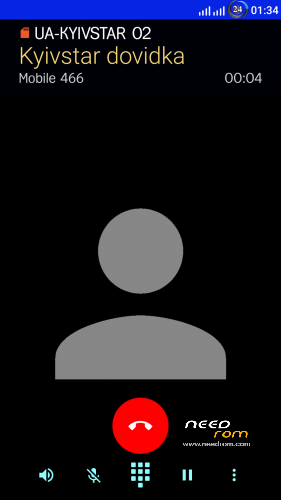
- Redesigned dialer talk time, for convenient use of keys are shifted to the bottom
- Increased contacts image in two lines
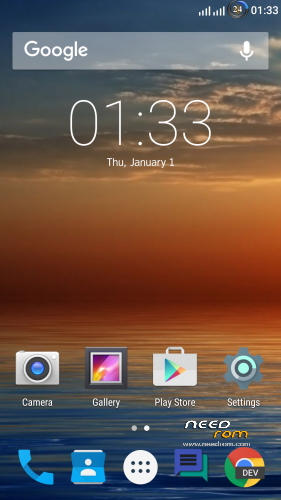
- Wallpaper (separate installation only under the native launcher (setup / home screen Launcher3)
- Lenovo launcher (not the system can be removed, like its setting: the theme, lock screen gestures and ……)
- SuperSU, BusyBox, init.d
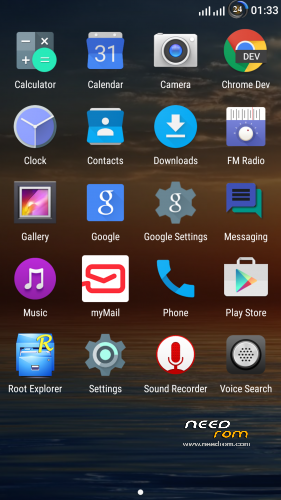
- Root Explorer
- Added to the system ringtones (alarms, notifications, ringtones)
- Sony player
- In settings added to the entrance to the “Engineering mode” and “SuperSU” (look for the Developer menu)
- myMail
- Chrome 64bit
- Selinux = permissive enabled by default (needed for correct operation of Viper FX, etc.)
- Viper FX – Settings / Sounds & Notifications / sound enhancement /
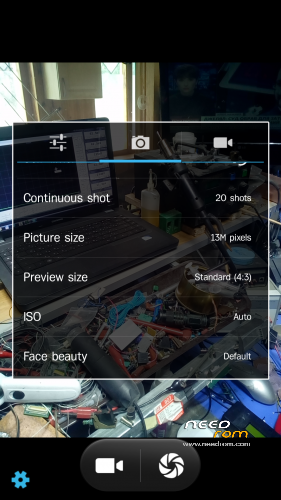
- Camera AOSP, running plays video (if there is a 16: 9 will be max only 4 megapixels, 4: 3 – 13 megapixels.)
- 3Minit Battery Mod (large variety of batteries style in the status bar) (settings / display /)
- Is integrated with the ability to change the system font style (settings / display /)
- Reduced the minimum brightness of the display
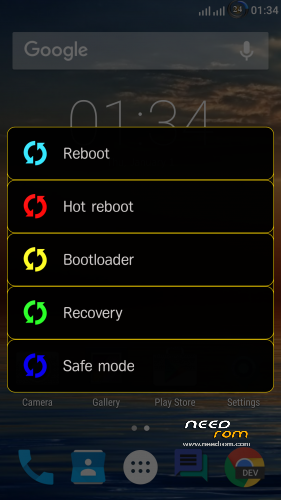
- Advanced reboot menu are two kinds, with buttons and pressing the battery icon in the status bar (as you conveniently)
- Automatic synchronization of accounts
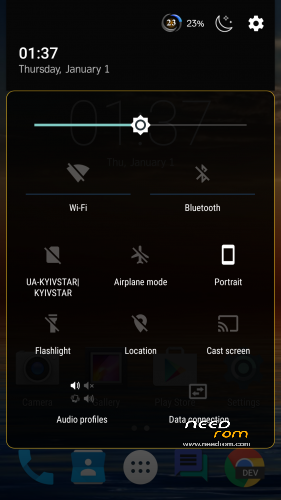
- Night mode (settings / display /) have the ability to quickly turn out curtains, as well as at the specified time
- Vibration in call mode (Settings / Sounds & Notifications /)
- Profiles for a specific time (setup / Sounds & Notifications /)
- CPU statistics (Settings / Accessibility /)
- Replace the stock logos, in the open position in the charging mode, there is a button to turn on the Smart (clickable)
P.S.
the firmware is fully operational features fingerprint, LED settings, smart phone unlocking gestures
for the normal functioning (Selinux,, Viper FX, Titanium Backup) on first boot in SuperSU need to uncheck the “Create a roll separation of spaces” and restart in normal mode (via button)
install firmware recommend completely wipe all, and noted that some programs after Titanium recovery begin to not work properly, so it is advisable to put all with “zero”
for four months of using firmware behaved quite stable
(sorry for my English) who is not an avid send me $ 1 for coffee for the work done
WebMoney Z756450942118
Visa QIWI Wallet +380972502211 RUB, USD, EUR
SWIFT $ USD
KRAVCHUK RUSLAN. Ukraine
PRIVATBANK
SWIFT CODE:PBANUA2X
IBAN:UA913052990005168757308536665
※Please make a backup of your device before installing or updating ROM
Its a good rom. I tried several other and this is the best
The camera and the fm radio are working, the endless compiling at startup like in the aerom does not happen. As a german, I had to change the font in the settings, because if the missing umlauts. Only I cant update the Play Store. The 6.3.16B-all 2697688 version is installed. Error Message: Cant install the App… error code -504. But the play store works. Apps can be installed. The hints from the internet doese not work like: Make Memory free, turn flight mode on/off, clear data, cache from play store app/framework/service or remove and add the google account.
But like I said, the play store works.
Rom is vulnarable for stagefright.
https://en.wikipedia.org/wiki/.....agefright_(bug)
See stagefright detector app from Zimperium.