
- Title: Samsung Note 3 Rom port
- Listed: January, 2014
- Last modified: 01/29/2014 6:40 pm
- Version: ROM Android 4.2.2
You must be logged for ROM download.
39224 total views, 3 today
 Member Info
DESCRIPTION
Note 3 Rom
This is the version to install from CWM recovery
valid for all models of Star N9500 MTK6589
The problem with Lcd and Camera drivers will never be a problem.
First in the world I solved the problem.
You only need to know before installing what is the combination of Lcd driver – Camera of your mobile phone. Know that during the setup wizard, the installer will ask you what is your driver combination.
Links to everything that is required for proper installation can be found in the following paragraphs.
Features of the Note 3 Rom
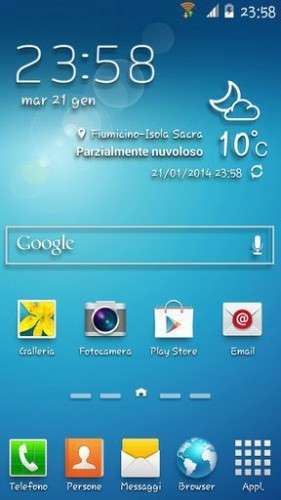
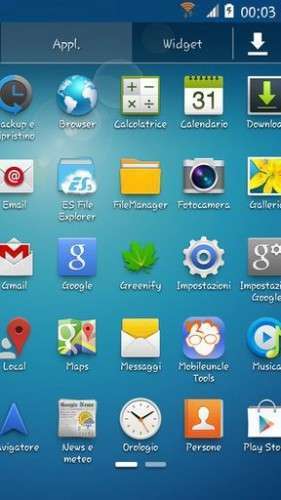
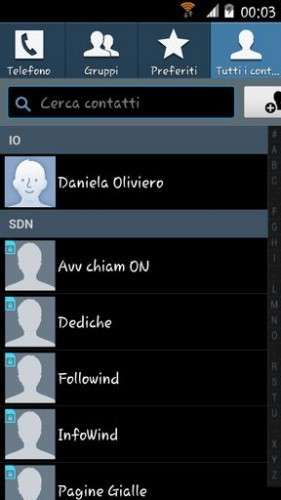
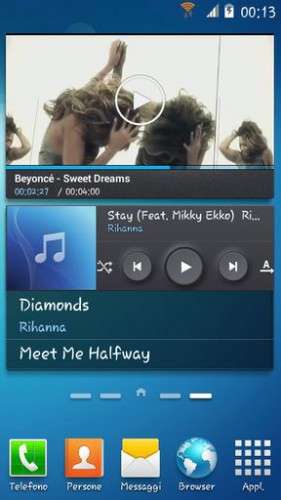
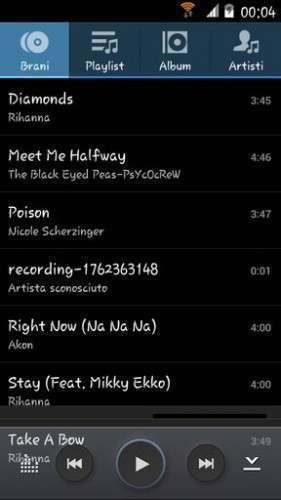
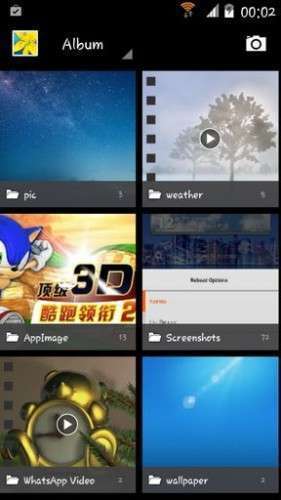
This is not a Samsung-style Rom … this is a real port of the Samsung Note 3!
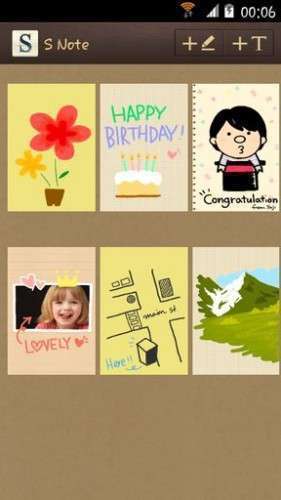
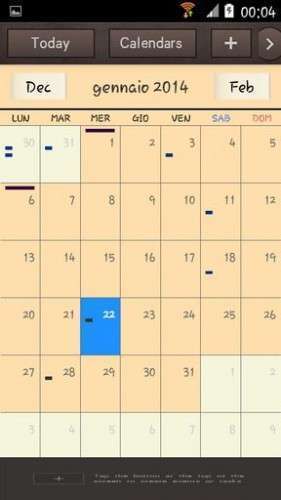
The ROM is the most beautiful, full of all functions of original Note 3
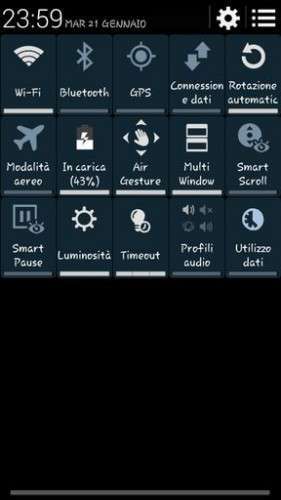
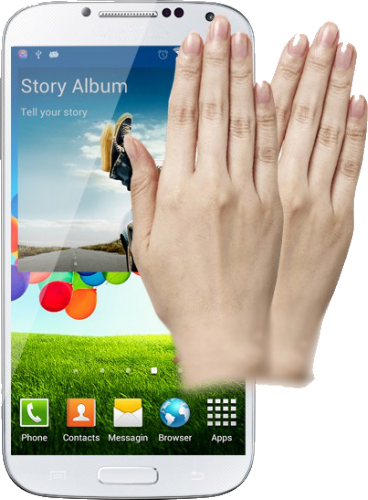
Enabled the "Gesture Sensing" as the original, fully functional.
I adopted a new kernel, modified to make the ROM even more powerful. With this ROM you switch to Android version 4.2.2 real. Differences with 4.2.1? None
The ROM is multilingual, I think there are all languages of the world.
Follows a list of the main features of the Note 3 Rom:
* Enabled the "Gesture Sensing" as the original, fully functional
* Root
* Deodex
* Kernel 4.2.2 (boot.img) new and modified with real support init.d
* Zipalign at every boot
* Sqlite optimization at every boot
* Very smooth, with no lag
* Absolutely full app in the system, it was not removed anything from the original version
* Extremely stable
* Gapps already installed
* Optimized to the maximum
* Boot Animation Original Samsung
* Logo initial original Samsung
* Build.prop optimized
* Gps.conf optimized
* Scripts and Tweaks listed in the following section
Scripts & Tweaks
After careful selection and long and patient work, in order to adapt to this device and delete all the conflicts I could insert different and will list only the main ones:
* Adrenaline Engine
* Loopy Smothness
* Geeky Engine
* Net-Fork
* Supremacy
* VelocityTweaks
* SlaidyBoost
* BeatsAudio
* CosmisTweak LightSpeed
Introduction to the installation of the Note 3 Rom
Before installing the Rom you need to make a backup of your device in case something goes wrong. Do it with MTKDroidTools flashabile with FlashTool.
Those who have already installed the recovery Cwm they can make a second directly from recovery.
For the first, here is a guide to the procedure of backup, for the latest version of MTKDroidTools and drivers necessary for the proper use of the application Backup with MtkDroidTool
Just this already, but if you want here is the guide for the second procedure to install the modified recovery Cwm How to install Cwm recovery
Installing the Note 3 Rom
Before installing the Rom is necessary that you know what version of drivers Lcd and Camera is on your device, because the installation with incompatible drivers would inevitably lead the phone to the brick. During the installation process, my Touch Installer you will propose different combinations of drivers Lcd and Camera. Simply indicate which is the your, and the installer will continue its task.
If you do not know what is the drivers combination of your device, you can check it through this easy steps:
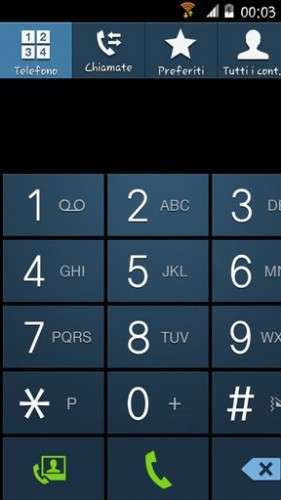
* Open the numeric keypad of the phone (as if you have to dial a phone number)
* Enter the combination * # * # 116 # * # *
* A window will open which among the many things listed, will also present the version of your Camera and Lcd drivers.
If this procedure does not work (does not work on all versions of this device) then you just enter in "Factory Mode":
* Turn off your phone
* Holding down the volume down button (be careful! Volume -), press the power
* As soon as the phone is starting, you can leave the power button whilst continuing to hold down the volume button -
* It will open a window with the words "factory mode" followed by one with various items
* You can leave the volume button
* Now the volume button will need for scroll through the menu items
* Go to "version" and enter by pressing the home button (middle bottom)
* Now between the various items that appear on the screen there will also be those of your Camera and LCD drivers (if you do not see scroll with the volume key that are below)
* Note the type of Lcd drivers and the type of Camera Subsense driver
Now we are ready to install the Note 3 Rom
You may have already downloaded the zip file from the link above and copied the zip file in SD card.
Restart your device in Cwm recovery and make a backup of your device.
Then always from Cwm perform a full wipe:
-> Wipe data / factory reset
-> Wipe cache partition
-> Advanced -> Wipe Dalvik Cache
-> Advanced -> Wipe Battery Stats
-> Mounts and storage -> format system
-> Mounts and storage -> format EMMC
to make sure you have no problems!
You are ready to install the LeWa Rom from Cwm with the usual:
-> Install zip from sdcard.
Will start the installation process with the touch controls. Be guided by the Touch Installer and when will be asked what is yours drivers combination, simply indicate which is the your from those listed, and the installer will complete the installation.
At the end of this at the request of the installer confirm that you want to reboot into CWM recovery and from here again:
-> Wipe cache partition
-> Advanced -> Wipe Dalvik Cache
Reboot. Upon reboot follow the wizard to set up the language and the basic settings of the phone and then run a new reboot (there are some services that to start, needs a second reboot). And now enjoy!!
N.B. If after installation you notice that the signal of the sim is poor or absent it means that you have to put a different baseband. Simply install one of these patches, prepared by the user freedgt. They are. Zip file to install via cwm recovery. It is a procedure for a few seconds. It is not possible to know first what is the best for vs device, in the worst case you'll have to try them all, and take what will seem to respond better to the radio signal in your area, and your operator.
Here are the links:
- baseband del 19 aprile
- baseband del 14 maggio
- baseband del 17 maggio
- baseband del 21 giugno
- baseband di luglio usually for 8 gb device
Which author of this Rom decline any liability for whatever may happen to Vs device as a result of the flash itself.
If you are afraid, then don't install anything and you will sleep peacefully the night, otherwise you do it at your own risk!
In any case, just do a Nandroid backup before installing anything and every problem should be averted.
Resolution of any problems after the installation of the Rom
I invite everyone to make a backup.
Only if you have done the backup and you are able to restore the device then you can write me relatively few bugs in the rom or any other problem.
So ATTENTION! … You did not do a Nandroid backup? … You are not able to restore the device? … Well, do not write to me, because I will not answer to you!!
Conclusions
Enjoy my work. It's really the most beautiful. Enjoy!!
I have put, too, the link to the CRT recovery version 2.2, which I made for this device. It 's a good recovery full touch. The features in this link https://www.needrom.com/mobile/carliv-recovery-touch-2-2/
P.S. I'm Italian and sorry if I have not written in good English
※Please make a backup of your device before installing or updating ROM
Hi sir!
How can I change the font to another?
Display menu does not have font option.
Thanks anyways!
Hello,
i used Rom Toolbox for changing the font…
Ciao,
Joachim
bravissima olidan mi dispiace che te ne sei andata dfall altro forum,spero che continui altre future su questo device perchè ho solo flashato le tue rom non mi resta che provarla ma per la batteria e audio? consuma tanto?
ciao djx puoi trovarmi su quest'altro forum AndroidWorld.it
per le caratteristiche di questa Rom posso dirti che non consuma molto, anzi meno della stock. Audio buono.
Grazie
Salve ho installato ma non funziona la telecamera anteriore
lcd t499_10b1 agosto 7 2013
camera main ov8825:mini_raw
camera lens largan_9555b1_v1
touchpanel ft5406
gsensor kxtik1004 chip
Non ho mai sentito quei driver per la fotocamera e nel mio installer non li ho… trasmettimi alla mia mail il tuo file LK che puoi prendere da un backup con MtkDroid Tool e vedrò se lo posso implementare nell'installer… in ogni caso adesso per far tornare a funzionare la tua fotocamera basta semplicemente che con FlashTool flashi il tuo solo file LK (voce Uboot) togliendo la spunta a tutto il resto
La rom è ottima, sia come struttura , come grafica, e funzionamento. Volevo aggiungere che io mi sono modificato i loghi iniziali con gli originali Samsung: ora la rom è completamente Samsung.
Una domanda a Olidan: se si volesse cambiare il font? Lo so che è originale, ma poco leggibile.. Grazie.
grario puoi postarmi il link dove trovare i loghi samsung? cosi le metto anche io
Visto che me lo chiedono in tanti presto posterò una patch per cambiare il font. Grazie
Grazie per la tua risposta-
ho provato parecchi firmware funzionano tutti perfettamente tranne la telecamera frontale
unico firmware che funziana perfettamente è "" Stock N9500 08_2013 "" quindi credo che abbia i driver del mio n9500
ok olidan se e ti aggiungo alle amicizie se ti fa piacer
un info ma a voi le air gesture funzionano? oppure ce un bug a me non funzionano asp risp grz
Ho un HDC n9002 (dual sim) con mtk6589t con 2g RAM 32g ROM Reali. La Rom originale è "HDC Galaxy Note 3 Sunny.rar". posso montare questo porting o ne esiste uno specifico. Grazie
OLIDAN RISOLTO IL PROBLEMA DEL FONT
colore che vogliono cambiare il font al device di questa bella rom io ho risolto cosi, scaricate dal playstore l app IFont e da li selezionate quale font volete ce ne sono molti,per fare questo avete bisogno dei permessi di root sul device ecco come fare
Una volta installata la app si dovranno installare i pacchetti delle lingue attraverso una connessione a Internet. Oltre alle lingue asiatiche è presente anche un pacchetto “Inglese” comprensivo di caratteri speciali che dovrebbero permettere di utilizzare la app in tutte le lingue occidentali. A questo punto sarà necessario un reboot per applicare le modifiche (y) questo e il risultato sul mio device
Ps olidan appena puoi mandami un messaggio in pvt ho una domanda da farti thx
Avevo letto anche io che ci sono le app per cambiare i font, ma ritengo più semplice installare una rom con già il font definitivo senza dover usare playstore e tenersi una app installata per cambio font solo una volta.
Su questa rom ho già modificato i loghi iniziali con quelli Samsung. Ho modificato gli sfondi con mie scelte, soprattutto lo sfondo iniziale che non è modificabile dopo l'installazione della rom. Ripeto, comunque ottima rom. Grazie Olidan.