
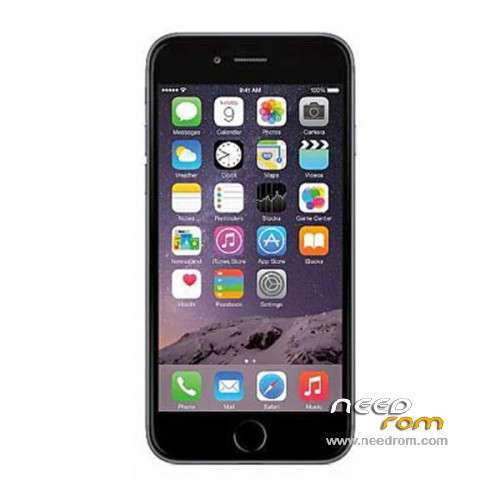
- Title: Sophone i6
- Listed: September, 2014
- Last modified: 11/28/2014 3:41 pm
- Version: ROM Android 4.3(4.2.2)
You must be logged for ROM download.
36258 total views, 5 today
5 Total favorites
 Member Info

DESCRIPTION
ROM Phone Sophone i6 – ROM Android 4.3(4.2.2)
ONLY MT6582
Update Official ROM Sophone i6 Version: I8268.A168.H.A-V0.0.5B1012 – MF354ZP/A – hedy82_wet_v116_jb5
—————————————————————————————————————————————————————————-
Update Official ROM Sophone i6 Version: I8268.A168.H.A-V0.0.2B0919 – MF354ZP/A – hedy82_wet_v116_jb5
—————————————————————————————————————————————————————————-
Official ROM Sophone i6 Version: I8268.A168.H.A-V0.0.2B0829 – MF354ZP/A – hedy82_wet_v116_jb5
Gapps include – No Rooted
Language support : Multilang
Install ROM :
- Unpack FlashTools, and Click on Flash_tool.exe
- Select a the MT6582_Android_scatter.txt in ROM
- Wait file to be added into Flash Tool
- choose Option->USB Model,click USB Model
–> Choose Option->DA DownLoad All->Speed->High Speed, click High Speed
- Turn off your phone, remove the battery.
- "Press F9 (hit Download button)" OR " if upgrade ROM Firmware->Upgrade "
- and connect your phone into the computer via USB data cable.
- The process will start and a red progress bar will appear after color purple, yellow.
- And green circles display
- Finish !
- You can now safely disconnect your phone and turn it on.
※Please make a backup of your device before installing or updating ROM
does SP tools work on win 8?? because i switched off my phone…i connected my phone to pc….nd its just charging..sp tools not working…
Help…
I have lost my imei numbers by flash the rom
How can i fix this ???
SONO SCRITTI DIETRO LA BATTERIA…O SULLO SCATOLO DELLO SMATPHONE…
I can't use APN…RESOLVE PLEASE..!!!
Same problem here. APN list is not editable manually. In my example: I want to use SIM2 for 3G internet, but I'm not able to add its APN.. I just see SIM1's APNs. Is it possible, to add the original settings menu to the rom?
hello. can u port this rom to Lenovo S850 and Lenovo S650. i really want it. thanks.
The ROM what is the screen resolution?
i can instal this rom from factory mode? my usb port dont work…
Can i Port this rom on my Gionee M2 which MT6582 device with 8GB ROM and 1GB RAM.