
- Title: SPAOSP (Spanish AOSP)
- Listed: September, 2014
- Last modified: 09/24/2014 12:28 am
- Version: 4.4.3
You must be logged for ROM download.
53464 total views, 8 today
101 Total favorites
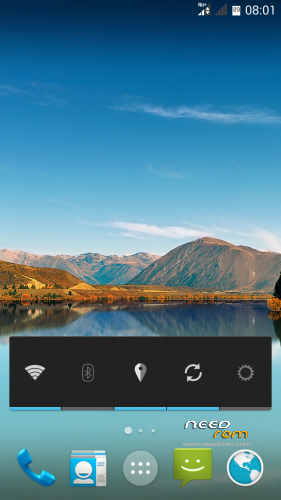
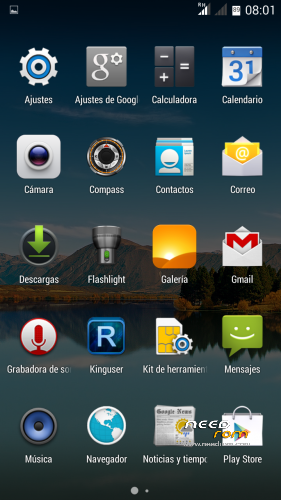
 Member Info
DESCRIPTION
We introduce you to the new custom ROM SPAOSP for the Jiayu G4S and G5S devices.
A 100% Android ROM, without any script-like add-ons or tweaks. Every modification and adaptation has been made by code input. Therefore, given the fact it has no add-ons as previously mentioned and present in other ROMs, it gives the system great performance and stability, taking up less memory resources.
From Spain, for the rest of the world:
SPAOSP, the latest creation by TF Android Developers for our Jiayu G4S and G5S.
Name: SPAOSP (Spanish AOSP)
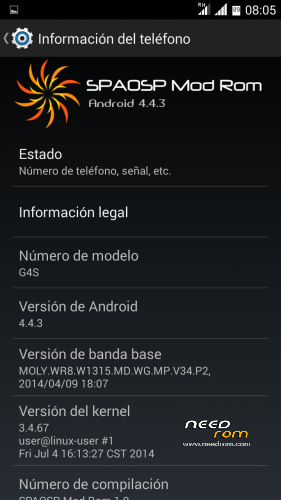
Version: 4.4.3
Date posted: 22-09-2014
Size: 391 MB
APKS included:
-Mobileuncle Tools
CHANGELOG:
- Removed “Second SIM missing” message
- Added Recovery option in power menu.
- Root with KingUser.
- Improved memory management.
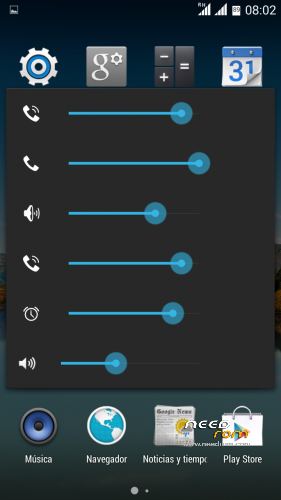
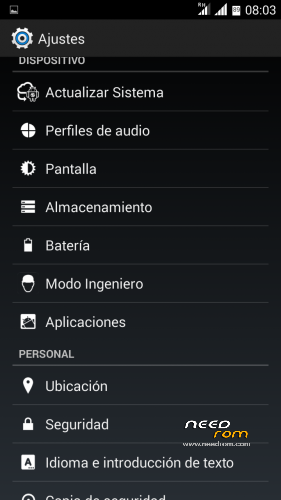
- Added Advanced Sound menu.
- Removed volume security warning.
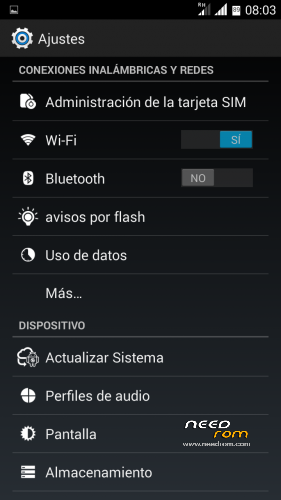
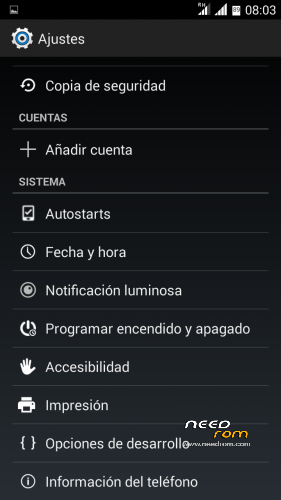
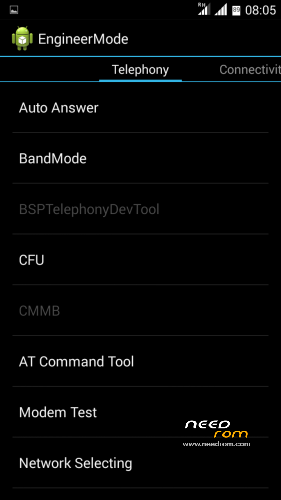
- Added Engineer Mode in Settings.
- Optimised auto-brightness.
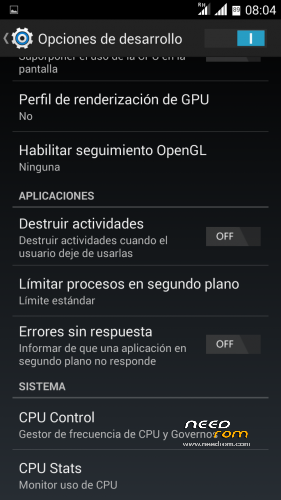
- Development Options activated by default.
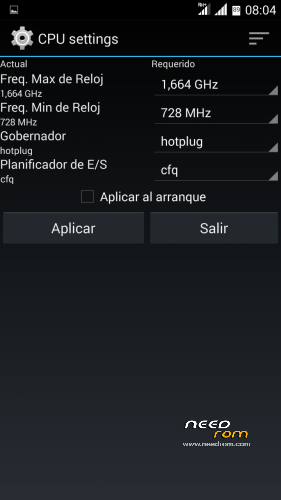
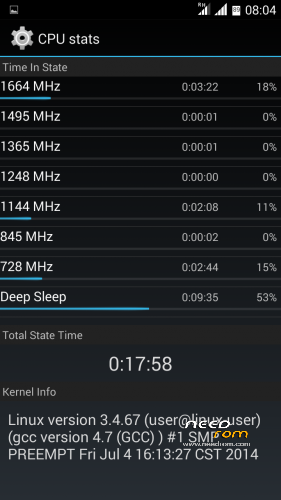
- Added CPU Control and CPU Stats in Development Options.
- Activation button replaced (checkbox for on/off switch).
- Added Wake Up Screen by volume buttons.
- Added Autostarts option in Settings.
- Added percentage to battery icon.
HOW TO INSTALL?
- SD format (Highly Recommended)
- Download Rom and copy it to the SD
- Enter in CWM Recovery
- Wipe data wipe Utility
- Wipe Dalvik cache cache
- Format system
- Install Rom from SD
- Select model G4S/G4S V3/G5S
- Automatic restart
- Configure wifi
- Set Up Account google
- Wait 5 min to stabilize the Rom
- Upgrade apk Google
- Reboot the phone
CAUTION:
- If V3 was installed before this installation, you must choose V3 from the installer..
※Please make a backup of your device before installing or updating ROM
Are you planning to release any update?
Hi,
great ROM, thanks! Works like a charm. I will just suggest two very small tweaks:
- the % use number inside the battery icon is not readable once you are below 70%… I would just take it out, especially now that you can add the % number close to the icon
- I've seen it in another post… the sound controls are indeed confusing. Icons are in some cases not really helping in identifying what volumes are you changing
gps work?
Touch screen not calibrated…… Jiayu g5s
I have jiayu g5s 4.4 kk official
Update: I solved my problem with patch "G5Sv2Patch" that i find in tfandroid.es site.
Thanks!
Hi accursio
can explain?
how you solved the problem to the touch?
Auto-Brightness does not work and antutu. The rest of the ideal firmware. Thank you.
I have problem sometime with root access, why?
Hello I follow your instructions but I'm in bootloop and I''m forced to restore my cwm backup.
How to solve that?
fixed. I flash with sp tool the original KK ROM and then I update with your zip. thanks
Hello,
I just bought a G5S with software version 4.2.2 and many Chinese screens/programs/information.
I want to update it, but I don't know how to enter into CVM Recovery because this option is not shown when I press to reboot the phone.
Could you, please, tell me which is the procedure for entering CWM?
Thank you.