
- Title: SRR XPERIA Z2 V6
- Listed: June, 2014
- Last modified: 06/25/2014 2:47 pm
- Version: Zopo C2/ ZP980
You must be logged for ROM download.
38549 total views, 6 today
119 Total favorites
 Member Info
DESCRIPTION
SRR-Xperia Z2 V6 for Zopo C2, Zopo Zp980, Lemon Aspire A4
Follow me on Twitter @YourSKD
Note : Rom is Password protected you can't able to flash rom, so first you have to pay for this Rom ..,
Pay me Minimum- 6 $ and Maximum- according to your wish.
Pay me on Paypal – Sandeep_maratha100@yahoo.com
( Choose Option in Paypal- Payment for Goods or Services and then send me if you face sending issues )
Then PM me here- http://goo.gl/DsoGj5 and give details of your
Paypal Username and amount which you paid and I will provide you the Password.
Those who don't have money they also PM me and I will give you for free.
But Don't try to fool me If you have ability to pay me 6 $ then Please help me .
Don't Disclose Password to anyone.
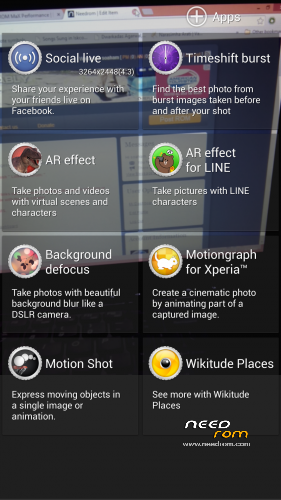
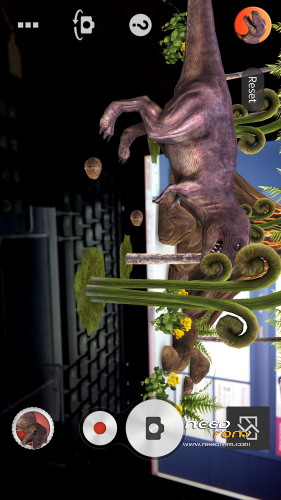
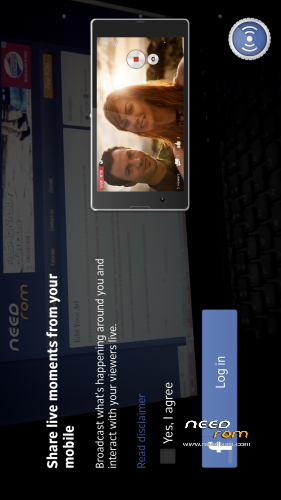
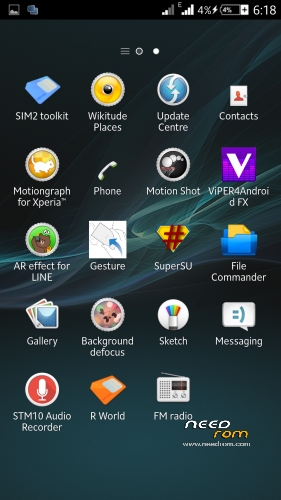
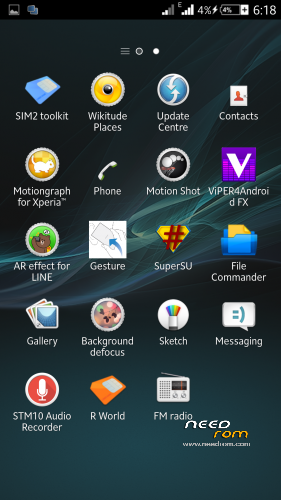
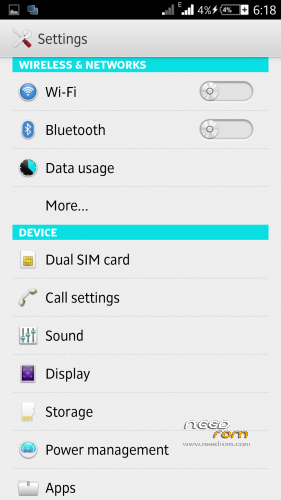
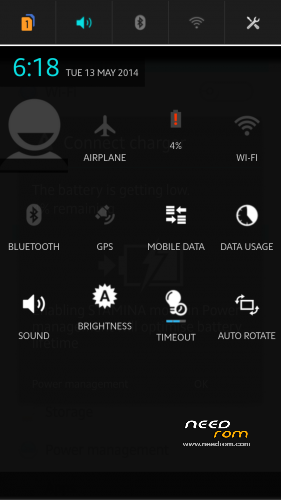
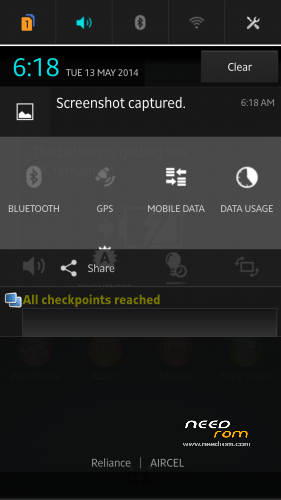
SRR XPERIA Z2 V6 Rom Preview
CHANGES in V6.0.1
- Latest Media Apps
-Increased Performance
-Many More Tweaks added
-More Nice Battery Performance
-More Smooth
CHANGELOG
- Full Framework Changed and Fully Xperia Z2 Framework.
-Overheat Problem Solved.
-Work Smooth on less Ram also.
-Xperia Kitkat UI.
-Wifi Drop Down Problem Solved and more Powerful Wifi Strength.
- Loud and clear Sound.
-Latest Apps
-13Mp Camera ( Rear and Front, It tweaked to 13 Mp front camera, takes pictures of size 5 Mb from front camera too  )
)
-Xperia Z2 Camera with all features.
-Xperia Z2 latest Camera with so many Smileys.
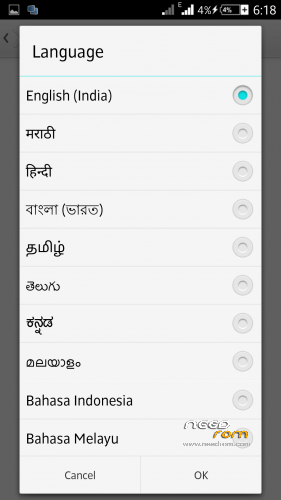
-Fully Multilanguage.
-Xperia Z2 Themes.
-Xperia Z2 System UI.
-.Xperia Z2 build.prop
-Xperia Z2 Sounds
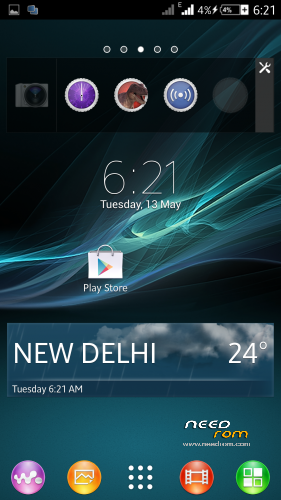
-.Xperia Z2 Widgets (Camera, Clock, Walkman, Photo, Weather, World Clock, Top Contacts, recent, tools)
-3G SIM Switching
–Battery Savings
-Advanced Reboot Menu
- No Bloatwares-
-Smart Gestures
-Improves Camera Quality
-Xperia Z2 Style Settings
-Xperia Z2 Media Apps (Album, Movies, Walkman, Movie Creator, Vid&Music Unlmtd)
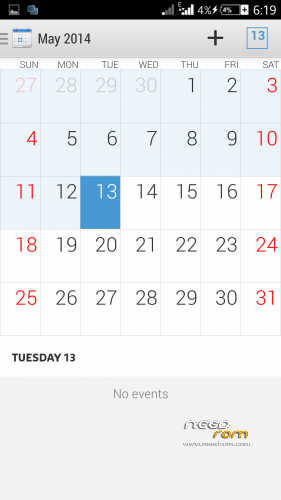
-Xperia Z2 Apps (Clock, Calculator, Notes, Sketch, Socialife, Select, Email, Calendar,Downloads, Sound Recorder)
- 12000+ changes and many minor bugs fixed.
How to Increase Scrolling as in Video
1- Go to XUI Mod
2- Scrolling Mode
3-Scroll Configuration
4- Scroll Friction> Set it to 11 … Default its around 150 ….
Enjoy…!!!
Note : You can find XUI Mod in Xposed Framework > Downloads
Also Download Xposed Framework from here : http://goo.gl/s03Awl
XUI MOd From here : http://goo.gl/ua4zKL
F.A.Q
- Why Gravity Box, widgets won't work ?
Ans- Install Xposed Installer, Gravity Box , Widgets in Internal Storage.
Go to Settings> Storage > Select Internal Storage
Instructions
- Extract the SRR Kitkat V6.zip ( Sorry mistakenly i named it with Kitkat )
- It will ask for password so type the password which you get after paying me,
- then you find a Folder with name New Folder and in it their is a File SRR XPERIA z2 V6 Tweaked.zip
-Put that File into your Sd Card
- Reboot into Recovery
- Wipe your Data and System
- Flash the Rom..
-Wipe only Cache and Dalvik Cache ( Dont Factory Reset after Flashing Rom )
-Reboot..
- Now again Go into Recovery
-Flash SRR Xperia Z2 V6.0.1 Update and Reboot..
Again Go into Recovery and Flash Srr Xperia Z2 Update V6.0.2
-Reboot
Enjoy…
Access only to this ROM via donation to "SKD".
※Please make a backup of your device before installing or updating ROM
hi,
5Mp or 1 Mp Camera and Front Camera only, help .
Open Camera, Goto Camera Settings, Make Preview Size 4:3 then you get camera 13 Mp…
DO same thing for front camera…
Front Camera is also 13 MP …:)
great rom!!! Dhaka best rom I've ever used c2 through.
people trying to try this rom .. will not regret
Great Rom …… deserved 5 stars.
It makes our Zopo a powerful missile.
Boy deserves great gifts for anyone
has possibilities.
I recommend that you give in order to receive a password,
Roma is worth the cost of the phone.
Thank you.
Does it works on C3 ?
As one user tried this Rom on his Zopo C3 and he said that it worked on his zopo C3, he just changed the boot.img….
It seems a great rom…but what about gravity box? Can’t install. Please help
install xposed and Gravity box in Internal sd CARD
go to settings > storage and select internal storage and then intall these two apps..
So far, I have used 17% battery in 17 hours That is with low usage though. I dont play games and I did not make many calls or texts in those 17 hours, but that is still pretty awesome battery usage statistics. If it continues like that, I could get 5 DAYS of battery on this ROM
I turned on all the battery saving options in "Power Management".
P.S. Awesome work SKD
Hi SKD.
About the lockscreen widgets, I have found some more information. See these links:
http://www.xperiablog.net/2014.....0-681-review/5/
http://www.cultofandroid.com/4.....4-4-kitkat-tip/
In KitKat, lockscreen widgets are disabled by default, however can be enabled by going to Settings > Security > Enable Widgets.
However, I do not see this option in this ROM. Do you know why it is not there? This is probably the reason why I cannot add the Dashclock widgets to the lockscreen.
Hey I tried Dashclock Widget and it works…
Just install it in Internal Storage …
Thanks SKD, I began to use this Rom just few hours ago, but at the moment it seems work very well (may be Nvram issue), and I like very much.
hello:
Very good rom will work fine but I have two quick questions
How the location of the apps from the SD to the internal memory of the mobile is changed?
Why I can not activate the internal memory when I connect it to pc by usb?https://www.dropbox.com/s/nwkv.....%2018.38.20.png
thanks.
Go to Settings > Storage and select Internal storage..
and you hae to select MTP option… as its sony features ,
hello:
thank you very much, now is perfect
https://www.dropbox.com/s/k9kf.....%2023.22.57.png