
- Title: SRR XPERIA Z2 V6
- Listed: June, 2014
- Last modified: 06/25/2014 2:47 pm
- Version: Zopo C2/ ZP980
You must be logged for ROM download.
38548 total views, 5 today
119 Total favorites
 Member Info
DESCRIPTION
SRR-Xperia Z2 V6 for Zopo C2, Zopo Zp980, Lemon Aspire A4
Follow me on Twitter @YourSKD
Note : Rom is Password protected you can't able to flash rom, so first you have to pay for this Rom ..,
Pay me Minimum- 6 $ and Maximum- according to your wish.
Pay me on Paypal – Sandeep_maratha100@yahoo.com
( Choose Option in Paypal- Payment for Goods or Services and then send me if you face sending issues )
Then PM me here- http://goo.gl/DsoGj5 and give details of your
Paypal Username and amount which you paid and I will provide you the Password.
Those who don't have money they also PM me and I will give you for free.
But Don't try to fool me If you have ability to pay me 6 $ then Please help me .
Don't Disclose Password to anyone.
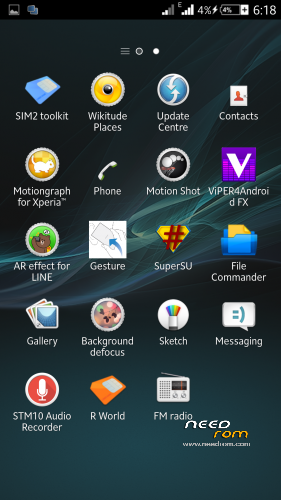
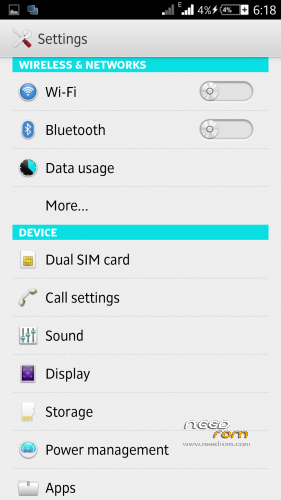
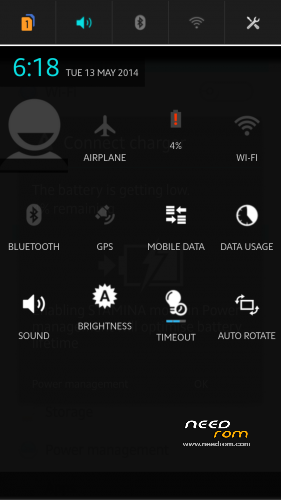
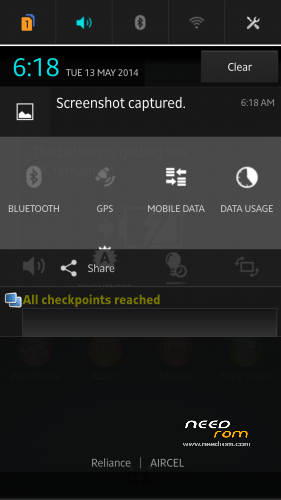
SRR XPERIA Z2 V6 Rom Preview
CHANGES in V6.0.1
- Latest Media Apps
-Increased Performance
-Many More Tweaks added
-More Nice Battery Performance
-More Smooth
CHANGELOG
- Full Framework Changed and Fully Xperia Z2 Framework.
-Overheat Problem Solved.
-Work Smooth on less Ram also.
-Xperia Kitkat UI.
-Wifi Drop Down Problem Solved and more Powerful Wifi Strength.
- Loud and clear Sound.
-Latest Apps
-13Mp Camera ( Rear and Front, It tweaked to 13 Mp front camera, takes pictures of size 5 Mb from front camera too  )
)
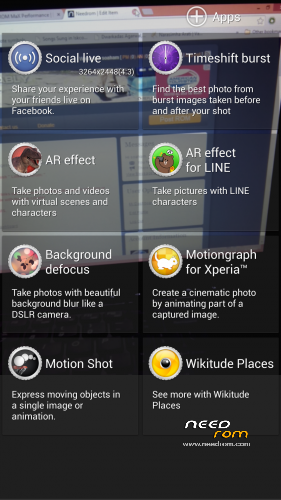
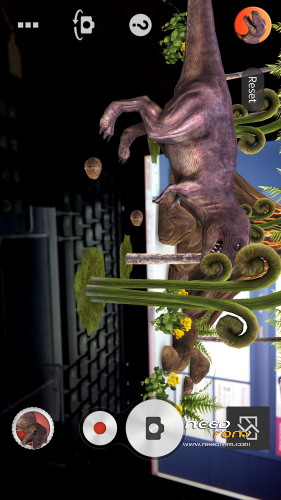
-Xperia Z2 Camera with all features.
-Xperia Z2 latest Camera with so many Smileys.
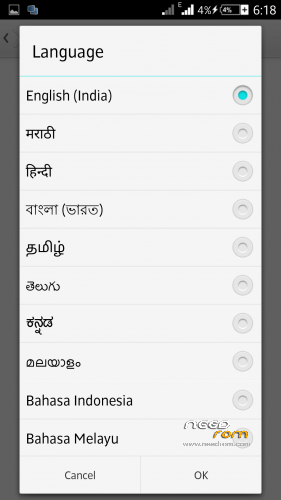
-Fully Multilanguage.
-Xperia Z2 Themes.
-Xperia Z2 System UI.
-.Xperia Z2 build.prop
-Xperia Z2 Sounds
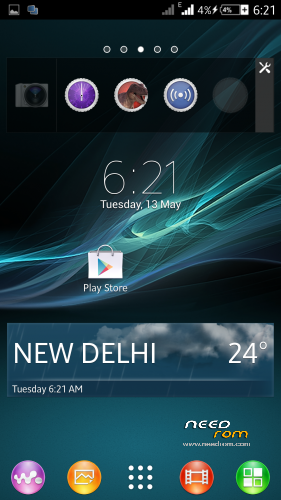
-.Xperia Z2 Widgets (Camera, Clock, Walkman, Photo, Weather, World Clock, Top Contacts, recent, tools)
-3G SIM Switching
–Battery Savings
-Advanced Reboot Menu
- No Bloatwares-
-Smart Gestures
-Improves Camera Quality
-Xperia Z2 Style Settings
-Xperia Z2 Media Apps (Album, Movies, Walkman, Movie Creator, Vid&Music Unlmtd)
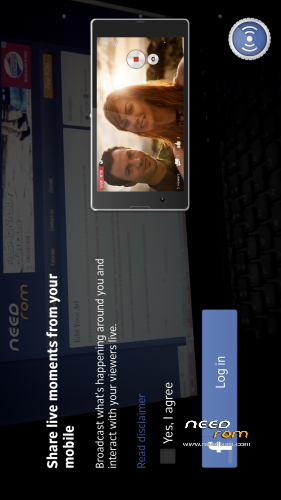
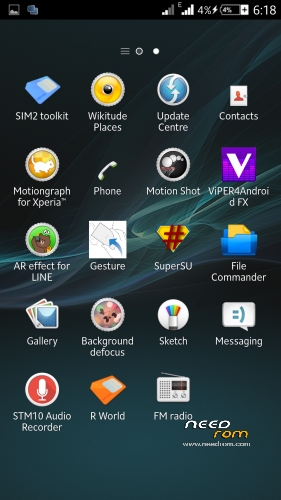
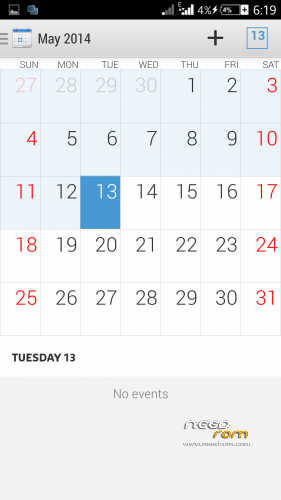
-Xperia Z2 Apps (Clock, Calculator, Notes, Sketch, Socialife, Select, Email, Calendar,Downloads, Sound Recorder)
- 12000+ changes and many minor bugs fixed.
How to Increase Scrolling as in Video
1- Go to XUI Mod
2- Scrolling Mode
3-Scroll Configuration
4- Scroll Friction> Set it to 11 … Default its around 150 ….
Enjoy…!!!
Note : You can find XUI Mod in Xposed Framework > Downloads
Also Download Xposed Framework from here : http://goo.gl/s03Awl
XUI MOd From here : http://goo.gl/ua4zKL
F.A.Q
- Why Gravity Box, widgets won't work ?
Ans- Install Xposed Installer, Gravity Box , Widgets in Internal Storage.
Go to Settings> Storage > Select Internal Storage
Instructions
- Extract the SRR Kitkat V6.zip ( Sorry mistakenly i named it with Kitkat )
- It will ask for password so type the password which you get after paying me,
- then you find a Folder with name New Folder and in it their is a File SRR XPERIA z2 V6 Tweaked.zip
-Put that File into your Sd Card
- Reboot into Recovery
- Wipe your Data and System
- Flash the Rom..
-Wipe only Cache and Dalvik Cache ( Dont Factory Reset after Flashing Rom )
-Reboot..
- Now again Go into Recovery
-Flash SRR Xperia Z2 V6.0.1 Update and Reboot..
Again Go into Recovery and Flash Srr Xperia Z2 Update V6.0.2
-Reboot
Enjoy…
Access only to this ROM via donation to "SKD".
※Please make a backup of your device before installing or updating ROM
add screen from patch 6.2 black
means?
Hi SKD.
Will that not overwrite the improvements contained in 6.01 and 6.02?
I will wait for your video. Thanks for that. Very much appreciated
P.S. I think Nightlylight is asking you to post screenshots of what the black theme looks like
ok thanks ..
but i don't have handset so if possible anyone else provide screenshot…
Did You change the speaker loudness in 6.0.2? It fells less loud.
No , not in 6.0.2 , and i worked on loudness in v6 , just use viper to boost more…:)
Sent you a pm bud?
Hi SKD.
I tried flashing V6 over v6.02 (I think that is what you meant for me to do??) but when I did that I had issues with google play services crashing every 2 ro 3 seconds, so had to reload my backup..
just wipe cache and dalvik cache….
Hi SKD.
I tried to do this again. I wiped cache and Dalvik cache, restarted, but got errors, so went back into Recovery and wiped cache and Dalvik cache a second time and that seemed to resolve it.
I also got Dashclock to work. I had to uninstall Gravity Box after above as it wasnt working after the reflash of v6.0, so when I reinstalled GB and set back all my settings, Dashclock worked for me.
Good times
Hey bro. need to ask here Does both sim have 3G ? Or just Sim 1 got 3g and Sim 2 only 2G ? Thanks
Both Sim Support 3g
Hi SKD.
Two bugs to point out:
1. The issue with numbers on the keypad being compressed still exists.
2. The top half of the caller photo is cropped when receiving/making a call
that is not bug…, it happens because of resolution of our phone and Xperia device is different…
But you can solve this issue by applying max performance method.
Thx SKD.
I will try that
Ok. I agree to give money to a ROM, but not so. I understand that you desperately need money but should you let me decide if this ROM worth the money. Should let you let free 3 days, and then you ask money for it. So will I know if it's worth the money or not. Be sure that if it is built and works well, I will donate 6 euro or more money. A developer would really like. And remember that there are many developers but very few as you proceed.
Sorry for my bad english!!!
try v5 for free…
but if you want Premium features then you have to pay…
But otherwise you can enjoy V5.
You did not understand. I know I can use the V5 but I wanted to see if the V6 worth the money as you claim. You can make trial version for two days after that, those who are satisfied with the performance of this ROM, they can buy them. Be sure that those who like how you built this ROM will buy if they are satisfied.
People are buying and giving reviews and ratings…, so i think you look those…
and v5 is a trial version, so enjoy.