
- Title: STAR i9220
- Listed: July, 2013
- Last modified: 07/27/2013 12:26 am
- Version: ROM Android 4.0.3
You must be logged for ROM download.
18968 total views, 1 today
 Member Info
DESCRIPTION
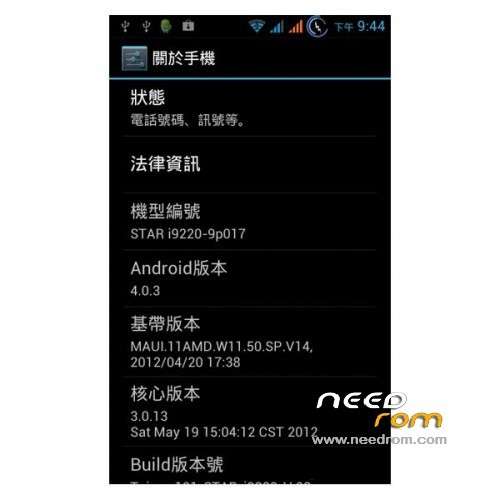
ROM Mobile STAR i9220 – ROM Android 4.0.3
Features ROM:
1) Base on the Firmware 05-19-2012
2) root permission
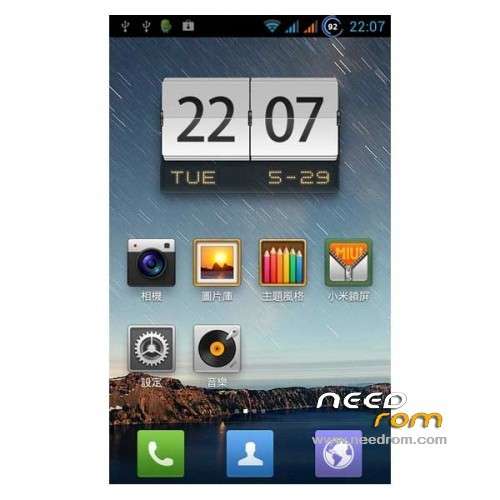
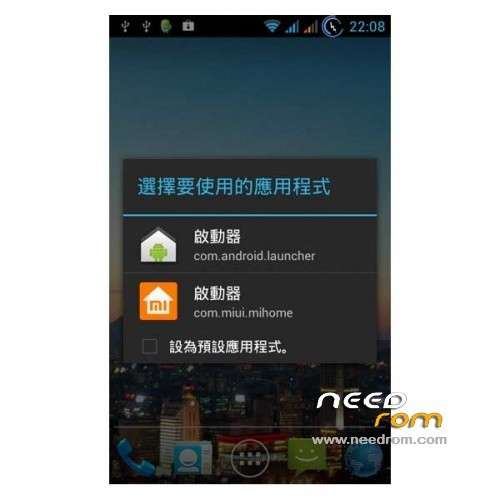
3) Mei /ICS Launcher
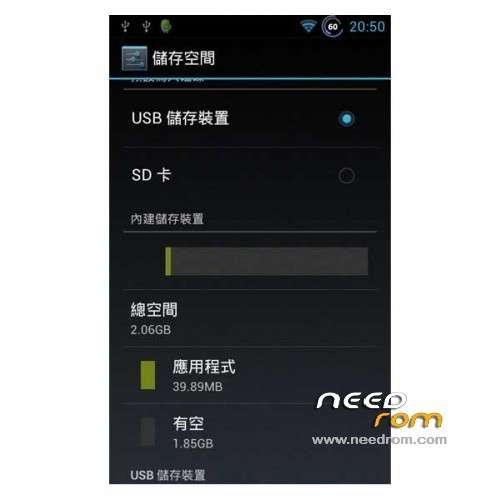
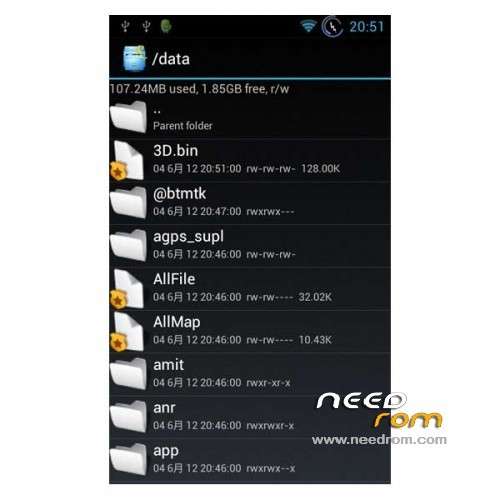
4) DATA partition become 2GB
5) SDCARD become external TF card
6) Taiwan101 splash image
7) Taiwan101 default Wallpaper- ICS Launcher
8 Full Google service
9) AGPS issue fixed
10) Home key wake up
11) Battery % display
12) Pop Windows color change
13) SONY Mobile BRAVIA® Engine
14) Internal storage -512MB lose…..
11) all h/w working
Gapps include – Rooted
Language support : Multi Lang
Install ROM :
CWM
Step 1: Download the custom ROM copied to an external SD card root directory
Step 2: the shutdown state. While holding down:
– Power button + volume button up, to enter the recovery mode.
– Wipe Data / Factory Reset -> delete all user data
– Wipe Cache Partition -> Wipe cache
– Advanced -> Wipe Dalvik Cache
Step 3: Return to recovery main interface Install zip from sdcard -> choose zip from sdcard -> Select your ROM
Step 4: Brush complete, restart the phone Patience required – first boot takes a while
※Please make a backup of your device before installing or updating ROM
I have been running this one week and found the following will help.
Installing.
1. Root your phone. I used this tool and it worked great. Phone was still rooted after install. http://www.srsroot.com/
2. Copy the recovery rom from above to your phone into the non removable chip.
2. To install the root image use this tool installed from the app store - [ROOT]Recovery Tools – Flasher.
3. Copy the new rom to your phone from above.
4. Follow the instructions in step 2 completly
5. Run step 3 from above.
6. FIX PERMISSIONS. This is selected in the recovery rom.
First boot was not too long. Before I fixed permissions it would not boot fully.
7. On the first screen, at first boot, scroll to the language you want to run.
ONE ISSUE BUT IT IS A BUG OUTSIDE THIS ROM -
I found Google Chrome would leave black boxes on screens. Here is a fix I found.
"Here's a fix for those of you dealing with the annoying chrome "black screen". This issue crops up for some when chrome doesn't properly refresh open tabs or when chrome sits in the background for some period of time. For me, I'd get a black screen in as little as two or three minutes of inactivity. The problem started when chrome updated itself a few months ago.
Anyway, here's the fix:
Go to chrome:// flags and scroll to Delegated Renderer (AKA Übercompositor) then switch it from default to enabled
I don't take credit for the fix. I found it only after becoming very annoyed by it and was determined to find a fix."
http://forums.androidcentral.c.....screen-fix.html