
- Title: STAR N9500
- Listed: May, 2013
- Last modified: 05/27/2013 2:40 am
- Version: ROM Android 4.2.1
You must be logged for ROM download.
52303 total views, 6 today
124 Total favorites
CUSTOM
 Member Info
DESCRIPTION
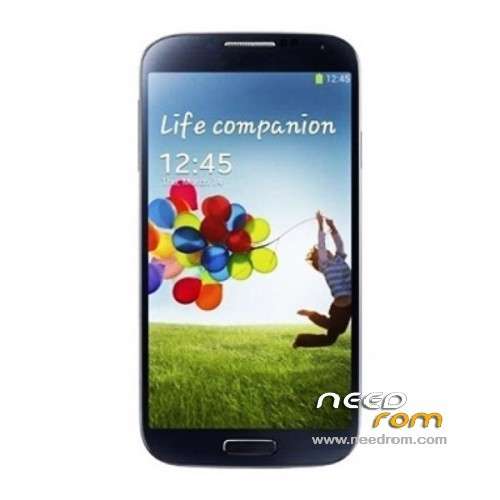
ROM Mobile STAR N9500 – ROM Android 4.2.1
Update 05/26/2013 include: ROM 20130510 AND recovery CWM - Root N9500 – Flashtools
Rom Stock 20130510
MAIN2.1_W10.24_ENUM
MT6589_S00_MOLY_WR8_W1248_MD_WG_MP_V6_P4
via flashtool no driver required setting
ANDROID 4.2.1 1280×720 IPS
next time TEST for driver setting
※Please make a backup of your device before installing or updating ROM
N9500_20130514 no flash is similar Star x920
attention brick solve rom x920
possible variation
map write
Ciao Spemm, finalmente il GPS funziona.
Hi Spemm, GPS finally works.
Grazie/Thanks
I bought a N9500 from Orientdeal. I want to change carrier but "wind" in Canada, band are aws 1700/2100 and both must be used. Is there firmware to add or change the phone? Phone has quad GSM and 850/2100 WCDMA.
Thank you am
i did root with motochoper and now i don't have system sound…. help me please..
Hi, I recently bought an N9500 ( play store tells me is an Alps N9500 ) Kernel 3.4.5 rooted ROM N9500_20130517
I just can't use the GPS at all and I wonder if this ROM can be installed without problems in order to check if GPS get fixed…. anyone? Thank you
Sorry for the question but… "Alps" and "Star" are the same phone?
apology i have installed the rom on my N9500 but now it is being the black screen and will not start. pls help me. my email is haroldhoyosp@hotmail.com
EVERYBODY IS TALKING ABOUT HOW GOOD THE ROM IS BUT NO ONE CAN GIVE US STEP BY STEP INSTRUCTIONS ON HOW TO INSTALL IT? CAN SOMEONE HELP ME PLEASE??? FROM I GOT THIS STAR N9500 THE GPS NEVER WORKS.
see my reply
Thank you so freaking much!!!!!
Now my camera works finally!!!!
Your the best!!
I just did it.
(Done with win7)
1. Execute sp tools as an admin.
2. Turn off your phone and take out battery.
3. After a couple of seconds, put battery back in
4. On SP TOOLS click on Scatter-Loading and Open Scatter file (txt file named here before)
5. Click "Firmware -> Upgrade" on SP TOOL
6. Connect phone to USB.
7. Wait till process finish.
http://forum.xda-developers.co.....d.php?t=1982587
NOTE: GPS PROBLEM NOT FIXED WITH THE VERSION:
I just did what bacha said and phone doesnt come on any morwe. The flasher went all the way to green circle.