
- Title: STAR P6 / Carpad T6S / Ulefone P6+
- Listed: November, 2013
- Last modified: 05/07/2014 7:17 pm
- Version: ROM Android 4.2.1
You must be logged for ROM download.
38798 total views, 3 today
1 Total favorites
 Member Info
DESCRIPTION
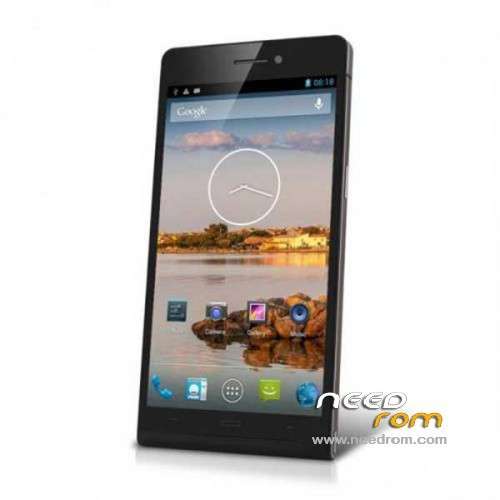
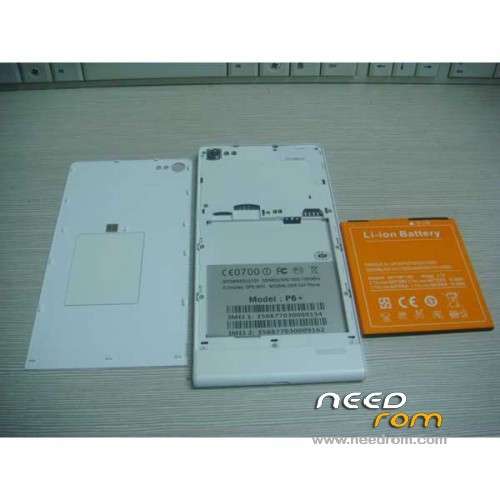
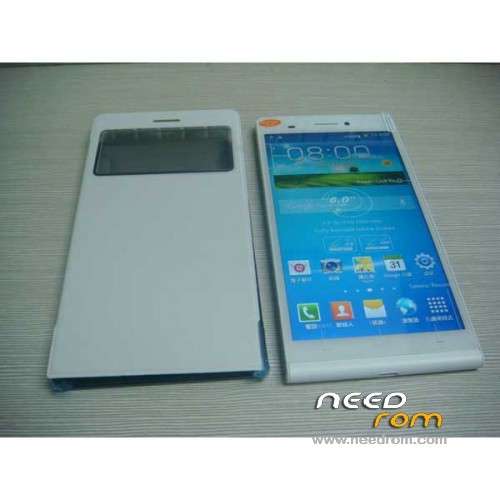
ROM Mobiles STAR P6 / Carpad T6S / Ulefone P6+ – ROM Android 4.2.1
Features ROM:
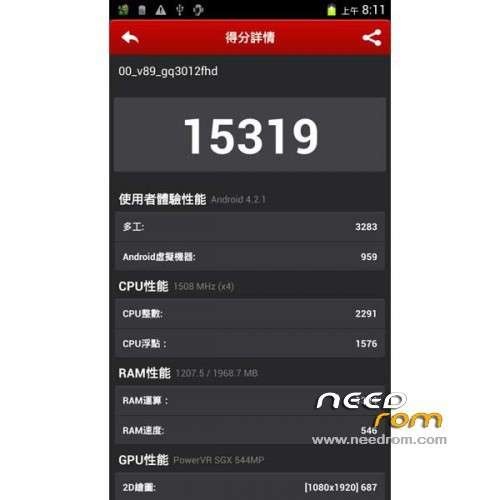
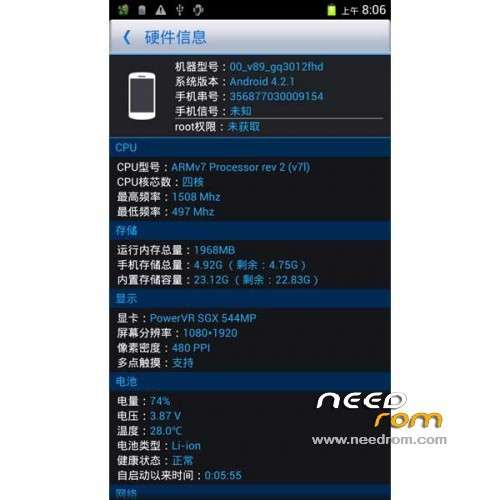
Update Official ROM For STAR P6, Carpad T6S and Ulefone P6+ version : 00_v89_gq3012fhd_20140214
( I don't know the changelog )
———————————————————————————————————————————————-
Update Official ROM For STAR P6, Carpad T6S and Ulefone P6+ version : 00_v89_gq3012fhd_20131219
( I don't know the changelog )
———————————————————————————————————————————————-
Official ROM For STAR P6, Carpad T6S and Ulefone P6+ version : 00_v89_gq3012fhd_20131113
6.0-inch IPS.FHD.OGS, MTK6589T.1.5G, 2G Ram + 32G Rom .1300 +500 W.NFC
Gapps include – no Rooted
Language support: Multilang
ROM Install :
- Unpack FlashTools, and Click on Flash_tool.exe
- Select a the MT6589_Android_scatter_emmc.txt in ROM
- Wait file to be added into Flash Tool
- choose Option->USB Model,click USB Model
–> Choose Option->DA DownLoad All->Speed->High Speed, click High Speed
- Turn off your phone, remove the battery.
- "Press F9 (hit Download button)" OR " if upgrade ROM Firmware->Upgrade "
- and connect your phone into the computer via USB data cable.
- The process will start and a red progress bar will appear after color purple, yellow.
- And green circles display
- Finish !
- You can now safely disconnect your phone and turn it on.
Info if problem Black screen after install you must reinstall with SP MDT and choose Driver LCD: LB06001
Main sensor : 0v12830mipi
sub sensor : s5k4e1ga
LCD: LB06001
problem solved with this method for gassnico
※Please make a backup of your device before installing or updating ROM
Hi All
Does anyone know how to update over the air. I cant find it in setting?
Thankx
Hi,
I tried last version (20140214), I instal without any issue but I have no sound from earpiece during call . I'm back to my backup version and earpiece working well !
Other feedback on this rom version ?
I found solution on russian forum ! I used lib.rar with audio file to change on new rom and it works fine !
Thanks to russian guy and google translation !
The 20140214 ROM is not installing with Flashtool: when I try to flash, I get a peep from my computer, then another after about 30 seconds, and then nothing. I have followd the instructions Socrate has posted.
I used Flashtool for my wife's Zopo and my ThL W300, and both went fine. I have no SD card in this device – does that matter?
Anyone got some further suggestions to do this?
Hi Metal Mick,
I used SP_MDT in my case !
Best regards
Hi Gassnico,
thanks for the reply. I looked at SP_MDT but couldn't figure out how to use it – some parts were similar to FlashTool, but others were not. Any chance you might be able to give me a few instructions?
Regards,
Michael
Quite the same than flashtool except you can choose specific driver for lcd and camera ! herewith a screen capture of setup I used. Com 2 is com port of usb connected to phone in my case. After I turn off my phone connect it to usb cable and "start all" in some I don't know why, I need to pust power button like to turn it on to start process of flash
best regards
Thanks so much for that – I appreciate it.
All the best from sunny Australia!
Michael
I updated my phone with last version of T6S (T6S version: 00_v89_carpad_T6S_20140301) and seems more stable than 00_v89_gq3012fhd_20140214
best regards
Still unable to flash the ROM (any ROM) on my phone. Tried both Flashtool and SP_MDT to no avail. It's as if the phone is no longer detected after a short while – the second "plips" tend tosupport this.
I have a device STAR Ulefone blood + P6
I tried to do it OVERCLOCK and the device does not cost more than left only if the logo as pictured
I can not bring up the device via USB, but only through the SD
I looked STUCK but found I need your help to restore my device life
Happy if you help me thanks
Hi DDCD,
What I could suggest is to try to boot in factory mode (vol+ & power) then try to clear eMMC.
I'm not sure if it's totaly safe ! in my case I lost IMEI and obtained a chineese home ! but I already backuped software and IMEI and put it back easily !
good luck