
- Title: STAR S5
- Listed: May, 2013
- Last modified: 05/24/2013 5:23 am
- Version: ROM Android 4.2.1
You must be logged for ROM download.
28985 total views, 3 today
1 Total favorites


 Member Info
DESCRIPTION
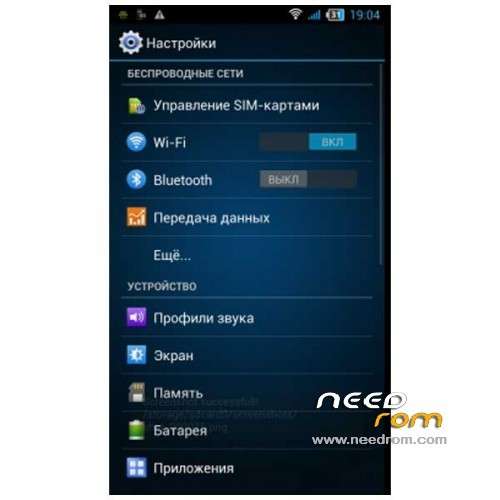
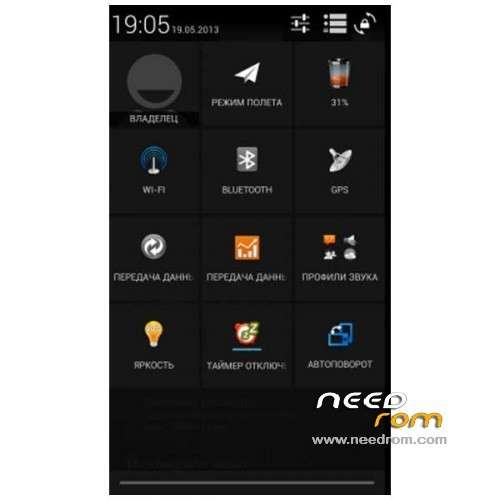
ROM Phone STAR S5 MIZ Z2 – ROM Android 4.2.1 Droid Mod S5 Z2 Xperia v2.0
Features ROM:
- Deodex, Root, SuperSu
- A kernel with rutshelom and support init.d (feropont)
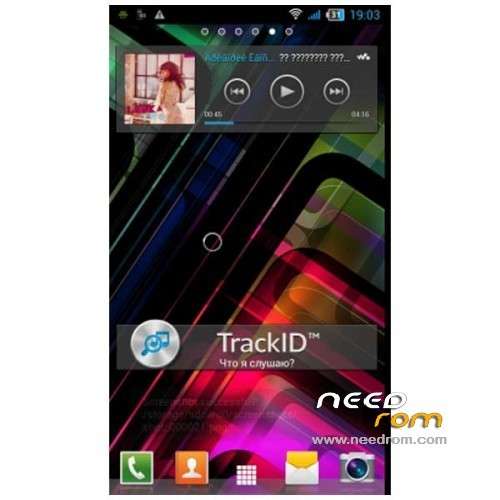
- From the Xperia launcher with all the widgets (for some reason I like him more than anything – a lot of settings, landscape mode, etc) (XDA)
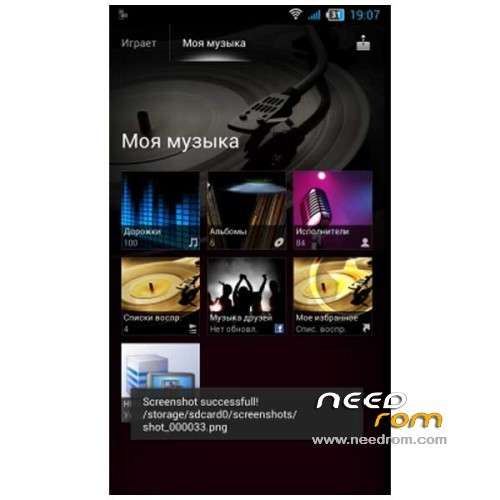
- Walkman A music player with equalizer and visualization (super sound! Headphones, of course ) (XDA)
- Photo and Video from Sony Experia
- Added default and exposed a few tunes not of a standard set (Dzhyn Mod)
- Integrated modifier display battery charge. Available from paragraph settings "screen";
- Any useful software, such as: Root Explorer, Titanium Backup, DX Toolbox, Task Manager, Mobileuncle Tools, Black List, Flashlight, HD Widgets, YouTube.
- Create ringtones directly from the Settings menu (Sound profiles – Put your ringtone)
- Integrated engineering menu in the Preferences (for developers)
- The keyboard on the Xperia with built-in dictionary
- Animation inclusion (Xperia), turn off the sound at startup (HTC).
- Transparent Market (thanks Dzhyn)
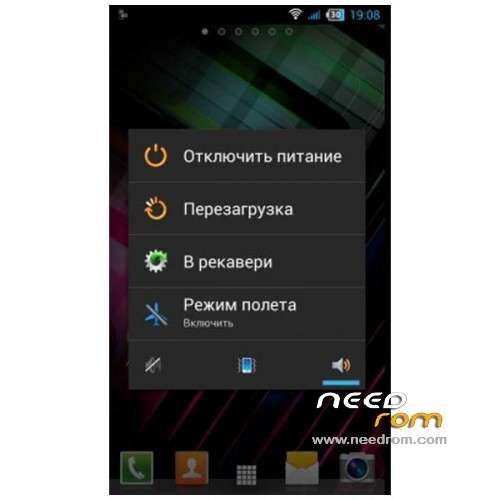
- Advanced Menu rebooting Russian (RC2 lite, thanks wexxxx);
- Fixed Auto Brightness settings (beginning about 40% illumination).
- Blue background in applications and settings (RC2 lite)
- Are the patches on the GPS
- Animated shortcuts shortcuts
- And, of course, the tweaks in build.prop (antutu showed 13167)
- Added the Panel Sony
- Fixed widget Notes (now closed)
- HD updated on the latest version of the widget
All wireless connections are working normally, without any problems.
I could not test the 3G, because do not use.
The radio has left a certified V6 P2. If desired, can easily be replaced.
Language support: Multilang
THX to ronks on the forum of my friends russian.and to Zion for this info
Install ROM :
CWM
Step 1: Download the custom card brush ROM copied to an external SD card root directory
Step 2: the shutdown state. While holding down:
Power button + volume button + volume key to enter the recovery mode of Brush, enter Wipe,Factory Reset, System and return to recovery main interface
Options Brush can.
Step 3: Brush complete, restart the phone
※Please make a backup of your device before installing or updating ROM
My problem is that when i enter recovery mode and open sdcard i see the contents of the internal memory not the external sd memory card and it tries to install but stops after a few seconds . Why can't i look the external sdcard in recovery mode ?
Thank you for this Rom.
I have used this Rom for 1 week without any issue
- GPS work fine
- WiFi ok
- I also like Sony launcher
- 3G, I don't have it so , have no idea
Just like to say, Thank you.
need some led flash improvoments for night camera shooting…when low light pictures very dark even with led flash…
The best rom
Weird i flashed this rom and the touchscreen don,t work
any ideas?
Somebody help, my touch stopped working, The rom is installed but I can't use because of touchscreen
I ca'nt use my touchscreen after installing it, help .-.
Just installed this, beautiful ROM, lovely and smooth, but sertain menues/apps are in another language (not english) can anyone advise me how to change this to english, as it covers apps such as titanium backup.
yupp, works like a charm.
GPS and WIFI are excellent.
coming from "butterfly" and staying!
thnx!
After installation, touch screen inactive.