
- Title: STAR S5
- Listed: January, 2014
- Last modified: 01/24/2014 12:07 am
- Version: Android 4.2.1 ColorOS
You must be logged for ROM download.
27658 total views, 1 today
156 Total favorites
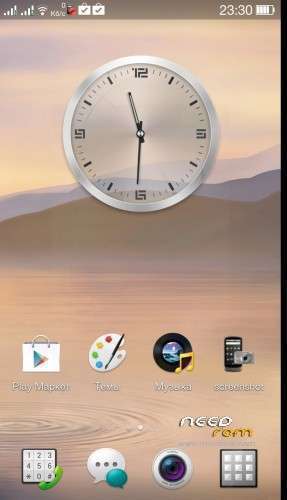

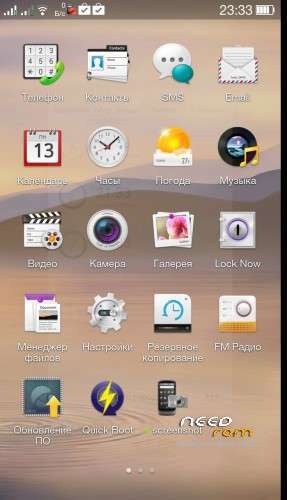
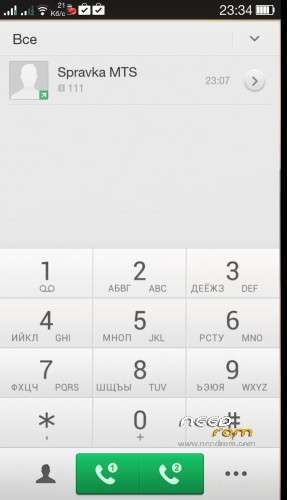

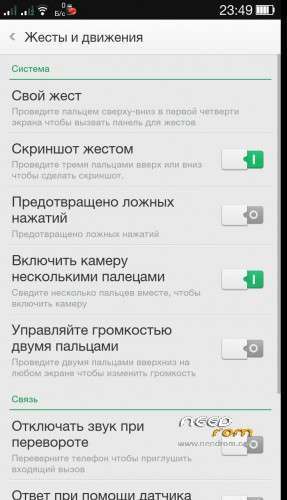
 Member Info
DESCRIPTION
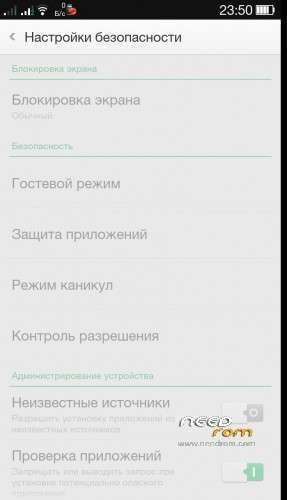
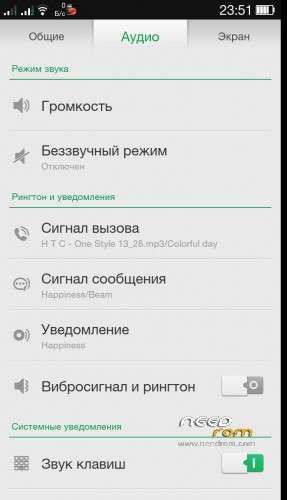
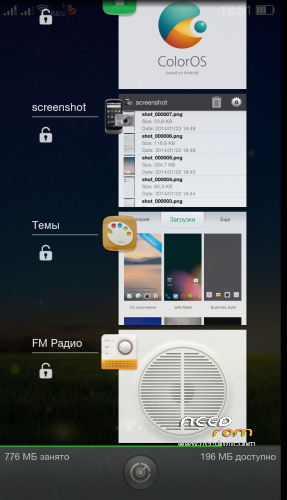
ROM STAR S5 - ColorOS – ROM Android 4.2.1
Ported from OPPO
Language support : Multi Lang
Include Gapps – Rooted.
OTG support. For 1/16 & 2/32 revisions
V2.0 – fixed sensors, compass, OTG connection, SD card plugin, new bootanimations, fixed also bugs and issues, EPO on, added some apps and tweaks, more…
ROM Install :
Download ROM and copied to the root directory of TF card, TF card in the phone
- enter the Recovery (CWM or TWRP)
- MobileUncle with direct access.
- Off, press and hold the volume key "+", then press the power button until the screen displays the retrieval interface
- first restore the operation of the plant (remove the external card, or data might be lost)
- Wipe data/factory reset
- operation of the brushing machine
- brush finished, the start can
- Brushing need to restore factory settings, boot directly ~
Recovery install:
- unpack recovery.img to an external SD card root directory
- use Mobileuncle Tools and install recovery.img
or
- Use Flash_tool.exe and unpack 7z file
- Select a the MT6582_Android_scatter_emmc.txt in ROM
- Wait file to be added into Flash Tool
–> Choose Option->DownLoad
- Turn off your phone, remove the battery, insert battery and wait
※Please make a backup of your device before installing or updating ROM
this is mtk 6582 or 6589
MTK 6589
please custom rom for mtk6577 .
Very nice work. The only problem I have found is that all the sensors don’t work, but replacing the sensors driver from the default rom worked. So far everythings works. Battery life is not bad, as I’ve been playing with this all day, on my second battery after 8 hours. Good job man
which is the exact location of the stock sensors folder??
system>lib>hw, replace sensors.default.so
OTG update fails, stuck on boot logo and no sound, flashlight is extra bright and turns off after a second.
Extract the the update and replace the boot.img. Replace all the libaud in the lib folder. Compress as zip and install zip in recovery.
why no italian??????? why…….. yor work is beatifull
the best custom rom so far!!!it is the only one that gives me on antutu what i was getting with the stock rom 16500-16700(i have the 6589t cpu).all the others such as miui,note 3,s4 etc was giving me about 13500 and a bunch of lag at UI and games!!!the only thing that i experiense is that keep telling me that my sd card is damaged although it is working fine!!!
no not is damage sdcard not ready by rom , recovery in link needed, but its impossibile to instal in my device, but my phone is in italian language (my english is bad
  )
)
Don't forget to rate it, if you like it… ;0)
Installing awesome beats fubars the WiFi, I’m able to connect, still got the IP, even on static IP, just no Internet through WiFi but 3g still works, weird. Even manually installing awesome beats has the same problem. Shame I like this ROM, I like my music more.
Solved. Install awesome beats, delete the awesome beats entry in the buildprop and then install dspmanager v3
I really like this ROM. I have not encounterd any bugs, yet…;0)
3G is working without problems, very stable – no complaints from here, with this ROM.
Thank you for good work…
Oh, one thing comes to mind though, I can't seem to make a custom audio profile, only silent or general mode… I really liked having the option to create a custom audio profile, for when I am at work. I could then make it sound like a walkie-talkie, then my patients wasn't annoyed by stupid music ringtones etc. when someones texting or trying to call me.. :0)
Ahr, also stuck on boot logo after the 006 update. The update installs wih success though…
What do you mean by : "Extract the the update and replace the boot.img. Replace all the libaud in the lib folder" – where do you get boot.img and the libaud files from, the original ROM?