
- Title: STAR S5
- Listed: May, 2013
- Last modified: 05/17/2013 5:25 pm
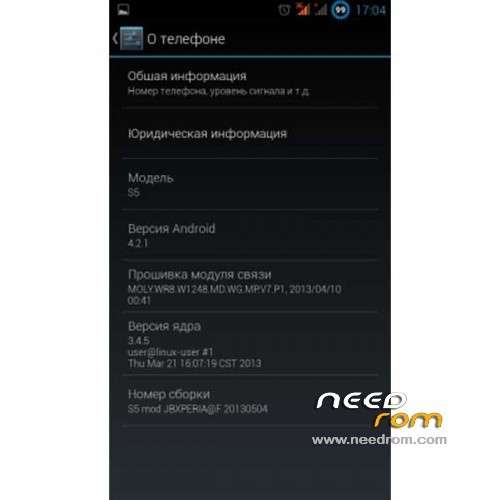
- Version: ROM Android 4.2.1
You must be logged for ROM download.
26660 total views, 4 today
1 Total favorites
 Member Info
DESCRIPTION
ROM Mobile STAR S5 MIZ Z2 – ROM Android 4.2.1
Features ROM:
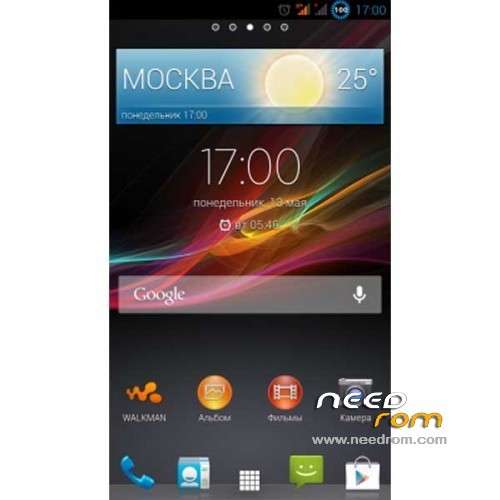
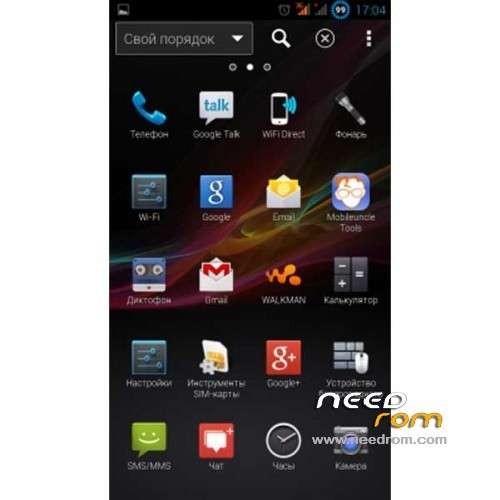
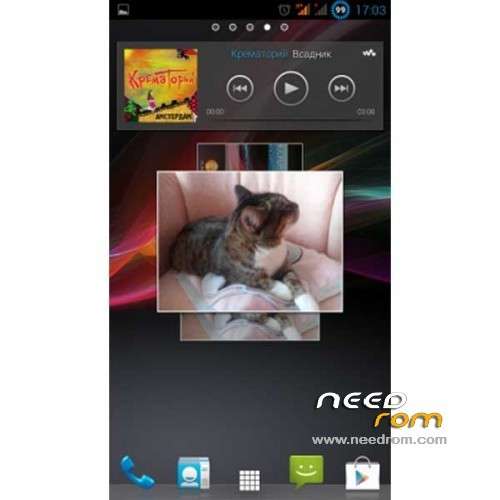
1. Soft and Appa from the XPERIA (Walkman, Album, Movie, Home Launcher, AppWidget All, Input method xperia, etc)
2. GAPPS All
3. New Torch
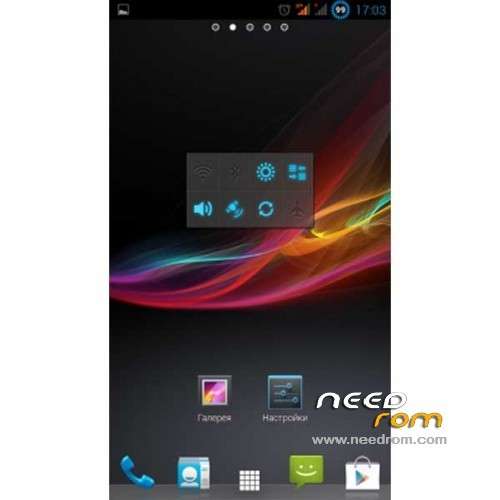
4. Wallpaper & bootanivation Xperia
5. OGBatteryMod v2.1.0 (already with the patch allows you to change the style of hot batareki) After the firmware go to settings \ display \ BatteryStyle-tapnut
and select the "combat rasskraski" and the style of the battery with the numbers, there are multiple options) in the future replacement battery made triple tapom on the battery icon in the status bar.
6. Fully Deodex
7. Add SuperUser Busybox RootShell Bash … Kernel support init.d
8. MobileUncleTools, Roor Explorer
9. Supports ladshaftny mode.
10. GPS.conf initially set at server RU (changing mobile uncle)
11. Updated radio to version V7-P1
12. General tweaks and tweaks Xperia MT6589
Language support: Multilang
THX to feropont on the forum of my friends russian.
Install ROM :
CWM
Step 1: Download the custom card brush ROM copied to an external SD card root directory
Step 2: the shutdown state. While holding down:
Power button + volume button + volume key to enter the recovery mode of Brush, enter Wipe,Factory Reset, System and return to recovery main interface
Options Brush can.
Step 3: Brush complete, restart the phone
※Please make a backup of your device before installing or updating ROM
Best rom for Star S5…:-)
Nice rom
This works on miz z2(s5) 4g?
Oh…Any problem to flash with twrp recovery?
Hello, for the first question, yes it works on miz z2 4g, and the second…not problem to flash with twrp.
Thanks man for answer me. a lot of thanks
after loading this rom, my touch screen isn't working. anyone can help?
Me too. Please help
If your touchscreen doesn't work is because you have a 2gr of S5.
This room is made for first generetion of S5
You have to flash the original files MBR, EBR1,UBOOT and BOOTIMG with "SP_Flash_Tools"
good luck
Great ROM. Seems to work well – had to remove and reinstall Mobile Uncle though!
Any one had any problems installing APKs using Eclipse/ADT?
Keep getting:
Installation failed due to invalid APK file!Anyone else had this problem? Any work arounds?
May have to resort to original ROM!
good