
- Title: STAR S5
- Listed: April, 2013
- Last modified: 04/13/2013 2:10 pm
- Version: ROM Android 4.2.1
You must be logged for ROM download.
34011 total views, 2 today
1 Total favorites

 Member Info
DESCRIPTION
ROM STAR S5 – ROM Android 4.2.1
Features ROM:
ROM version: S5 20130314-144929
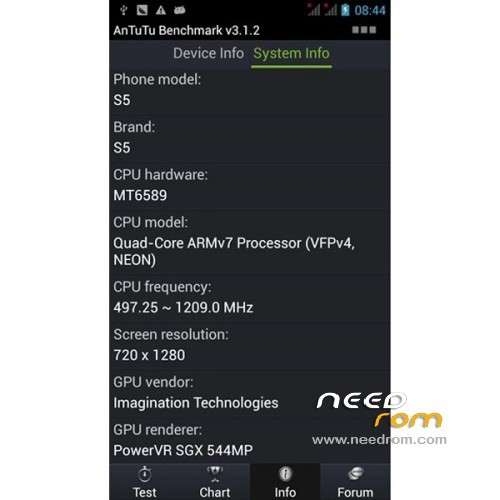
Applicable models: STAR S5
CPU: MTK6589 Quad-Core
Memory: 1GRAM +8 GROM
800W +200 W
Imitation butterfly machine appearance X920
Card package by the original line brush making, with ROOT
Language support: Multilang
Install ROM :
1.Brush system: new download good rom directly put on the sd card brush, do not need to boot into the system!
2.android system and data quick format (wipe)
3.Some advanced settings, such as removing the battery information.
4. Powerful U disk mount function
5.Turned off press Volume + and power button to enter.
6. System backup and restore all the data, including data
Note: Do not use the restore factory settings with the SD card installed, because he will empty your external SD card.


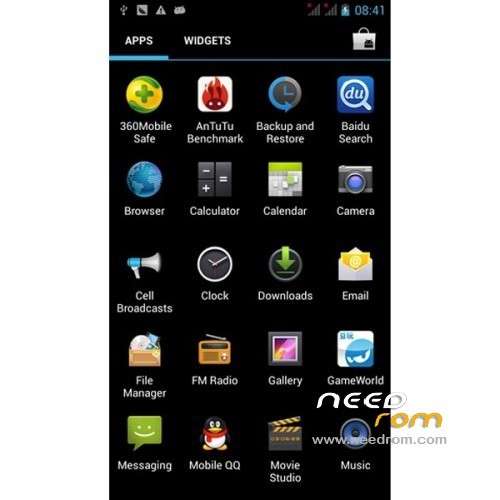
THX jm_tote for images
Recovery in English ( THX yulypis )
I have successfully built CWM english version recovery for the Star S5 – Thank you Freed 
Flash it at your own risk – on my device, I flashed it and it works – but I can't guarantee for others.
※Please make a backup of your device before installing or updating ROM
clik on gps and activate assistence gps epo.
from setting epo download automatic, wait for download finish
activate a-gps.
download from play store gps test.
go outside ur home and wait 1:30 mnt
done
Hello,
I found a thread. Android 4.2.1 seems to have a bug? It is a necessary fix to get the GPS to work in 4.2.1. I have the A-GPS data downloaded multiple times. Using GPS test satellite are indeed found but the position is not displayed? I waited ten minutes without any success? How can you reach the Star company and ask for a fix? Or how can you say the problem?
http://mein.support.runtastic......ktem_gps_signal.
More Infos here
http://forums.androidcentral.c.....op-working.html
It's strange because somethings, it works, and others things, it doesn't work.
@mr_mc3 Your fix doesn't work
I can't get any signal, but it worked when I went in the EngineerMode and I tested differents things and incredibly, after that, it worked. But today, my device was rebooted and the GPS again doesn't work. Sorry for my bad English.
I find a fix. The GPS works only when I lauch a test in the EngineerMode. When I stop it the GPS doesn't work. (Location –> Location Based Service –> GPS –> GPS (OFF)
Did you try installing GaPPS via recovery (zip file)?
GPS fix.
—-> GPS will not work initially on the S5. (at least it did not work for me) But it's easy to fix. Just download "GPS Test" from Playstore (this is the ONLY app that did the trick for me!!!), let it wipe AGPS data, then download new AGPS data and let it run for a minute. Just start it up for a second every time GPS would not work.
Hi Everyone, I just got my Star S5 a week ago, I'm having issue with the 3G network, its changing from H+ to 3G and then no network at all. Does this custom romn help solve this issue?
did you get it fixed my s5 star does not see 3g or h+ at all.
***** 5 Stars for the great set of instructions and that you include all the tools!
Photos really help as well.
Thanks