
- Title: THL T11 MSB V5
- Listed: June, 2014
- Last modified: 11/06/2014 2:49 pm
- Version: Official ROM ThL T11 version: thl T11.159A.A1.JB9.HD.EN.16P128.OV8825.MT6592GW.20140623 – V1 WCDMA
You must be logged for ROM download.
43804 total views, 4 today
4 Total favorites


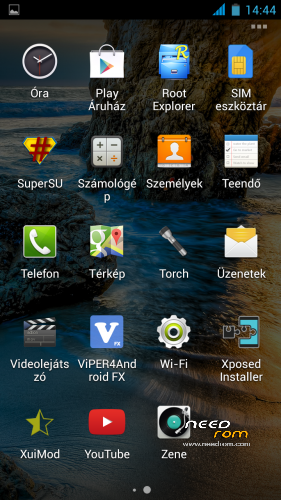
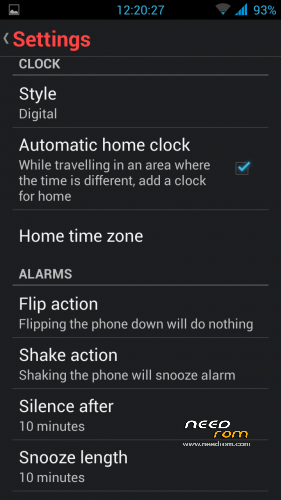
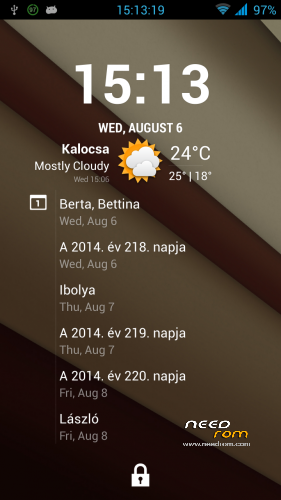

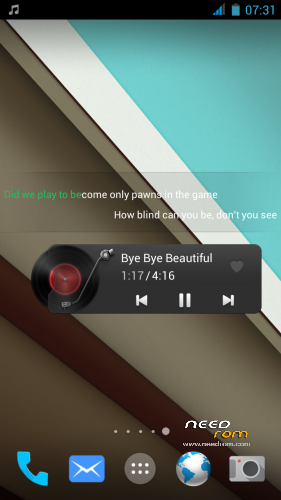
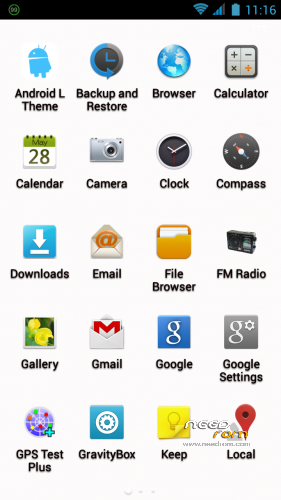
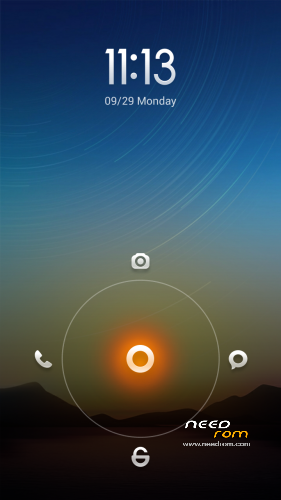
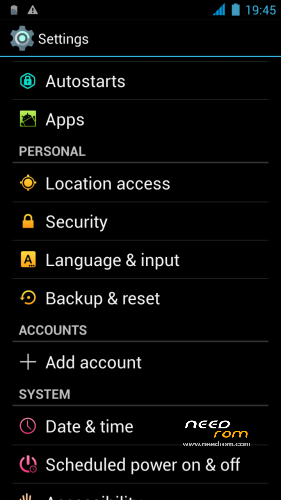
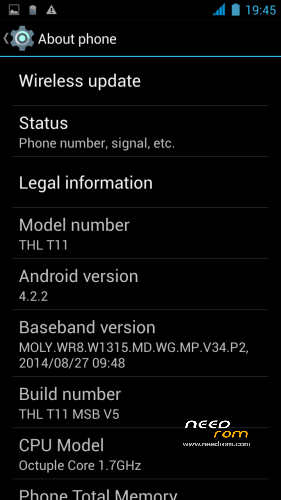
 Member Info
DESCRIPTION
THL T11 MSB: ROM Based on THL_T11_140401_MNSop.cz
Update: THL T11 MSB V2- V3-v4 : ROM Based on Official ROM ThL T11 version: thl_T11.159A.A1.JB9.HD.EN.16P128.OV8825.MT6592GW.20140623 – V1_WCDMA
If you want me to post updates regularly please remember to donate. Even 1$ is appreciated.
Xposed fully works!
- 100 % Deodex
- Multilanguage version
- LED notifications FIX
- Gapps include
- Root (SuperSu)
- Add. busy box
- Baseband version MSB 2014.06.17 MSB V2 2013.11.22. (Official)
Add: system app: Lenovo Compass, Lewa Calculator,cLock, New Clock (extra features) Xposed Installer
data app: Gravity Box, Xposed Preference Injector, XuiMod, News&Weather, Weather BZ. and Viper4Androd FX
Delete chinese apps
Ringtones-notification sound delete all and new sound added.
Fulscreen caller photo
- add : FM Radio extra feature (work withouth headset)
LenovoMusic (Lyrics search, Online music, Record, Download management, Sound effects, etc
Lenovo Power Manager (Smart Energy management)
Update Contacts.zip (Official version) Install: – Wipe Cache Partition -> Wipe cache
– Advanced -> Wipe Dalvik Cache
Contacts -Settings- Display options – Sort list by: First name or Surname !
- View contact names as: First or Surname !
Install ROM:
CWM
Step 1: Download the custom ROM copied to an external SD card root directory
Step 2: the shutdown state. While holding down:
– Power button + volume button up, to enter the recovery mode.
– Wipe Data / Factory Reset -> delete all user data
– Wipe Cache Partition -> Wipe cache
– Advanced -> Wipe Dalvik Cache
Step 3: Return to recovery main interface Install zip from sdcard -> choose zip from sdcard -> Select your ROM
Step 4: Brush complete, restart the phone Patience required – first boot takes a while.
Open Dialer and type *#*#4636#*#*
If a Pop Up appears go to Phone Information and choose your preferred network type.
If you like my work and want to support me,
※Please make a backup of your device before installing or updating ROM
awesome rom. really good battery life – alot better then the miui one whitch had a battery drain
ram use is around 1.2gb free
gravity and evreything work great
only problem is:
does anybody else got contacts listed as "last name first name" even if you force this to show "first name last name"?
People -> Settings -> Sort list by Family name and View contacts as – > family name first
Another question: I set long press back button, force close app, by gravity box.
In cm11 Rom this function works great, in this Rom doesn’t work. It returns “voice command closed”. Why?
contacts still show the wrong way around in messaging app.. any ideas?
Hello … the ROM is OK but there are some problems. The 3g works fine but I have less signal than before. The problem of contacts – surname – name-is solved using the dialer by default, as explained in other posts, but if I use a new dialer, the problem remains. However, in general it is a good ROM, I think I will change only for kitkat!
could you upload stok rom, deodex, only with root and cwm ? thanks …
Hi… The ROM thl t11 fix should be fine for what you ask for. It's the stock but with root and cwm. You need to use SPflash tool for flashing…. then I recommend the cwm Carvil tuch…very good.
Sorry… Carliv touch!
Hello, can't install the recovery mode, when i tried using the defalut one, after wiped user cache the phone bricked i flashd it with a factory rom, and still it aborts the installation from zip at the start.
help please, this rom is giving me nvram error.
where is kitkat damn it??
@ricardoparruto—-try to install the Thl t11 fix (in needroom) whit SPflashtools. In this ROM yuo have a cwm…then, try to install this ROM MSB by new cwm. From me and my experience, SPflasht. is very good for this kynd of problems.
I like this ROM very much but I have a little problem. When you use the LINE aplication, the phone doesn't enter in deep sleep mode. The proccesors goes to 1144 MHz frecuency and it drains the battery. You have to turn off the phone and restart again. Is there any solution to this issue? Thank you and great work.
Waiting for a Kit Kat ROM, like so many people.
I don't think that it is the fault of the application, because I don't have this application and I have the same issue as you.
It is the base rom's fault I think, because I have this issue with another custom rom that has as base the latest official…