
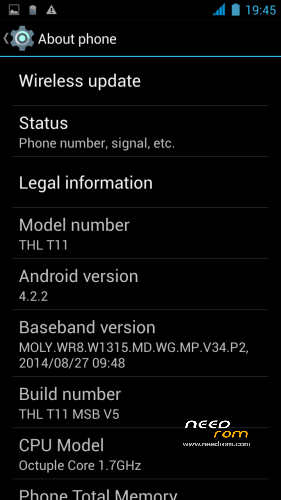
- Title: THL T11 MSB V5
- Listed: June, 2014
- Last modified: 11/06/2014 2:49 pm
- Version: Official ROM ThL T11 version: thl T11.159A.A1.JB9.HD.EN.16P128.OV8825.MT6592GW.20140623 – V1 WCDMA
You must be logged for ROM download.
43803 total views, 3 today
4 Total favorites



 Member Info
DESCRIPTION
THL T11 MSB: ROM Based on THL_T11_140401_MNSop.cz
Update: THL T11 MSB V2- V3-v4 : ROM Based on Official ROM ThL T11 version: thl_T11.159A.A1.JB9.HD.EN.16P128.OV8825.MT6592GW.20140623 – V1_WCDMA
If you want me to post updates regularly please remember to donate. Even 1$ is appreciated.
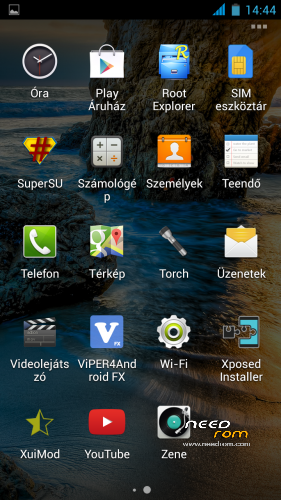
Xposed fully works!
- 100 % Deodex
- Multilanguage version
- LED notifications FIX
- Gapps include
- Root (SuperSu)
- Add. busy box
- Baseband version MSB 2014.06.17 MSB V2 2013.11.22. (Official)
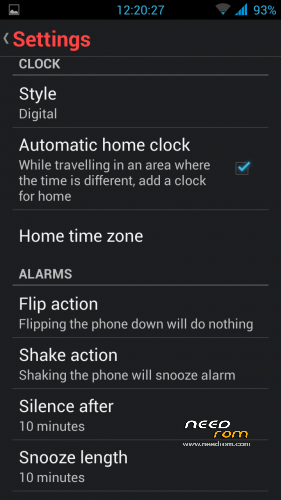
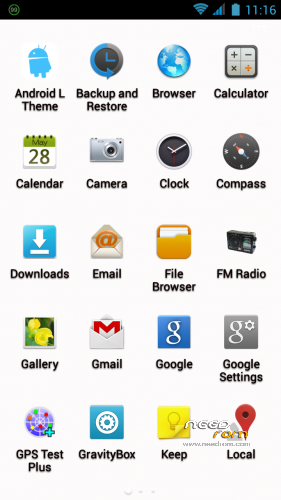
Add: system app: Lenovo Compass, Lewa Calculator,cLock, New Clock (extra features) Xposed Installer
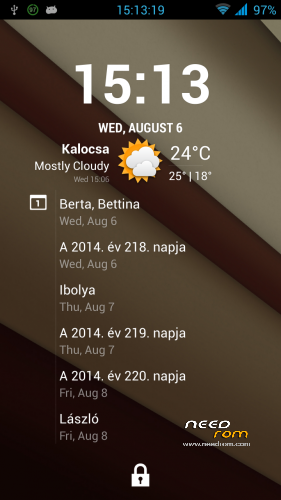
data app: Gravity Box, Xposed Preference Injector, XuiMod, News&Weather, Weather BZ. and Viper4Androd FX
Delete chinese apps
Ringtones-notification sound delete all and new sound added.
Fulscreen caller photo
- add : FM Radio extra feature (work withouth headset)
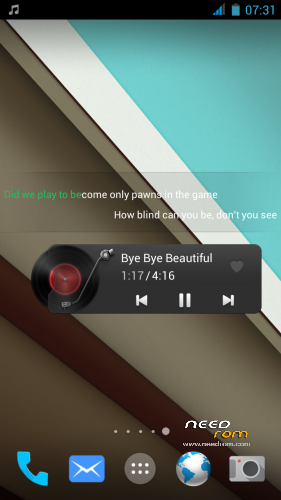
LenovoMusic (Lyrics search, Online music, Record, Download management, Sound effects, etc
Lenovo Power Manager (Smart Energy management)
Update Contacts.zip (Official version) Install: – Wipe Cache Partition -> Wipe cache
– Advanced -> Wipe Dalvik Cache
Contacts -Settings- Display options – Sort list by: First name or Surname !
- View contact names as: First or Surname !
Install ROM:
CWM
Step 1: Download the custom ROM copied to an external SD card root directory
Step 2: the shutdown state. While holding down:
– Power button + volume button up, to enter the recovery mode.
– Wipe Data / Factory Reset -> delete all user data
– Wipe Cache Partition -> Wipe cache
– Advanced -> Wipe Dalvik Cache
Step 3: Return to recovery main interface Install zip from sdcard -> choose zip from sdcard -> Select your ROM
Step 4: Brush complete, restart the phone Patience required – first boot takes a while.
Open Dialer and type *#*#4636#*#*
If a Pop Up appears go to Phone Information and choose your preferred network type.
If you like my work and want to support me,
※Please make a backup of your device before installing or updating ROM
Yes maps crash
Yes.
Step 1: Apps info- Maps Force stop- Clear cache- Clear data and Uninstall (Titanium Backup, Android Tuner etc…
Step 2: Play Store- Search Maps- Install and go
Maps very good work
Szia Kacsa! Valamit biztos én csinálok rosszul, de nem sikerül életre keltenem a Google maps-ot.. Pls help!
I was download from net this aplication ( not play store), and install again.
Work , perfect.
http://www72.zippyshare.com/v/.....42598/file.html
NFC Writting a tag is not working, is there a fix?
I use v3 version. Everthing is ok but
1- Bluetooth headset doesn't pair. This is the chronical problem of THL T11. No problem to connect and file transfer with other phones and computer. But headset doesn't pair. Is there anybody to pair bluetooth headset or any solution?
2- Could you please explain clearly to install official Communication module and contacts update. My 3g is ok when working but sometimes data transfer interrupts. There is no interrupt at 2g mode. Where can I download Official Communication Module?
3- Phone book shows email addresses too. Isn't there any option as "show only names with number"?
Is there any way to disable led notifications?
because when led is on, the CPU is stuck on 1144MHz and it does not enter deep sleep…
Is there any way to disable led notifications? – Yes, GravityBox- Power tweaks- Battery charging Led
How install contacts update, help please, thanks
Recovery mode
– Wipe Cache Partition -> Wipe cache
Return to recovery main interface Install zip from sdcard -> choose zip from sdcard -> Select Contact update
the contacts update does nothing… I cleared all contacts and resynched them… still they are reversed…
Can you please check up the NFC-TAG Writing system? i cant properly read/write blank tags.
good morning, congratulations, great job,
I have installed several times and samrtwake only works occasionally, but again do all wipes and install the rom I can not get it to work ever …
Smart wake works. Use Apex launcher and setings. Do not use MIUI mode!
"Yes, GravityBox- Power tweaks- Battery charging Led "
This disables only when charging…
Way to disable them completely?
Phone gets stuck at 1144MHz and drains my battery
I think that you have to restore the original lights.default.so file (by extracting it from the original rom) as led notifications were not operational in the stock rom